Live Translation
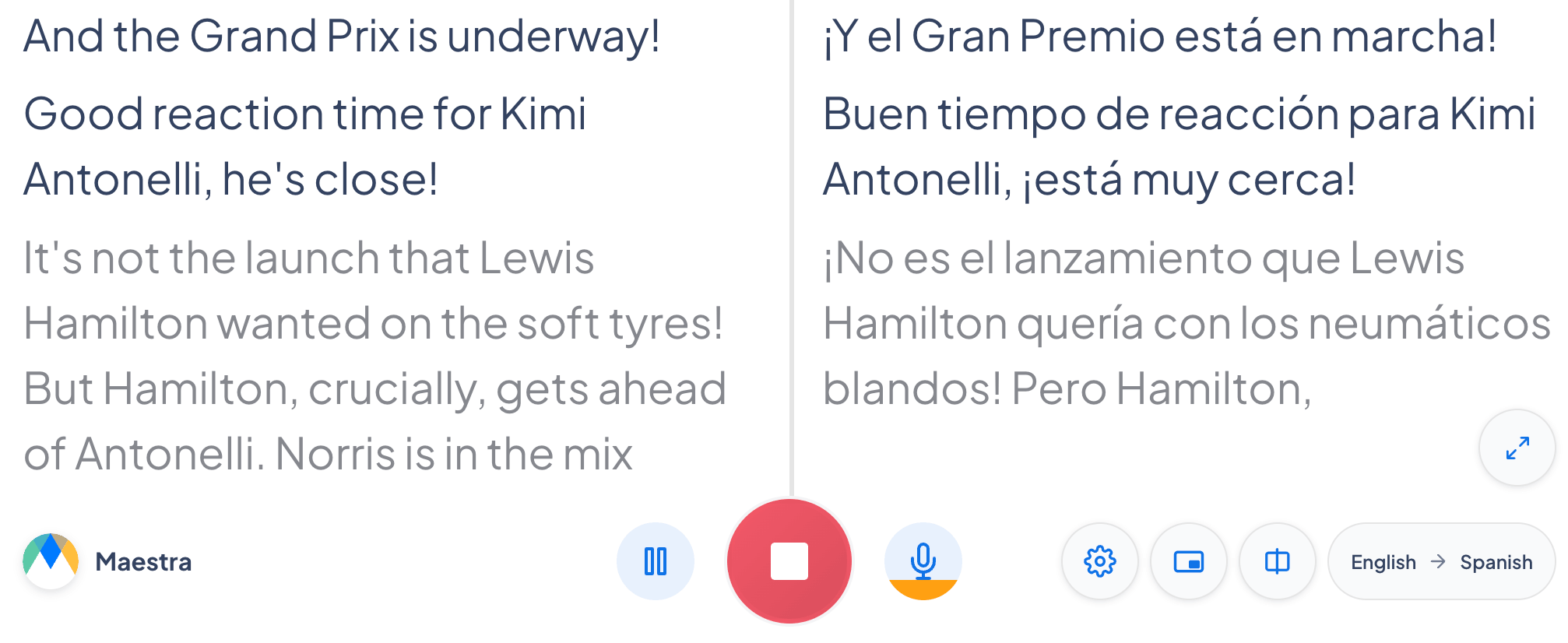
Real-time translation in 125+ languages, original and translated captions, side by side.
How to start a session
Select the Translate tab
live.maestra.ai works best on Chrome.
Choose your languages
Add one or more source languages (or select Detect Language), then choose the target language to translate into.
Allow microphone access
Click the microphone button and choose Allow when your browser prompts.
Start speaking
Speak at a steady pace. Translated captions will start appearing.
Two-way translation
Turn on Two-way translation in the Translate tab when two people each speak a different language, so translation happens automatically in both directions.
Maestra detects which language is being spoken and keeps each speaker’s captions separate, so each person reads the other’s words translated into their own language.
Frequently asked questions
Can I translate into multiple languages at once?
Yes, in a shareable session. Add the translation languages you need, then share the session by link or QR code, and each guest chooses which language to read on their own screen.