
.webp)

Accessibility
Give deaf and hard-of-hearing audiences full access to anything spoken, live and in the room.
Generate unlimited live captions for free in your browser, in 100+ languages. Live caption translation is available with Pro, including a free trial.
Trusted by teams and individuals at:







Built for Live Captioning
Maestra's Web Captioner is a free online live captioning tool that turns speech into real-time captions in your browser, with nothing to download or install. Choose a language (100+ are supported), allow microphone access, and captions appear as people speak. It works for meetings, classes, webinars, live streams, and events on desktop, tablet, or mobile. Live captioning is unlimited and free, and the Pro plan adds live caption translation, higher accuracy, and dubbing with voice cloning. Sessions can be shared with a link or QR code so each attendee reads the captions in their own language, and captions can be sent to OBS, vMix, Zoom, and Microsoft Teams. Web Captioner is a free alternative to the original webcaptioner.com, which has shut down.

From opening your browser to live captions in under a minute.
Start a session and share it with a link or QR code. Each attendee opens it on their device, picks their language, and the captions run for everyone at once.
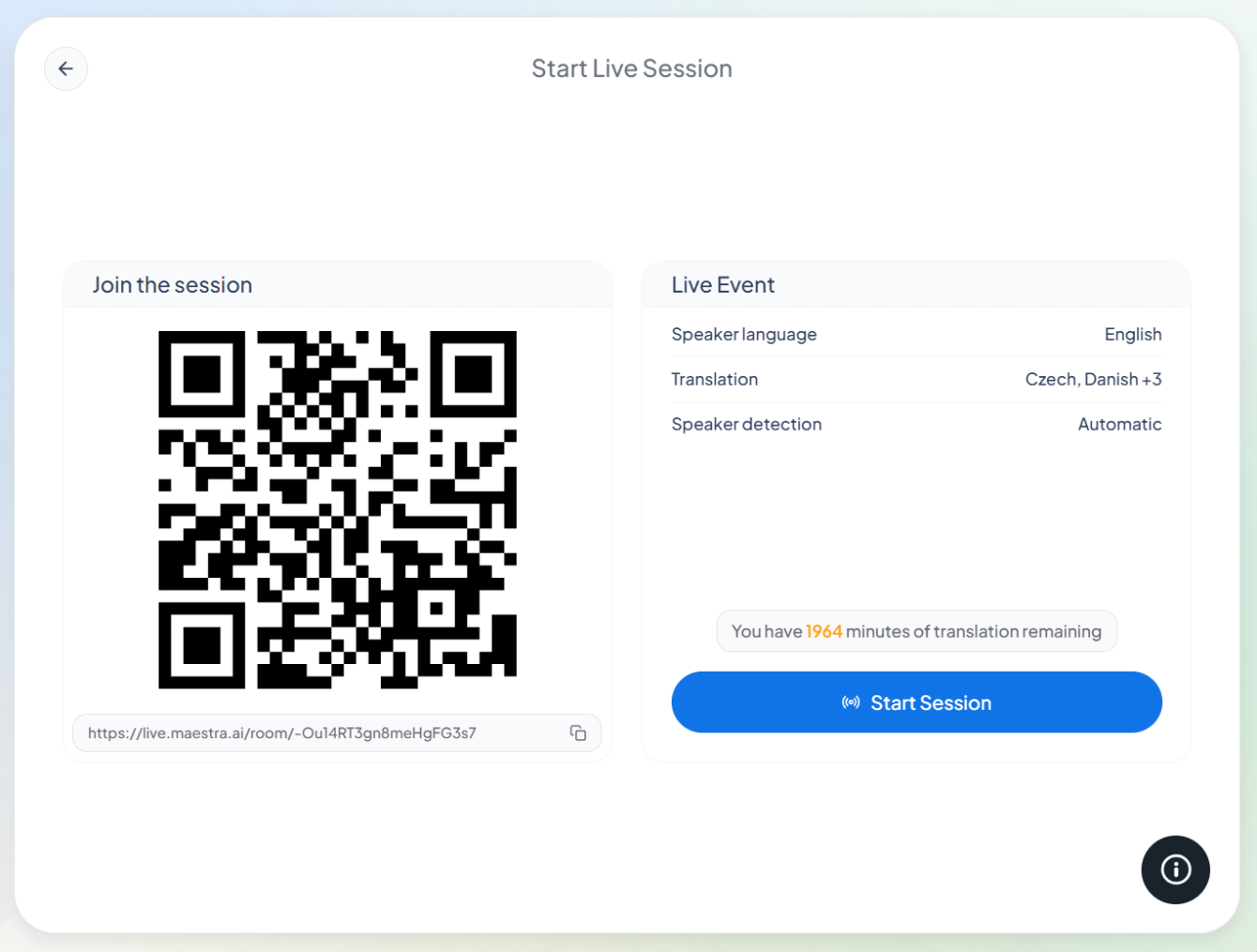
Use the online captioner on any device, no downloads required. Generate live captions for free and unlock better accuracy & live translation with the Pro version.
Connect a session to the platforms you already use. The full list is on the integrations page.
Real-time speed, multilingual sharing, session editing, and customizable captions.
Ultra-low latency keeps the text in step with the speaker, even in fast conversations.
Share the session with a link and every attendee follows in their preferred language, on their own device.
Save the audio and live transcript and polish later: fix lines, translate it, or repurpose it as content.
Adjust the font, size, and colors so the captions fit whatever screen they appear on.
Give deaf and hard-of-hearing audiences full access to anything spoken, live and in the room.
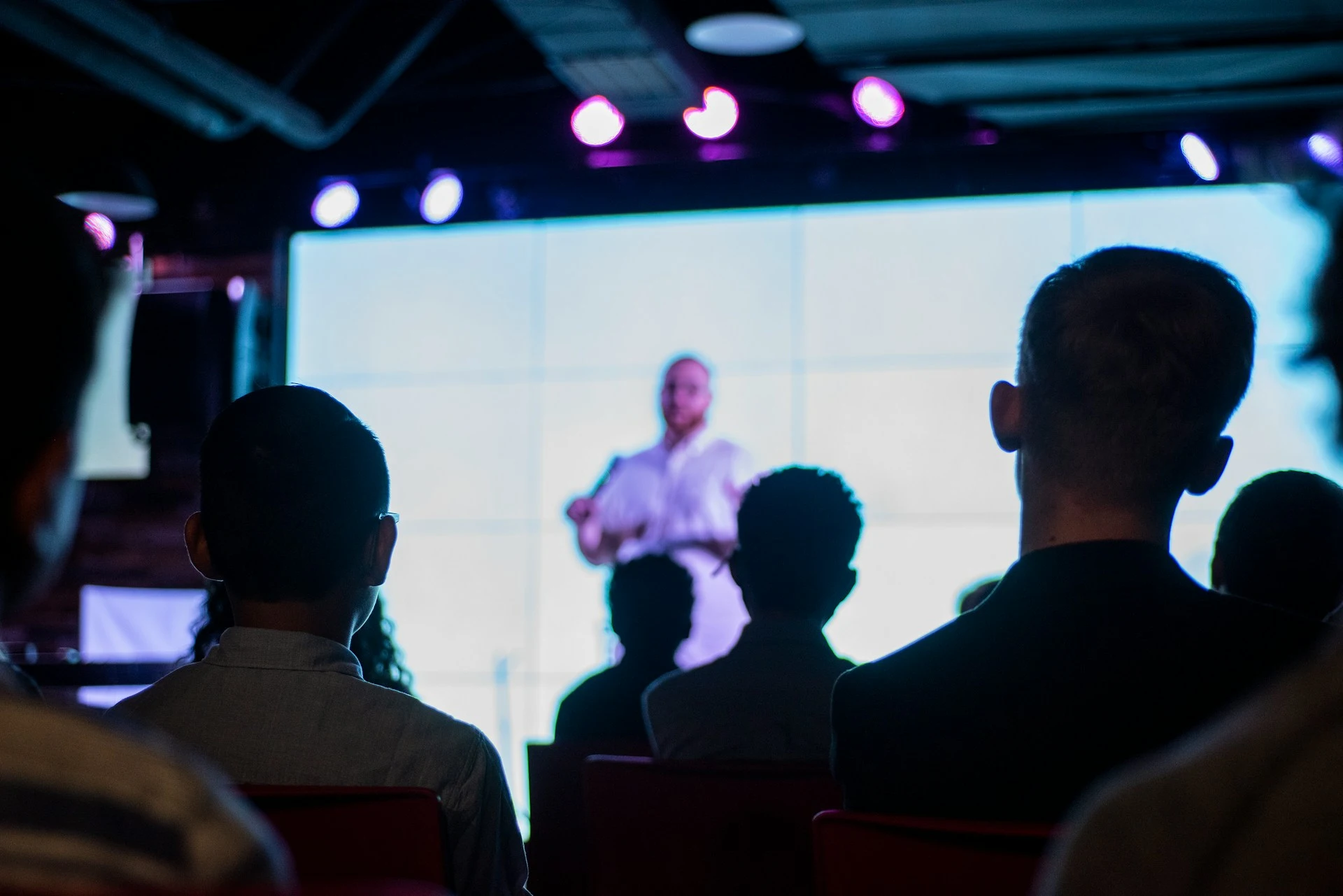
Caption sessions live so attendees follow every word, with webinar translation for international audiences.

Students read along as the lesson happens, with education translation when classes are multilingual.
Show captions on your stream so viewers can watch anywhere, sound on or off.

Caption sermons live with the church translation system, in every member's language.
Web Captioner is Maestra's free online live captioning tool. It turns speech into real-time captions in your browser, in 100+ languages, with nothing to download. Pro adds live caption translation and higher accuracy.
Start Maestra's online live captioner, select a language(s), capture speech and captions will be generated automatically in real-time. Completely free for an unlimited time.
Yes, you can select more than one language and generate live captions in those language without interruption.
Yes. Multilingual sessions allow participants to select their preferred language.
Live caption accuracy depends on audio quality, speaker clarity, and language selection. The tool is designed to generate high-quality captions in real time, and Pro options can further improve accuracy for professional meetings, events, and multilingual environments.
Yes. Since the tool works in a browser, you can generate live captions on desktop, tablet, or mobile devices. This makes real-time captioning accessible for on-the-go situations.
Yes. Maestra uses AI speech recognition to turn the audio you capture into captions as it is spoken, so you get live captions without a human captioner or any setup.
Yes. Maestra's live captioner is a website, not an app or browser extension. Open it in a supported browser on your PC, Mac, or laptop, pick a language, and start captioning right away.
The original webcaptioner.com shut down and its code was archived. Maestra's web captioner covers the same job, free live captions in the browser, and adds live translation, multilingual session sharing, and saved transcripts.
Yes. Live captioning is free and unlimited in 100+ languages. Pro is optional and adds live caption translation (with a free trial), higher accuracy, and dubbing with voice cloning.
Enable live translation through the pro version, select languages and the translated captions will be generated simultaneously. Check out our pricing here.
Yes. You can generate captions in real time for meetings, webinars, and live events, including through OBS, vMix, Zoom, and other integrations.
Yes. The live captioning tool runs directly in your browser, so there is no software to install or download. You can start generating real-time captions instantly by selecting a language and capturing audio, making it easy to use on any device with an internet connection.
Yes. Live captioning can be used for meetings or discussions with multiple speakers. Captions are generated continuously as audio is captured, making it easier to follow group conversations, panels, webinars, and collaborative sessions.
With the Pro version, you access higher accuracy, live caption translation, and dubbing with voice cloning in real-time! Pairing captions with live voice translation maximizes accessibility and outreach.
In practice they mean the same thing: spoken words shown as text on screen in real time. Captions usually stay in the language being spoken, while subtitles often translate it into another language. Maestra's captioner supports both, and live translation is available with Pro.
Yes. You can save the audio and live transcript from a session, then fix lines, translate it, or repurpose it as content later.