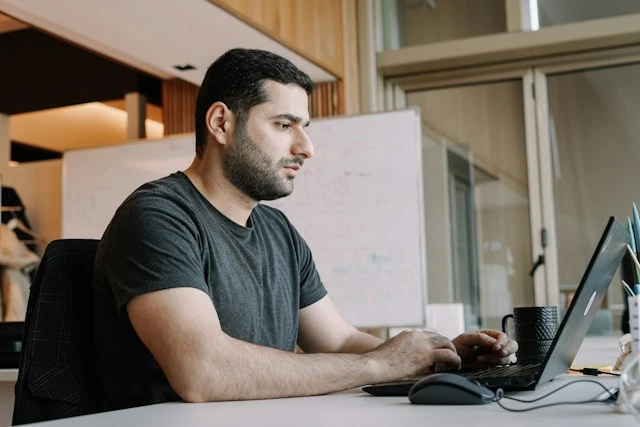
Tech and engineering professionals
Standups, sprint reviews, and technical briefings run in English, with Armenian-speaking engineers following as the discussion happens.
Speak English, get live Armenian captions or a spoken Armenian voice. Free to try.
What a session between these two languages comes with.
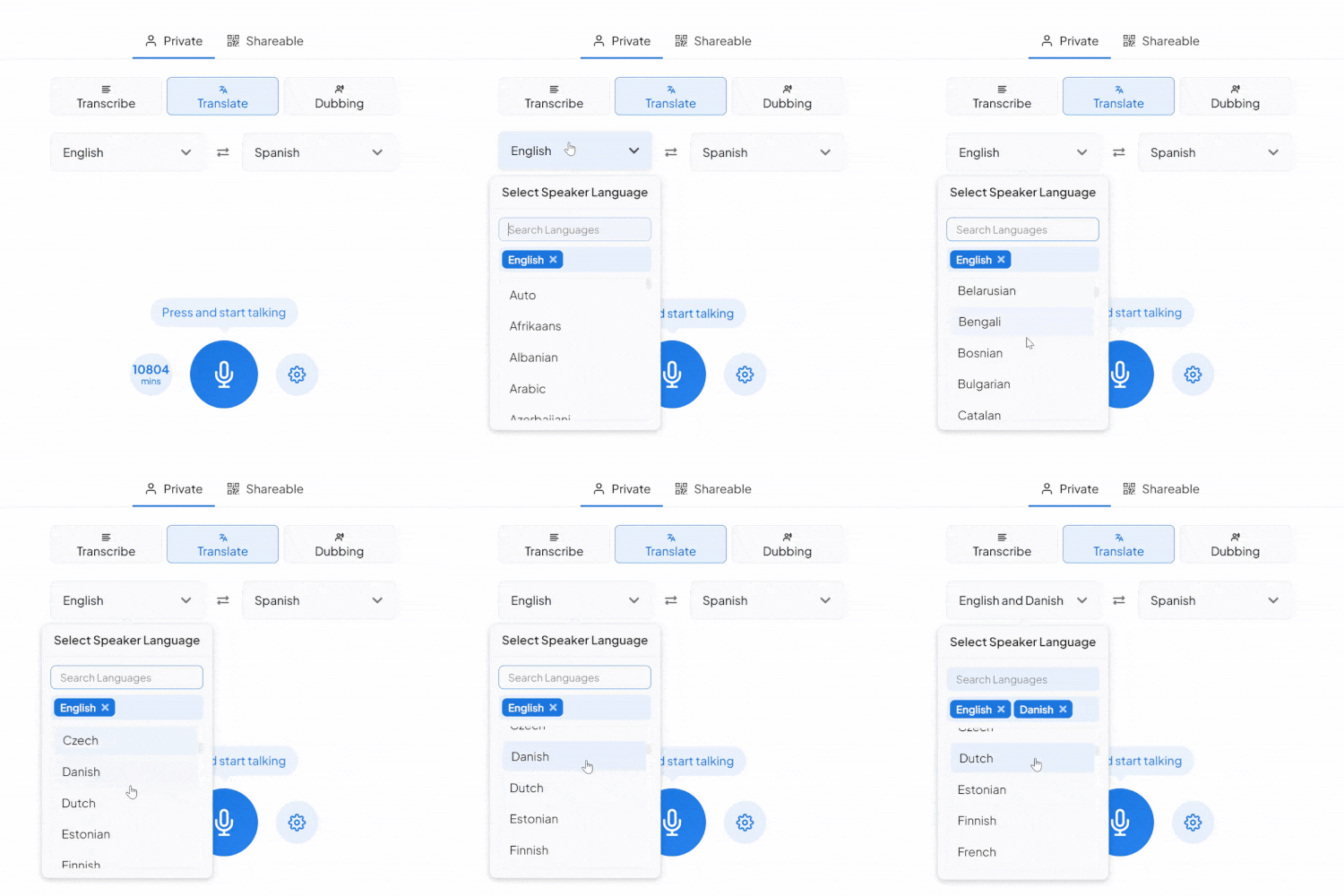
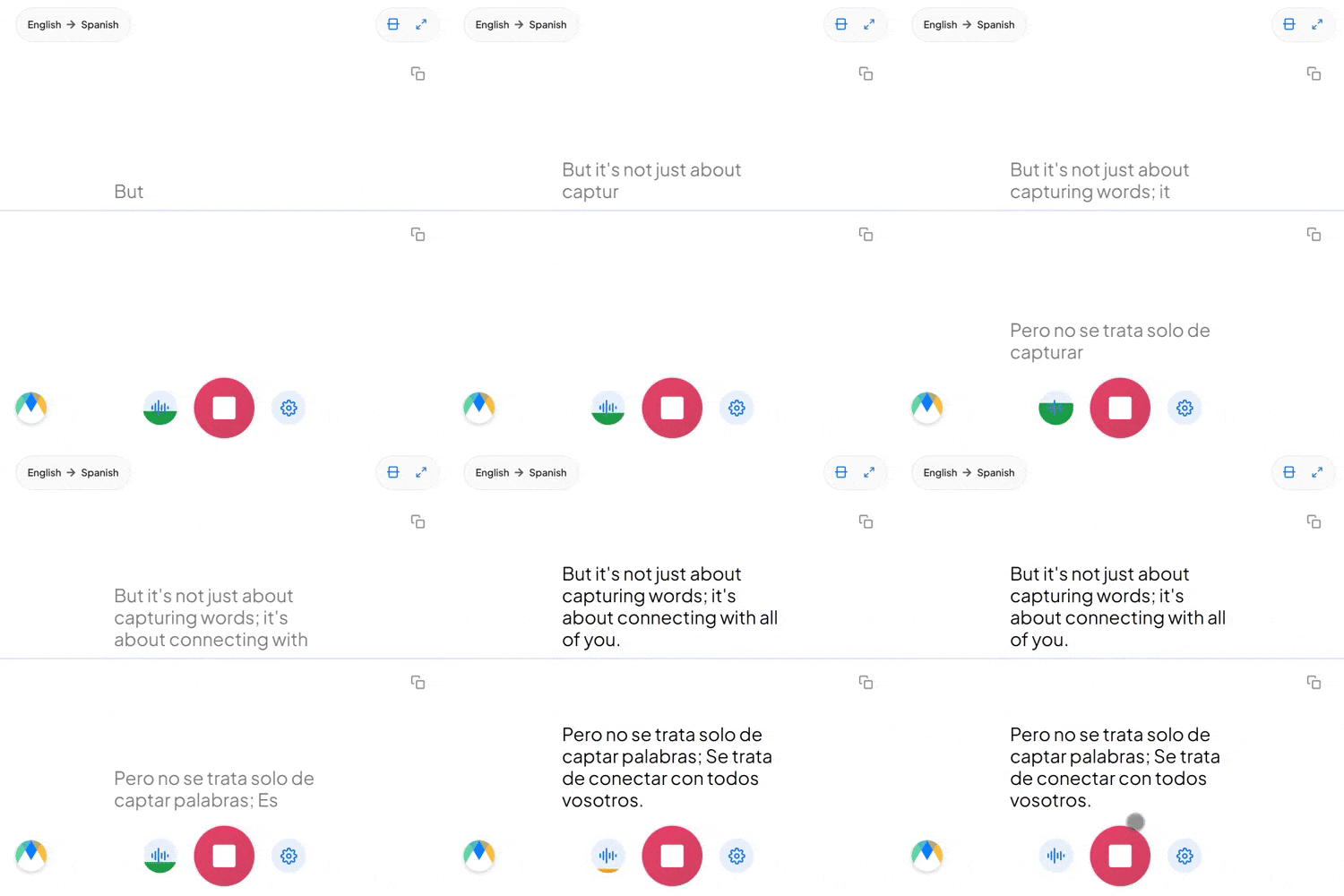
The 39-letter Armenian alphabet was created in 405 AD for this language alone, unrelated to Latin, Cyrillic, or Greek. Captions and the saved transcript both use it.
Armenian has one word covering "he," "she," and "it," with no gender on nouns, adjectives, or pronouns. The English "he" or "she" turns into one Armenian word, and context tells you who's meant.
Business and tech conversation in Yerevan builds Armenian sentences around English words. Those terms stay recognizable in the captions and the audio, rather than getting translated a second time.
Four settings that separate a rough session from a clean one.
Add names, product terms, and internal jargon before you start, so the words you rely on don't come back as something close instead.
Send a link and anyone joins the live session in their browser, reading the translated captions or hearing the audio as it happens. No account needed on their end.
If more than English might come up in the same conversation, auto-detect picks up each language as it's spoken instead of locking the session to one source.
Once a session is over and saved, click any line of the transcript to hear the exact timestamped moment. No need to listen through everything again.
Standups, sprint reviews, and technical briefings run in English, with Armenian-speaking engineers following as the discussion happens.

Due diligence calls and portfolio reviews with Armenian counterparts, where a figure or a condition can't be misheard.

Client calls and project reviews led in English, where Yerevan-based teams need the detail while the call is still on.

Courses, policy briefings, and safety training delivered in English, reaching Armenian-speaking staff in their own language.
Whatever the setting, the English reaches an Armenian-speaking audience live.

Internal meetings where a point made in English lands in Armenian the moment it's made, and the reply comes back the same way.
Learn About Live Meeting Translation
Conferences, launches, and expos run in English, with Armenian arriving on the room screens and on every attendee's phone.
Learn About Live Event Translation
Webinars presented in English, with Armenian captions on screen and dubbed audio for anyone who'd rather listen.
Learn About Live Webinar Translation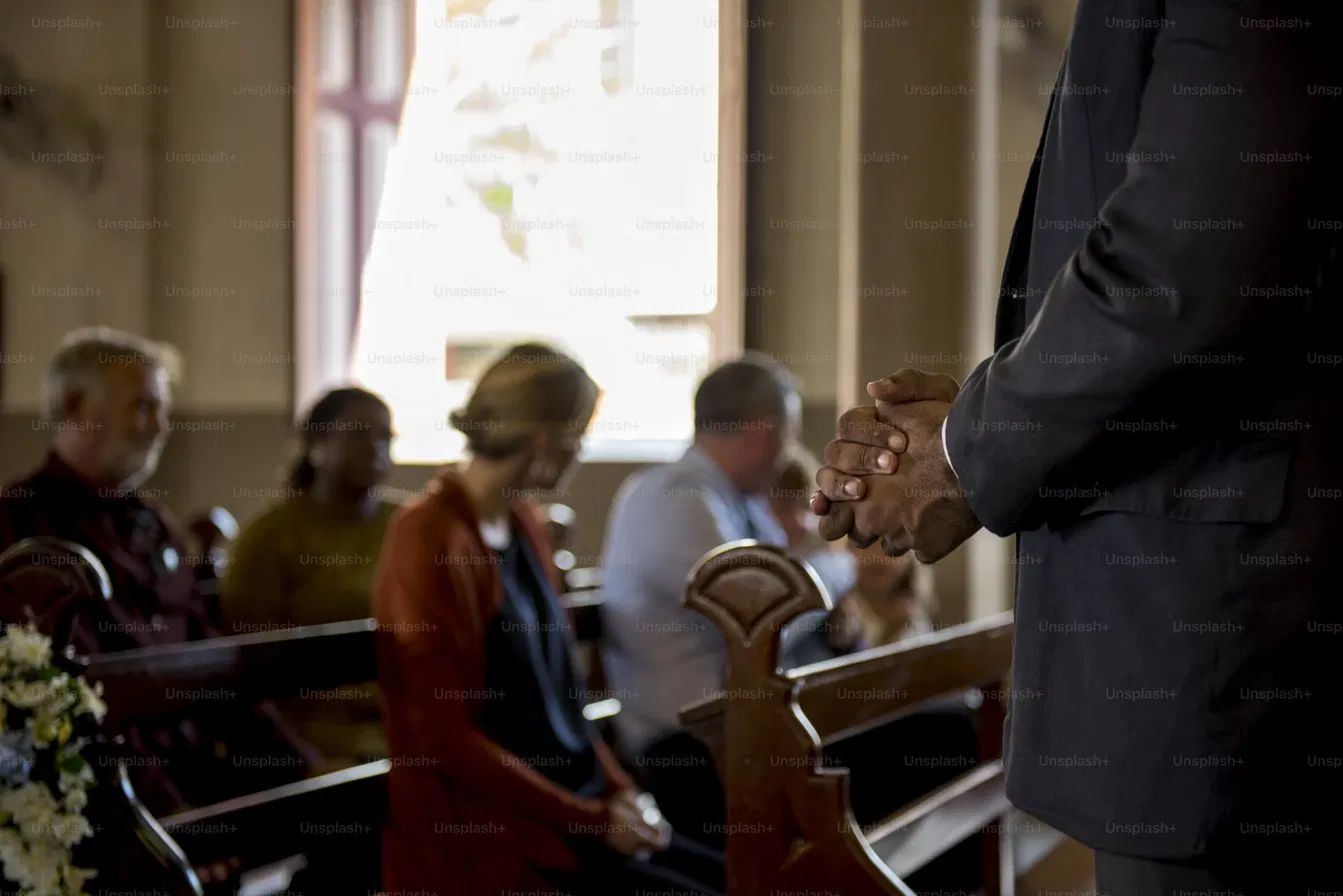
Sermons and community gatherings held in English, with Armenian-speaking members following on their own phones.
Learn About Live Church TranslationFrom video calls to broadcast setups, live translation arrives in the tool you're already using.
Link your Zoom account to enable real-time English to Armenian captions in meetings.
Learn MoreBring live English to Armenian captions into your Microsoft Teams meetings.
Learn MoreCaption the audio during Google Meet calls and turn it into live English to Armenian captions.
Set up real-time English to Armenian closed captioning in OBS Studio.
Learn MoreSend live English to Armenian captions to vMix for broadcast productions.
Learn MoreYes. When you turn on two-way translation, the conversation runs in both directions, so an Armenian speaker's reply comes back to you in English on the same call.
Live captions appear in the Armenian alphabet, not romanized Armenian. An Armenian speaker can read them as they run and edit the saved transcript afterwards.
Spoken Armenian audio comes from Dubbing, a separate tab in the same tool. Simply pick an AI Armenian voice for the dubbed audio. Captions and dubbing can run together, so people can read, listen, or both.
Every line in the transcript stays linked to its audio, so you can replay exactly what was said in English and an Armenian speaker can check the line beside it. Adding names, terms, and acronyms to the custom dictionary beforehand reduces what needs checking at all. For anything high-stakes, have an Armenian-speaking colleague read the saved transcript in the editor before it goes further.
Yes. Your English to Armenian session opens in an editor afterward with the audio aligned to every line, ready to correct and export.
Yes. One person starts the session and shares a link, and everyone else joins in their browser to read the captions or hear the translated audio, with no account needed on their end. Sharing a live session with others requires a paid plan.
The live English to Armenian voice translator uses Eastern Armenian, the standard used in Armenia and among Eastern-speaking communities. Western Armenian speakers, including much of the diaspora in the US, France, and the Middle East, will understand the output, though some words and endings will differ from the Western forms they're used to.
You can choose from 86 AI voices in total: 30 Standard, 54 Pro, and 2 Legacy. You pick which one speaks the translation when you set up dubbing, and you can preview them before you start.
Yes. Armenian uses one pronoun for "he," "she," and "it," so the translator produces that single form rather than forcing an English distinction Armenian doesn't make. Readers take who's meant from the sentence around it.
That's fine. Just choose auto-detect when you set the source language, and each one is picked up as it's spoken.
Yes. Each speaker gets their own line in their own color as the session runs, so the transcript stays readable when people talk over one another. In the editor afterwards, speaker detection adds labels (Speaker 1, Speaker 2, and so on) that you can rename.
It's free to try, with no card and no account required.