
Logistics and shipping
Freight handovers, customs calls, and warehouse coordination where both Chinese and English-speaking sides need to be certain of the details.
Speak Chinese, get live English captions or a spoken English voice. Free to try.
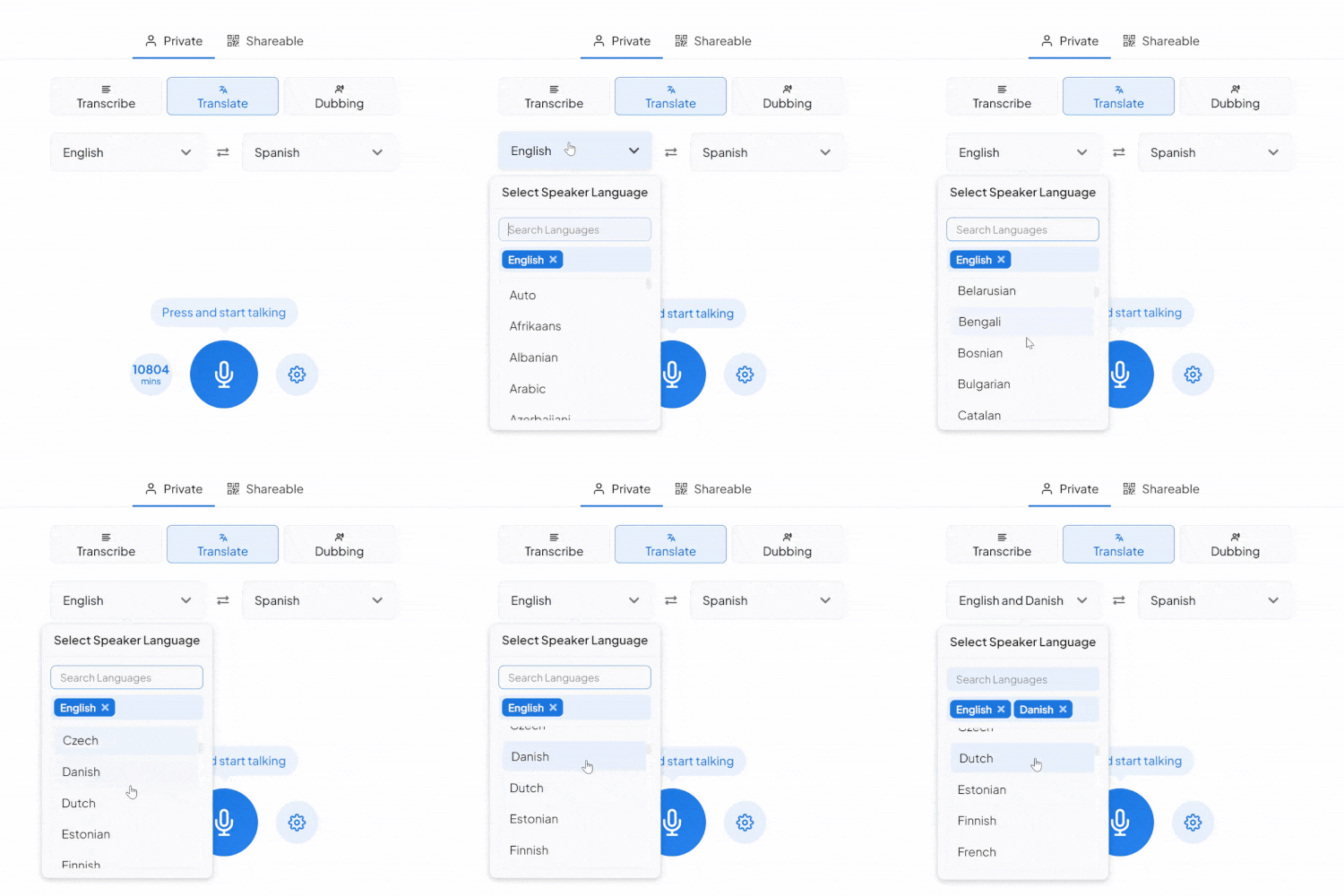
What a session between these two languages comes with.
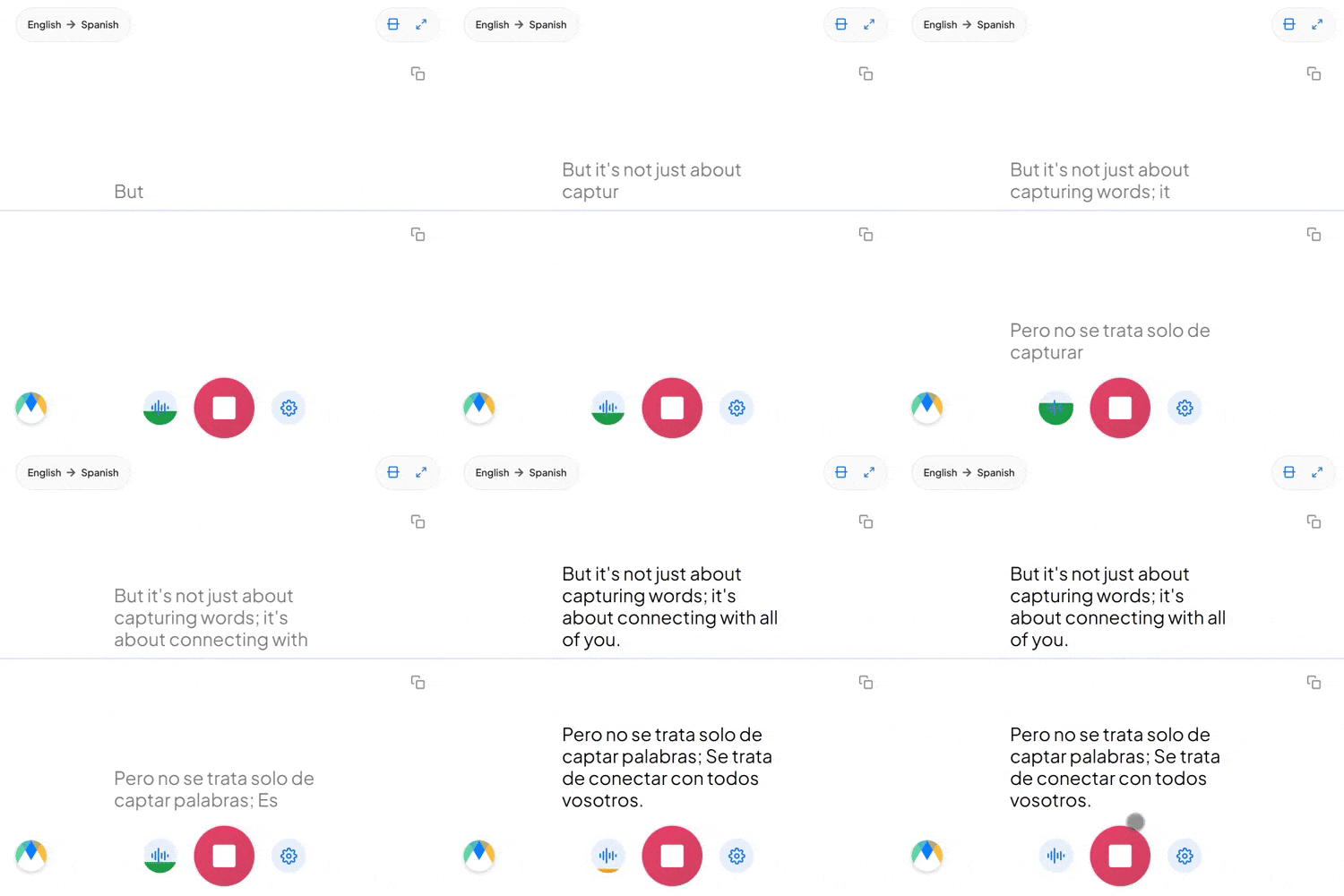
Mā (妈, mother), má (麻, hemp), mǎ (马, horse), and mà (骂, scold) are one syllable said with four tones. The tone isn't how you say the word, it's which word you said, so speech recognition has to hear pitch as meaning rather than as delivery.
Chinese pairs a number with a measure word that depends on the noun: 一个 for a person, 一本 for a book, 一杯 for a cup. English just says "a" or "one.” Using the wrong one is the kind of error a native speaker notices straight away.
Dropping English words into a Chinese sentence is ordinary among Chinese tech and business professionals. Those terms come through as spoken, not reshaped into the nearest Chinese sound, so the product name or acronym survives into the English intact.
Four settings that separate a rough session from a clean one.
Add names, product terms, and internal jargon before you start, so the words you rely on don't come back as something close instead.
Send a link and anyone joins the live session in their browser, reading the translated captions or hearing the audio as it happens. No account needed on their end.
If more than Chinese might come up in the same conversation, auto-detect picks up each language as it's spoken instead of locking the session to one source.
Once a session is over and saved, click any line of the transcript to hear the exact timestamped moment. No need to listen through everything again.
Freight handovers, customs calls, and warehouse coordination where both Chinese and English-speaking sides need to be certain of the details.

Due diligence calls and portfolio reviews with Chinese-speaking counterparts, where a figure or a condition can't be misheard.

Factory visits and supplier negotiations held in Chinese, with the English coming through before anyone commits to anything.
.webp)
Support calls where each side speaks their own language and hears the other in theirs, so the whole exchange happens without a transfer.
Whatever the setting, the Chinese reaches its English-speaking audience live.

Internal meetings with Chinese and English speakers, each side getting the discussion in their own language.
Learn About Live Meeting Translation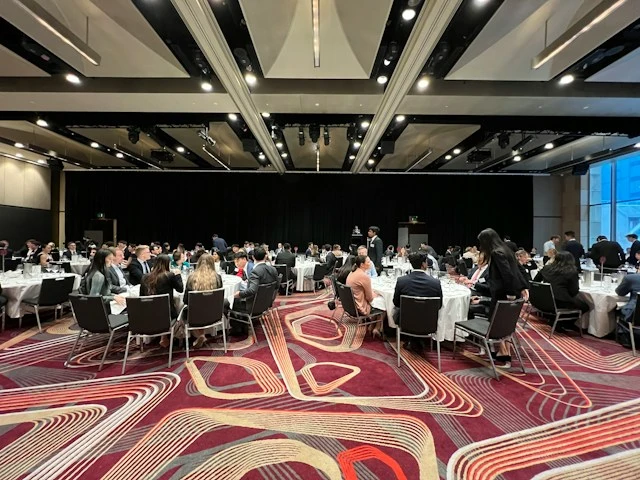
Town halls, all-hands, and leadership updates delivered in Chinese, with everyone else reading or listening in English.
Learn About Live Corporate Translation
Lectures and seminars delivered in Chinese, with real-time English and a timestamped transcript to revise from afterwards.
Learn About Live Education Translation
Launches, expos, and awards nights with Chinese on stage, followed in English in the room or on each attendee's phone.
Learn About Live Event TranslationFrom video calls to broadcast setups, live translation arrives in the tool you're already using.
Link your Zoom account to enable real-time Chinese to English captions in meetings.
Learn MoreBring live Chinese to English captions into your Microsoft Teams meetings.
Learn MoreCaption the audio during Google Meet calls and turn it into live Chinese to English captions.
Set up real-time Chinese to English closed captioning in OBS Studio.
Learn MoreSend live Chinese to English captions to vMix for broadcast productions.
Learn MoreYes. Chinese covers Mandarin, the standard spoken language of mainland China, Taiwan, and Singapore. Cantonese is a separate language and has its own Cantonese to English translator.
Yes. You choose simplified or traditional when you set the source language, and the transcript uses that script throughout. Pick simplified for mainland China and Singapore, traditional for Taiwan. The English output is the same either way.
Dropping English words into a Chinese sentence is ordinary in tech and professional speech, and those terms come through as spoken rather than reworded. If a session is likely to move between the two languages more heavily, auto-detect picks up each one as it's spoken.
Yes. Each speaker gets their own line in their own color as the session runs, so the transcript stays readable when people talk over one another. In the editor afterwards, speaker detection adds labels (Speaker 1, Speaker 2, and so on) that you can rename.
Spoken English audio comes from Dubbing, a separate tab in the same tool. Pick an AI English voice for the dubbed audio, or turn on voice cloning to keep the original speaker's voice speaking English. Captions and dubbing can run together, so people can read, listen, or both.
It's free to try, with no card and no account required.
You select Chinese as the source language, and the system recognizes Mandarin, Wu, or a common variety from the speech itself. You also choose simplified or traditional characters for the transcript. Cantonese isn't covered here; it's a separate source language.
Save the session and every segment links back to its audio timestamp, so you can check the specific moments you doubt instead of re-listening to the whole recording. For anything high-stakes, the full transcript can be reviewed in the editor afterwards.
Yes. Your Chinese to English session opens in an editor afterward with the audio aligned to every line, ready to correct and export.
Yes. One person starts the session and shares a link, and everyone else joins in their browser to read the captions or hear the translated audio, with no account needed on their end. Sharing a live session with others requires a paid plan.
The live Chinese to English voice translator offers nineteen regional English accents, including American, British, Australian, Indian, and more. You pick the voice and accent when you set up real-time dubbing.