
Trade and energy sector teams
Negotiations, site visits, and supplier calls where the Arabic side speaks freely and the English arrives during the conversation.
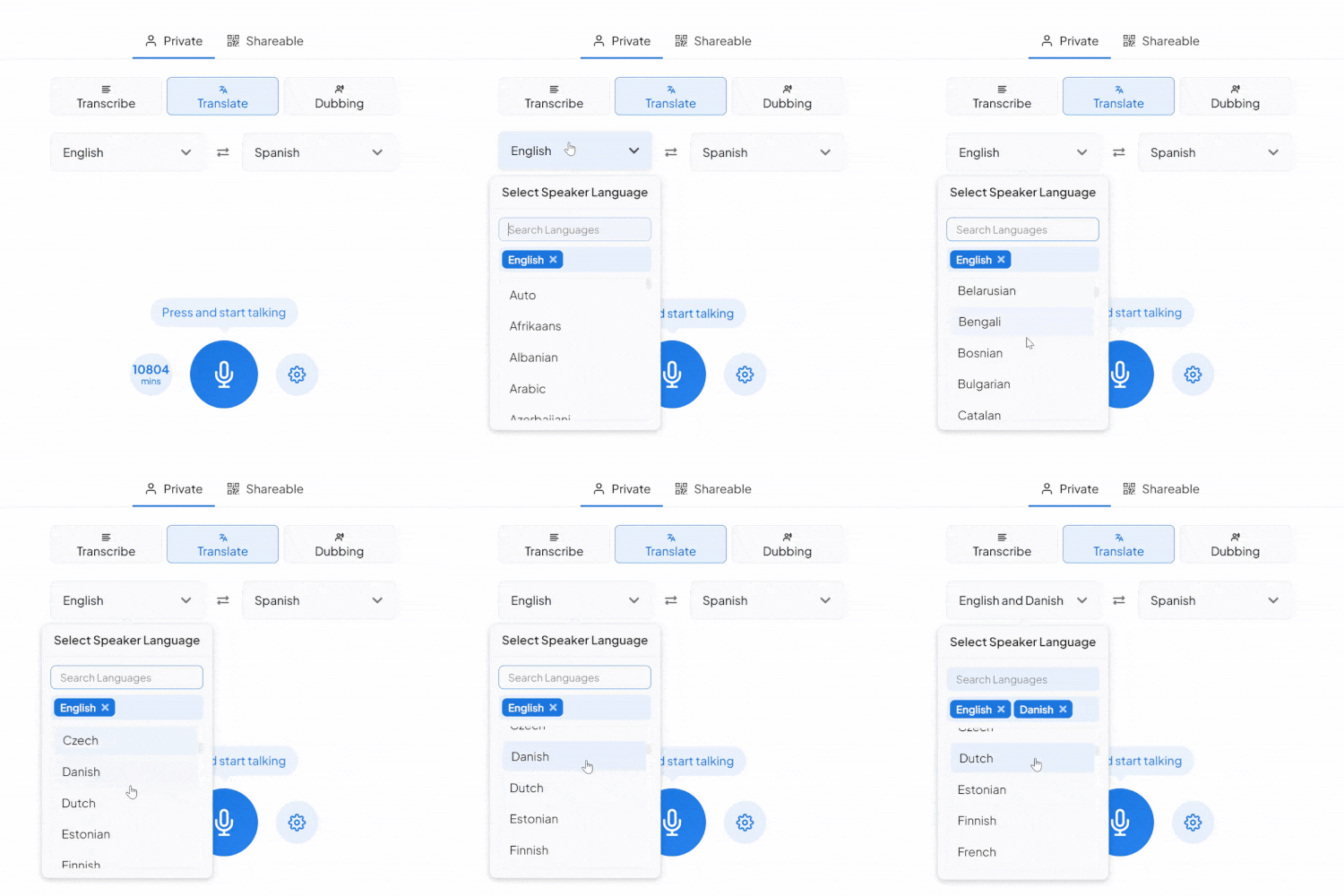
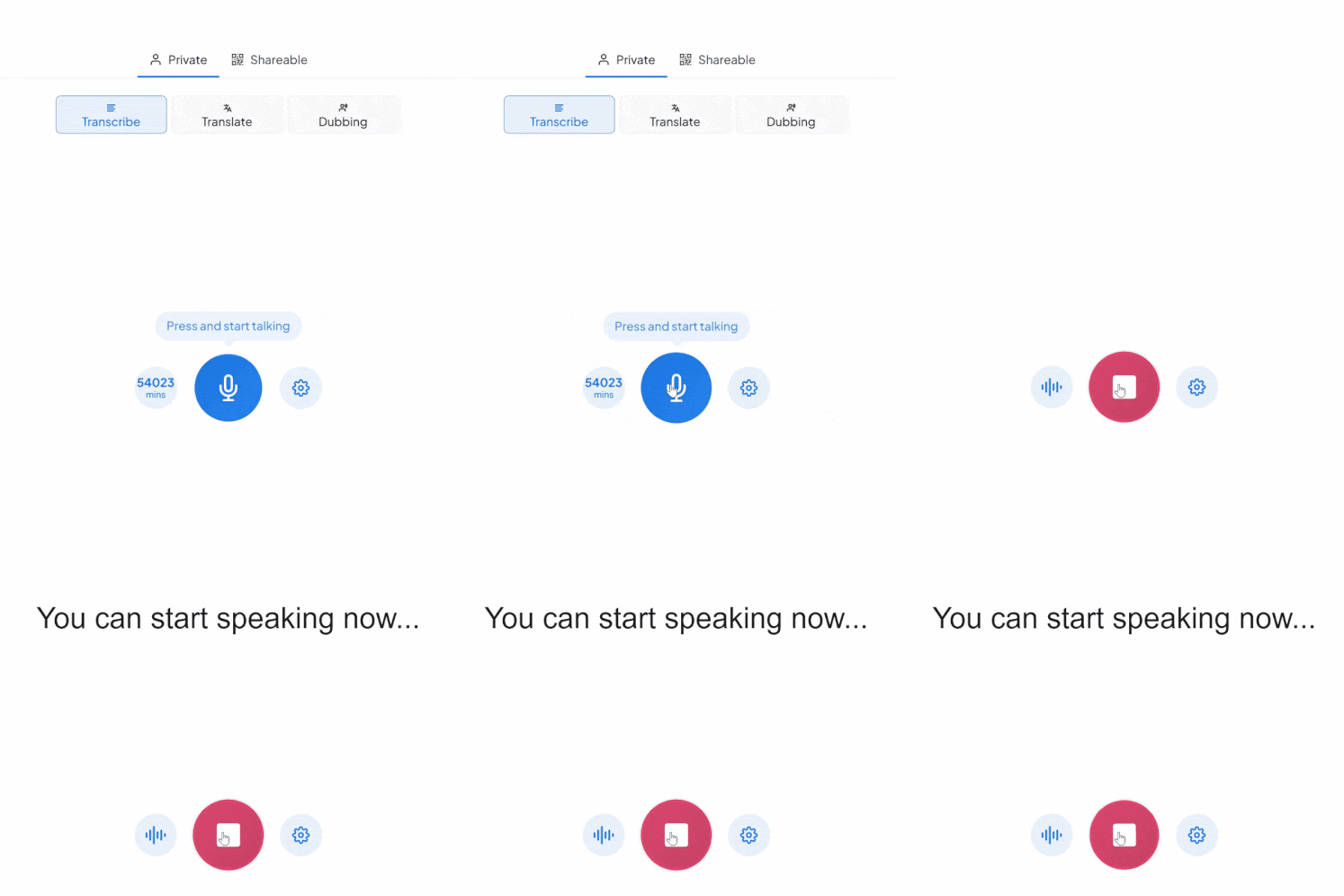
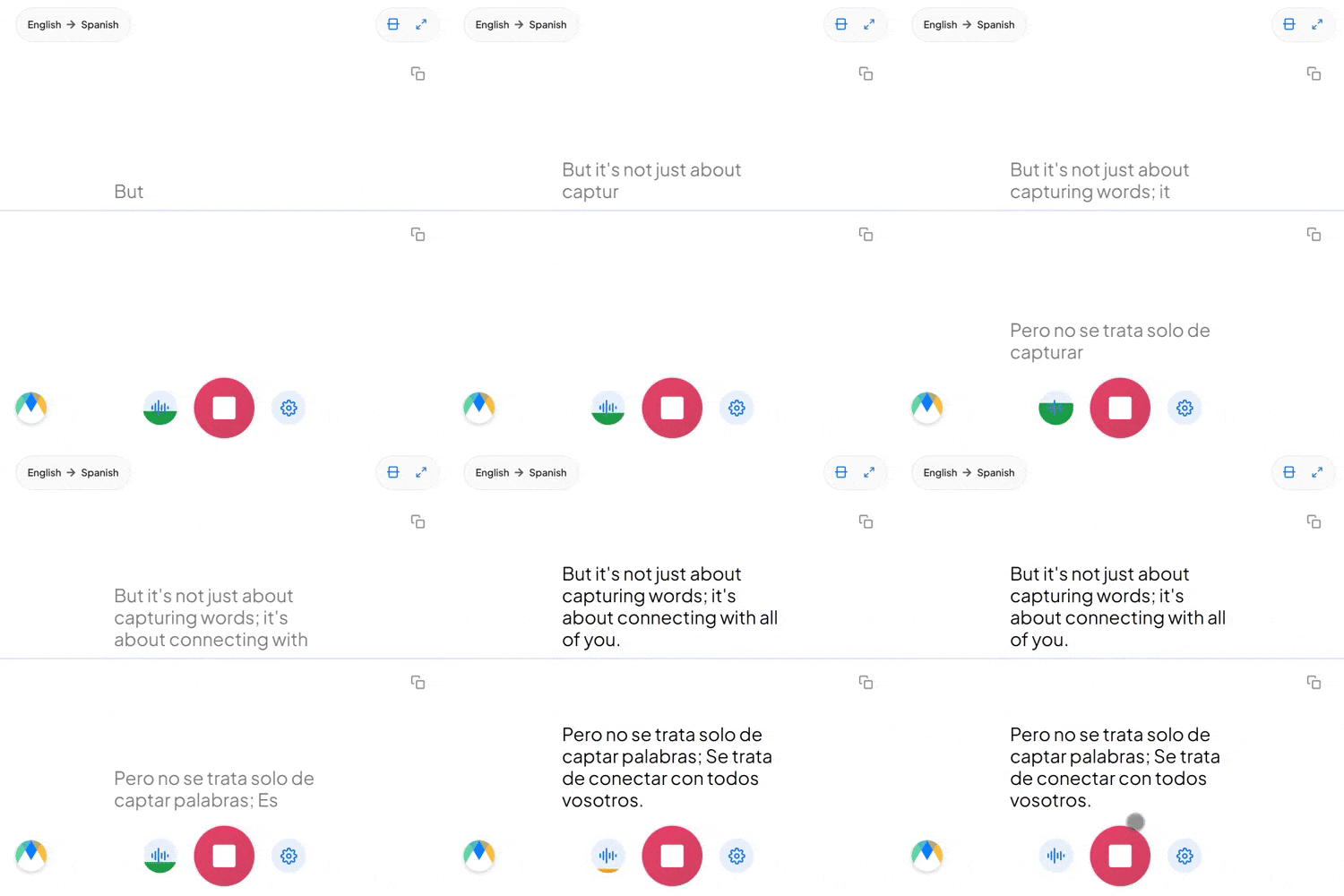
Pick Arabic and English, tap the mic, and start talking. The translation appears live on screen, right in your browser. Free to try.
What a session between these two languages comes with.
Modern Standard Arabic is what gets written and broadcast, but conversations happen in Egyptian, Gulf, Levantine, or Maghrebi Arabic. Live speech is recognized as it's actually spoken, not as MSA.
أنتَ (anta) is "you" said to a man, أنتِ (anti) is "you" said to a woman. The distinction sits in the pronoun itself, and English has one word for both.
Dropping an English verb or noun into an Arabic sentence is ordinary in Gulf and Levantine business speech. Those terms come through as spoken, not reworded.
Four settings that separate a rough session from a clean one.
Add names, product terms, and internal jargon before you start, so the words you rely on don't come back as something close instead.
Send a link and anyone joins the live session in their browser, reading the translated captions or hearing the audio as it happens. No account needed on their end.
If more than Arabic might come up in the same conversation, auto-detect picks up each language as it's spoken instead of locking the session to one source.
Once a session is over and saved, click any line of the transcript to hear the exact timestamped moment. No need to listen through everything again.
Negotiations, site visits, and supplier calls where the Arabic side speaks freely and the English arrives during the conversation.
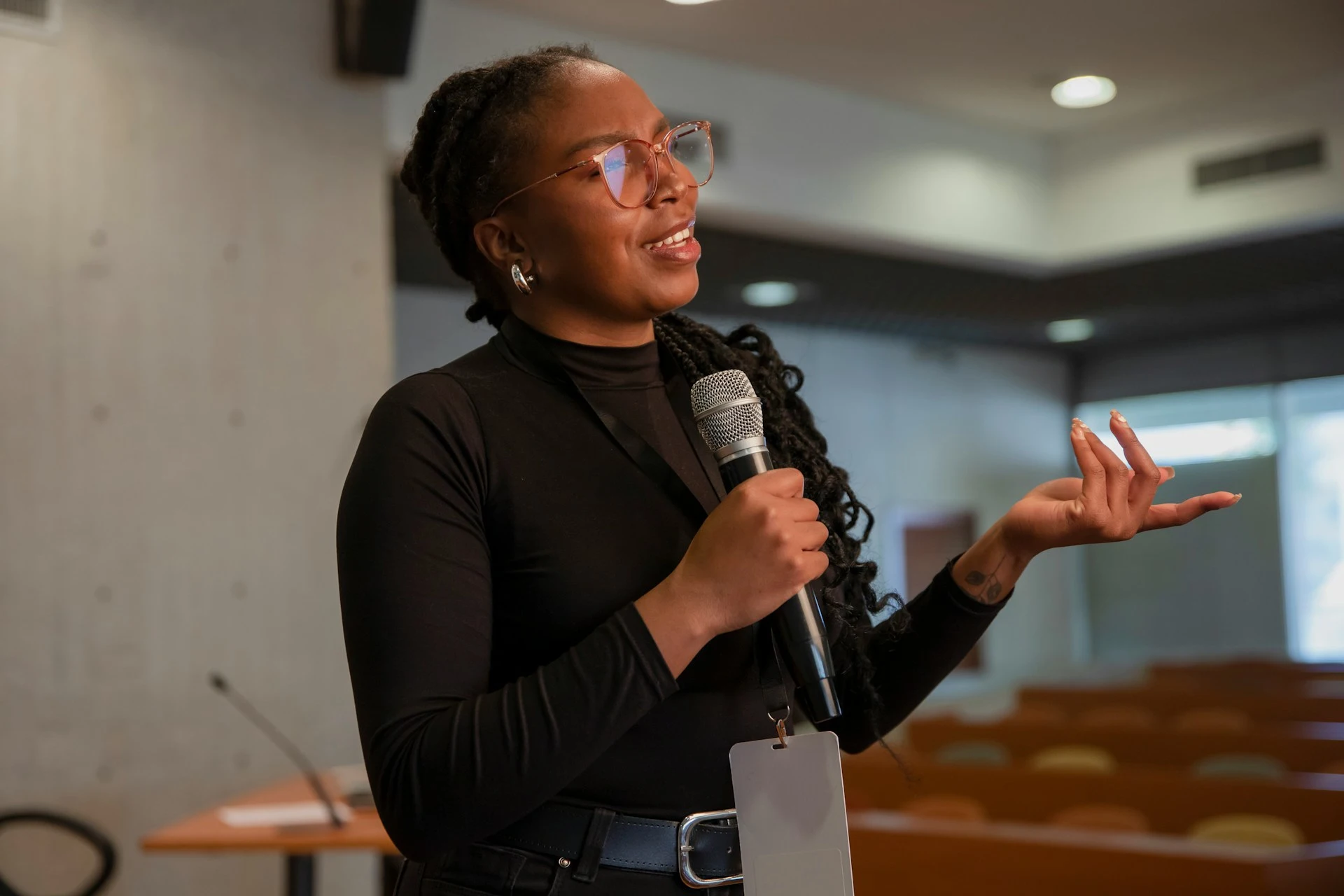
Reporters interviewing Arabic speakers, who follow the English as the answer comes and can check any line against the audio afterwards.
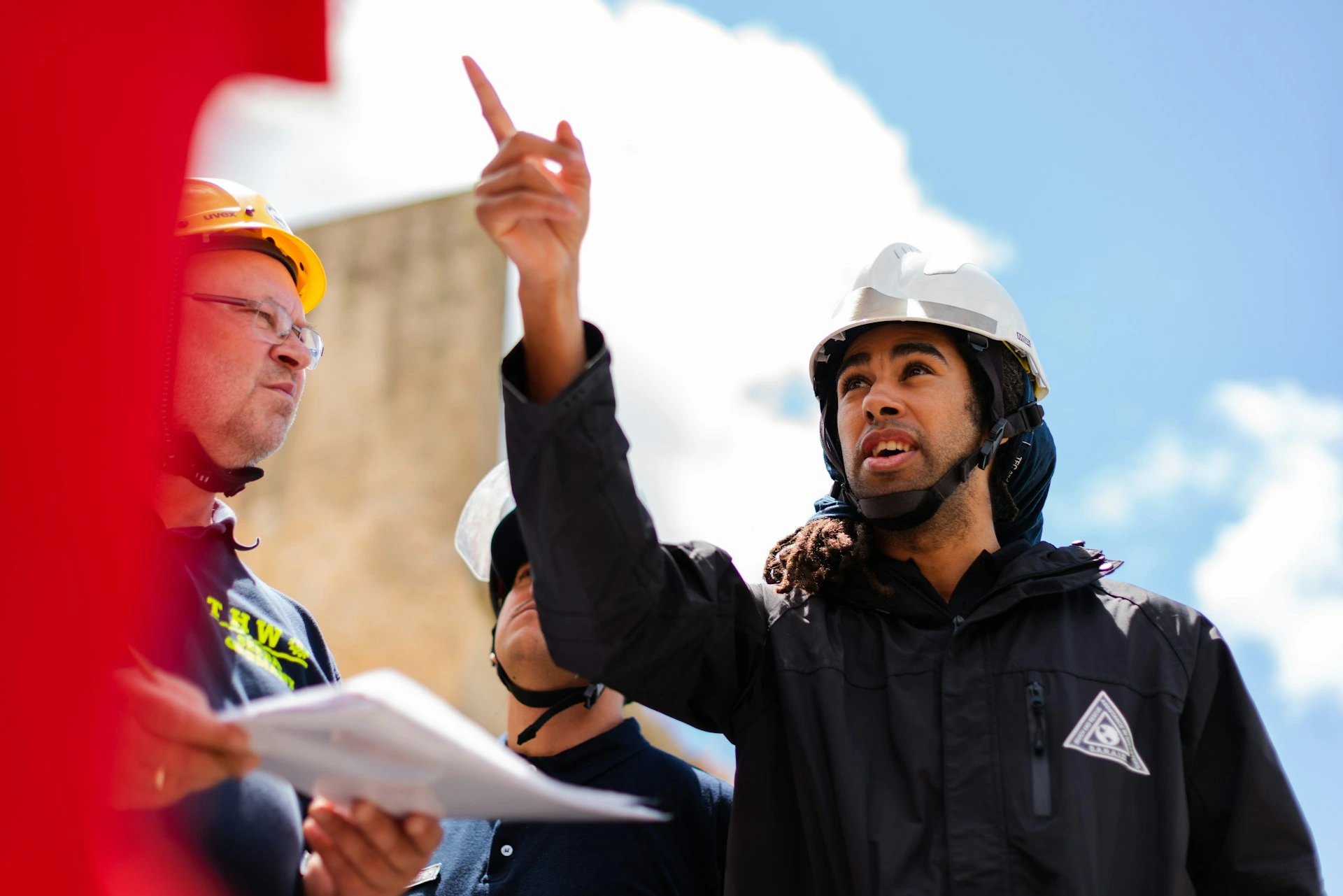
Site briefings where English-speaking managers and Arabic-speaking crews need an instruction to land the first time.

Museum tours, exhibition talks, and heritage programs delivered in Arabic, followed live in English on each visitor's own phone.
Whatever the setting, the Arabic reaches its English-speaking audience live.
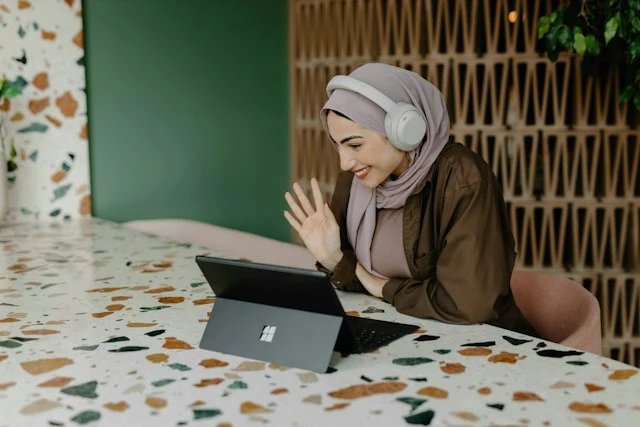
Arabic and English speakers on the same call, each following the conversation in their own language, live.
Learn About Live Meeting Translation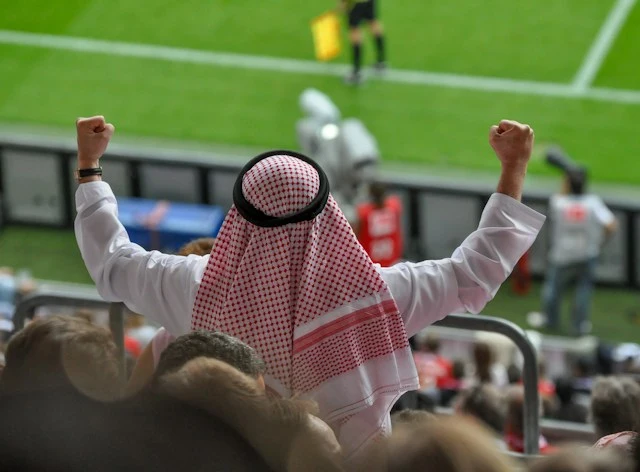
Post-match interviews and Arabic commentary going out live, delivered in English as captions or spoken audio.
Learn About Live Sports Translation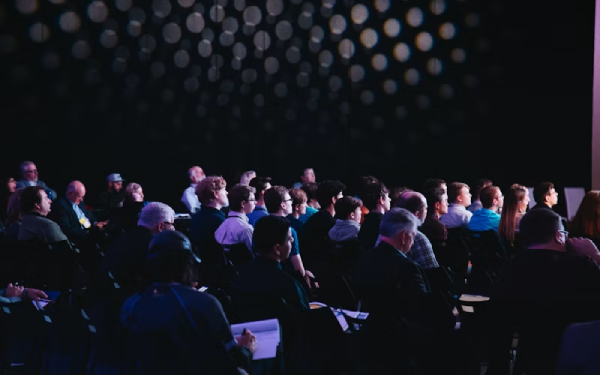
Expos, launches, and summits with Arabic on stage, followed in English in the room or on each attendee's phone.
Learn About Live Event Translation
Weddings and celebrations held in Arabic, so guests who don't speak it follow the ceremony and speeches as they happen.
Learn About Live Wedding TranslationFrom video calls to broadcast setups, live translation arrives in the tool you're already using.
Link your Zoom account to enable real-time Arabic to English captions in meetings.
Learn MoreBring live Arabic to English captions into your Microsoft Teams meetings.
Learn MoreCaption the audio during Google Meet calls and turn it into live Arabic to English captions.
Set up real-time Arabic to English closed captioning in OBS Studio.
Learn MoreSave the session and every segment links back to its audio timestamp, so you can check the specific moments you doubt instead of re-listening to the whole recording. For anything high-stakes, the full transcript can be reviewed in the editor afterwards.
Yes. Both MSA and regional spoken dialects are supported, so a formal broadcast register and everyday conversation are both recognized correctly.
Yes. Arabic commonly puts the verb before the subject, so "approved the-manager the-budget" is reordered into English rather than mapped word for word.
Yes. One person starts the session and shares a link, and everyone else joins in their browser to read the captions or hear the translated audio, with no account needed on their end. Sharing a live session with others requires a paid plan.
Spoken English audio comes from Dubbing, a separate tab in the same tool. Pick an AI English voice for the dubbed audio, or turn on voice cloning to keep the original speaker's voice speaking English. Captions and dubbing can run together, so people can read, listen, or both.
Eighteen options in total: a general Arabic option alongside Algeria, Bahrain, Egypt, Gulf, Iraq, Jordan, Kuwait, Lebanon, Libya, Morocco, Oman, Qatar, Saudi Arabia, Syria, Tunisia, the United Arab Emirates, and Yemen. There's nothing to set on your side. Speech is recognized against whichever variety fits the speaker, rather than against Modern Standard Arabic.
Code-switching is common in Gulf and Levantine professional speech, especially with technical terms and product names. Turn on auto-detect and each language is picked up as it's spoken. Adding those terms to the custom dictionary beforehand makes it more reliable, particularly for names your team uses often.
Yes. Your Arabic to English session opens in an editor afterward with the audio aligned to every line, ready to correct and export.
Yes. During the session, each speaker gets their own line in their own color, so the transcript stays readable as people talk over one another. Afterwards in the editor, speaker detection labels them Speaker 1, Speaker 2, and so on, and you can rename each one.
It's free to try, with no card and no account required.