
Business teams working with Tamil Nadu and Sri Lankan partners
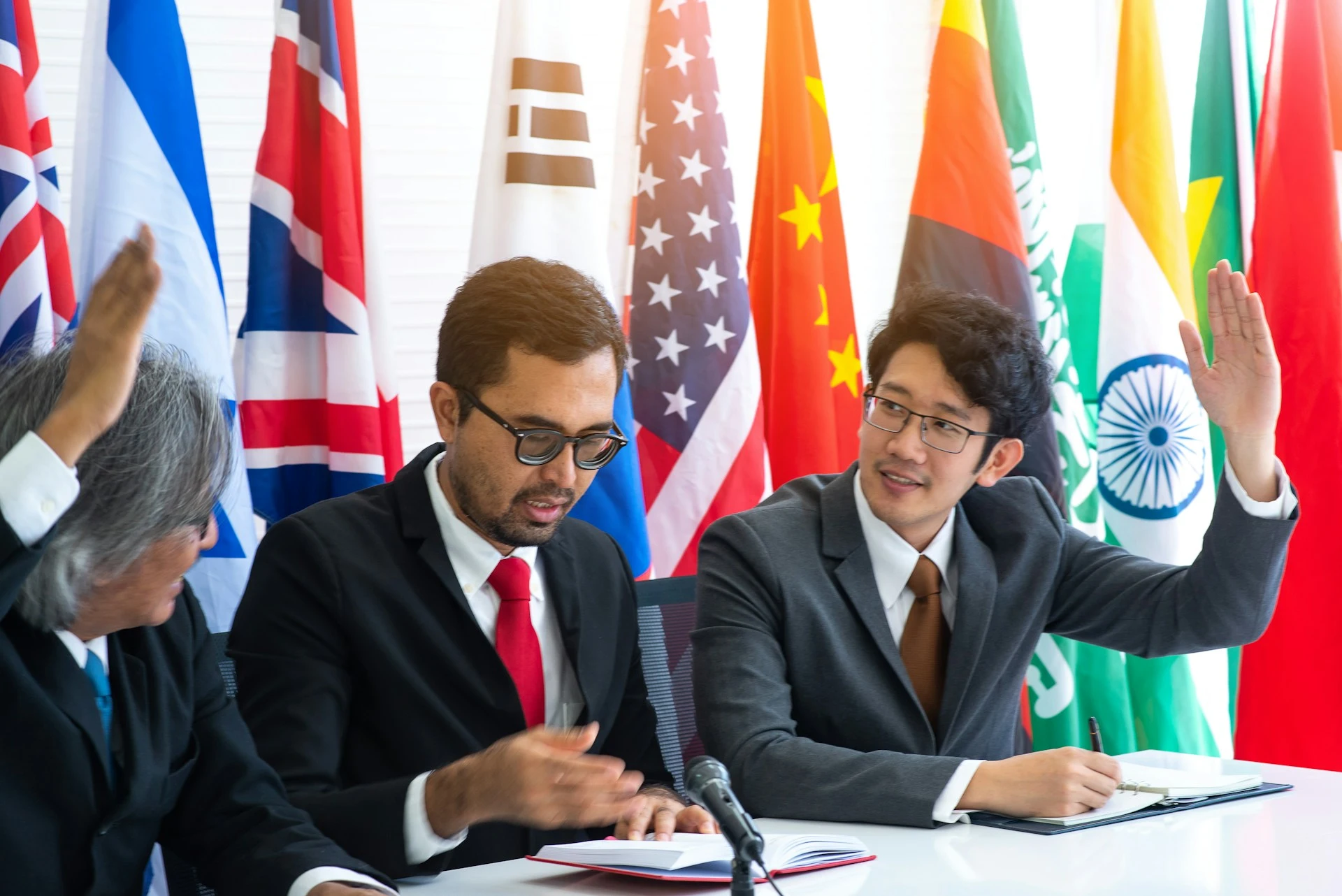
Sourcing calls and partnership meetings where a Tamil-speaking counterpart needs to be understood in English without a delay for translation.
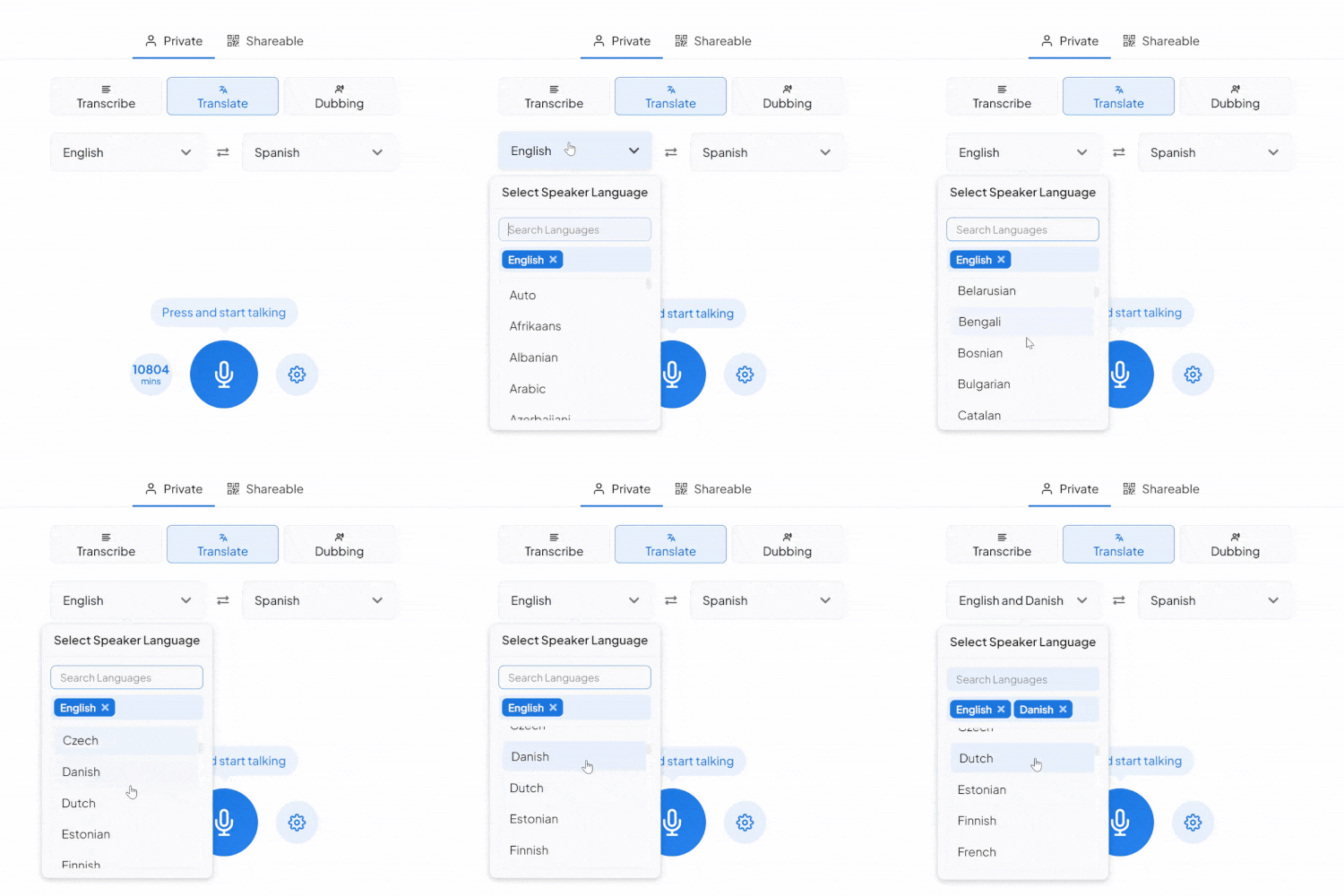
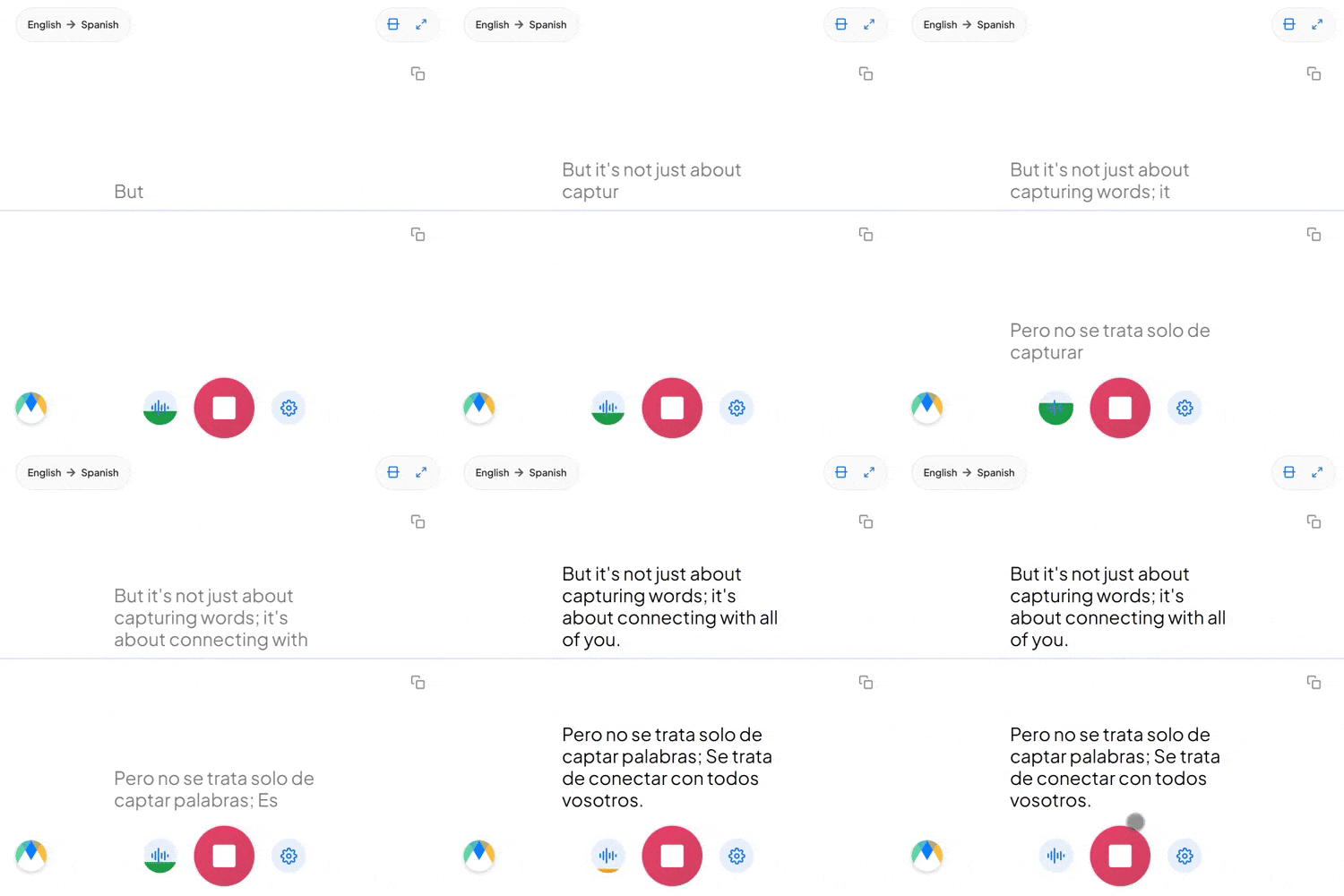
Pick Tamil and English, tap the mic, and start talking. The translation appears live on screen, right in your browser.
Four things that are actually true of this language pair.
Written and ceremonial Tamil (centamiḻ) uses vocabulary and verb forms that rarely show up in daily conversation, which runs on a looser spoken register (koṭuntamiḻ). A translation that leans too formal can sound stiff on an ordinary call.
Vaanga is a polite "come," vaa is the familiar version, the difference is built into the verb ending itself, not a separate word. English's flat "come" gives no hint which register the speaker meant.
"Naan client-oda follow up pannanum" drops English words straight into a Tamil sentence, and that's ordinary speech in Indian and Sri Lankan professional Tamil. Set the source to Tamil manually, and embedded English terms come through recognizably.
Four settings that separate a rough session from a clean one.
Lock in names and technical terms ahead of time, including Tamil honorific verb forms for names that need them, so they come through consistently.
Share the session link and anyone can open it in their own browser to hear the English translation live, no account needed.
If more than Tamil alone might come up in the same conversation, auto-detect recognizes each language as it's spoken instead of locking you to one source.
Every line stays linked to its exact timestamp, so a line worth double-checking is a few seconds of playback, not a full re-listen.
Sourcing calls and partnership meetings where a Tamil-speaking counterpart needs to be understood in English without a delay for translation.

Intake and consultations delivered for Tamil-speaking patients and clients, where getting the details right matters more than speed.
Journalists conducting live interviews in Tamil hear the English translation as their source speaks, with every line traceable back to its exact moment before a quote runs.

Already have Tamil audio or video? Send it through Maestra's Tamil to English dubbing for a finished English voice track instead of live captions alone.
The same tool, tuned for where Tamil to English translation actually gets used.

Clinic intake and consultations where a Tamil-speaking patient needs to be understood in English without waiting on an interpreter.
Learn More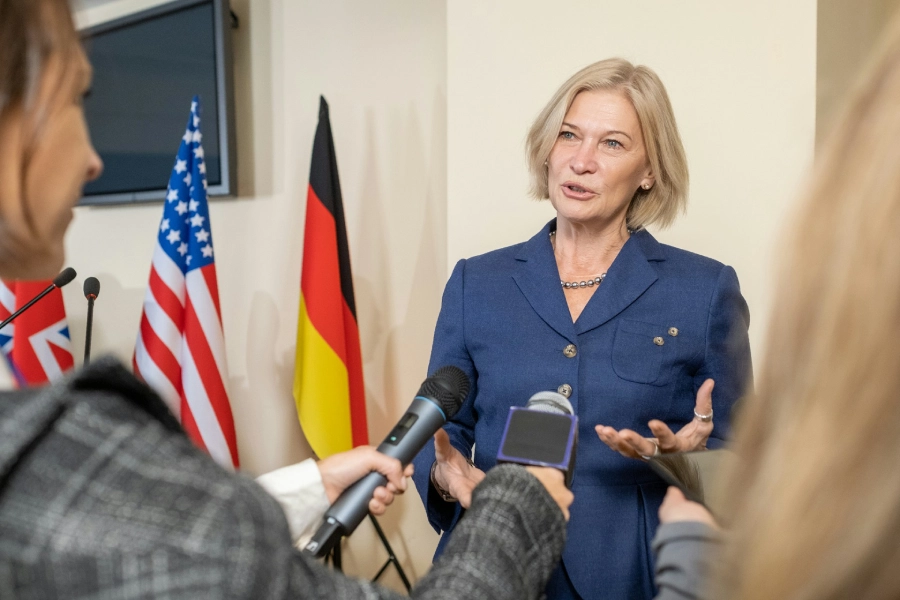
Press calls and licensing discussions between Tamil-language media or talent partners and English-speaking teams.
Learn More
Orientation sessions for Tamil-speaking students, translated live for English-speaking staff.
Learn More
Tamil and English speakers on the same call, each hearing the conversation in their own language with nobody relaying in between.
Learn MoreConnect the meeting or streaming tool you run Tamil sessions in, subscription required for live use.
Link your Zoom account to enable real-time Tamil to English captions in meetings.
Learn MoreBring live Tamil to English captions into Microsoft Teams meetings.
Learn MoreSend a bot into your Google Meet calls for real-time Tamil to English captions and translation.
Set up real-time Tamil to English closed captioning in OBS Studio.
Learn MoreThere's no automatic flagging. Every word is timestamped, and during playback it highlights in sync with the audio, so you can scrub the Tamil recording alongside the translation to check anything you're unsure about.
The English translation reads naturally rather than word for word, but the underlying audio always stays available so you can confirm exactly which verb-ending register the speaker used.
Yes. Your Tamil to English session opens in an editor afterward with the audio aligned to every line, ready to correct and export.
Yes, speaker detection tags each speaker separately in the English output, so when more than one person is talking Tamil, the session doesn't blur into a single unattributed line.
Yes. Tamil to English translation is free to start, with no card or account required.
Yes. Recognition covers Tamil across India, Sri Lanka, Malaysia, and Singapore.
Ordinary bilingual Tamil-English speech doesn't need anything special. For a conversation that could switch between more than Tamil before it reaches English, auto-detect recognizes each language as it comes up rather than requiring a manual reset.
Group sharing for Tamil to English sessions needs a paid plan. The free plan covers live translation for your own session, not a shared link for others to join.
Yes, switch to the Dubbing tab. Pick from Maestra's built-in English voices, or use voice cloning so the dubbed track still sounds like the original Tamil speaker.