
Filipino support and call center agents
A Tagalog-speaking agent takes a call and needs their side understood in English immediately, without switching to a second language mid-conversation.
Pick Tagalog and English, tap the mic, and start talking. The translation appears live on screen, right in your browser.
Four things that are actually true of this language pair.
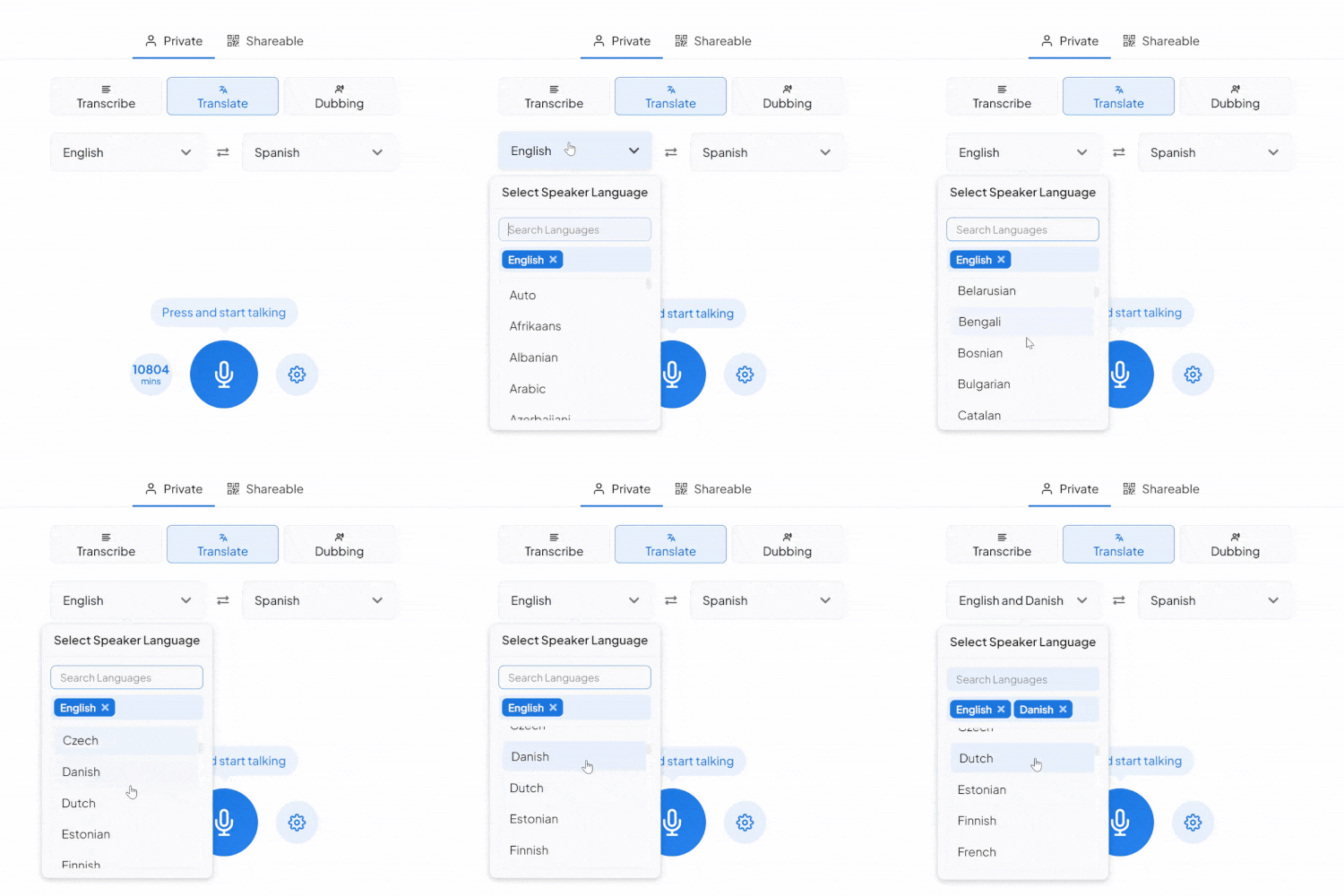
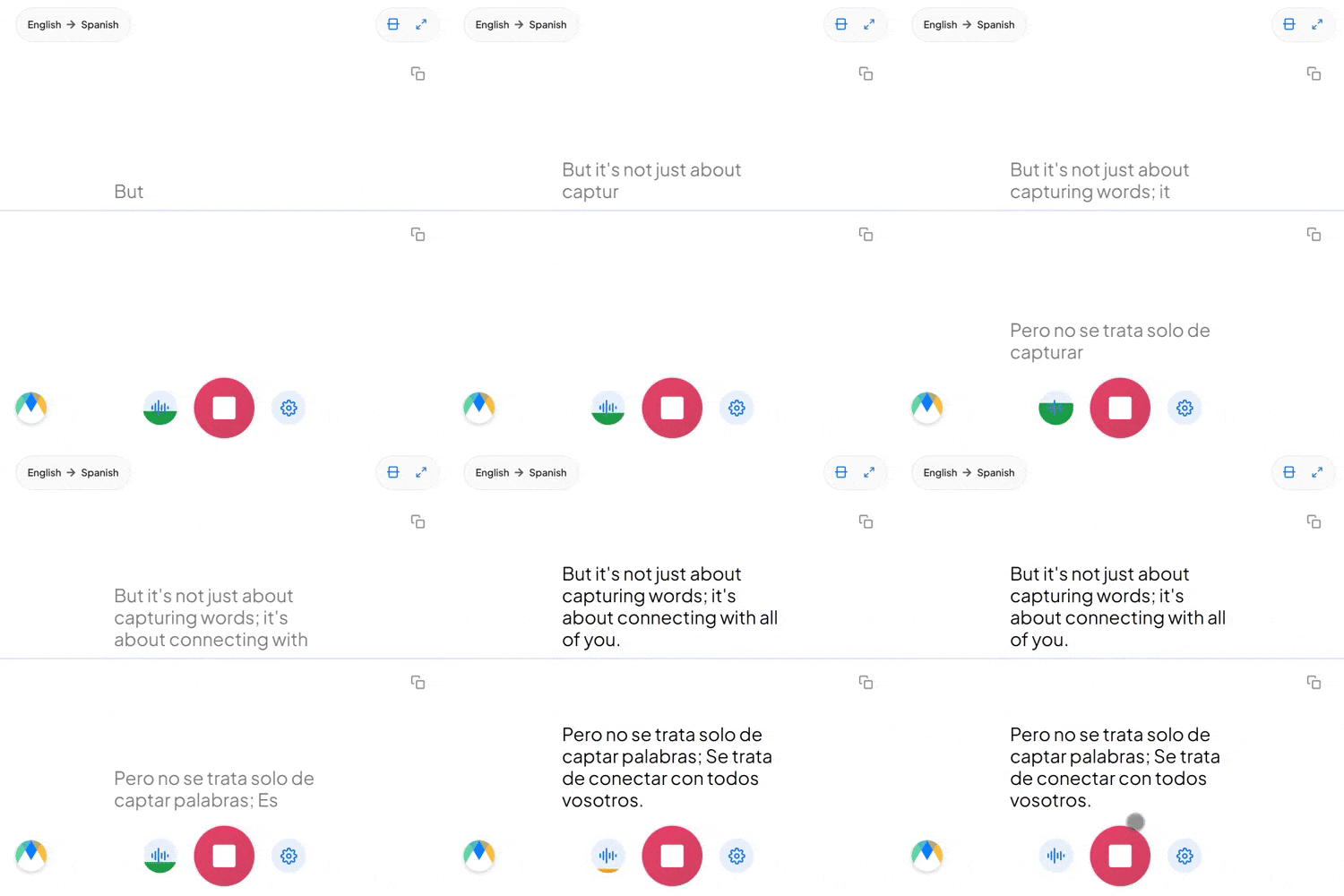
"Kailangan ko i-follow up yung client" conjugates an English verb with a Tagalog prefix mid-sentence, and that's completely ordinary spoken Tagalog. Set the source to Tagalog manually rather than using auto-detect, and embedded English terms stay recognizable instead of getting mistranslated a second time.
Tagalog marks respect with the particle po, added into a sentence regardless of pronoun. "Kumain ka na?" and "Kumain ka na po?" both translate as "Have you eaten?", but only one is respectful, and English has no equivalent word to carry that over.
Siya means both "he" and "she" in Tagalog, with no ambiguity to a Tagalog speaker because context carries it. Translating out of Tagalog means the tool has to infer which one English needs from context alone, not from the word itself.
Four settings that separate a rough session from a clean one.
Add names, product terms, and internal jargon before you start and they stay correct all session, including English words already embedded in the Tagalog speech, so they come through untranslated on purpose.
A shared link lets colleagues join the session from their browser and hear the English translation live, without creating an account.
Turn on auto-detect if the conversation might drift beyond Tagalog mid-session. It recognizes what's being spoken and adjusts without you resetting anything.
The transcript keeps every segment tied to its timestamp, so a questionable line is a few seconds of playback away, not a full re-listen.
A Tagalog-speaking agent takes a call and needs their side understood in English immediately, without switching to a second language mid-conversation.

Journalists conducting live interviews in Tagalog hear the English translation as their source speaks. Every line stays linked to its timestamp, so a quote can be checked before it runs.

Household employers, hospitals, and shipping companies where a Tagalog-speaking employee needs to report or ask something in English, live.

Already have Tagalog audio or video? Send it through Maestra's Tagalog to English dubbing to get a full English voice track instead of just live captions.
The same tool, tuned for where Tagalog to English translation actually gets used.

Clinic intake and consultations where a Tagalog-speaking patient needs to be understood in English without waiting on an interpreter.
Learn More
Sourcing calls and partnership meetings where a Filipino business partner needs to be understood in English without a delay.
Learn More
Orientation sessions for Filipino students and workers, translated live for English-speaking staff.
Learn More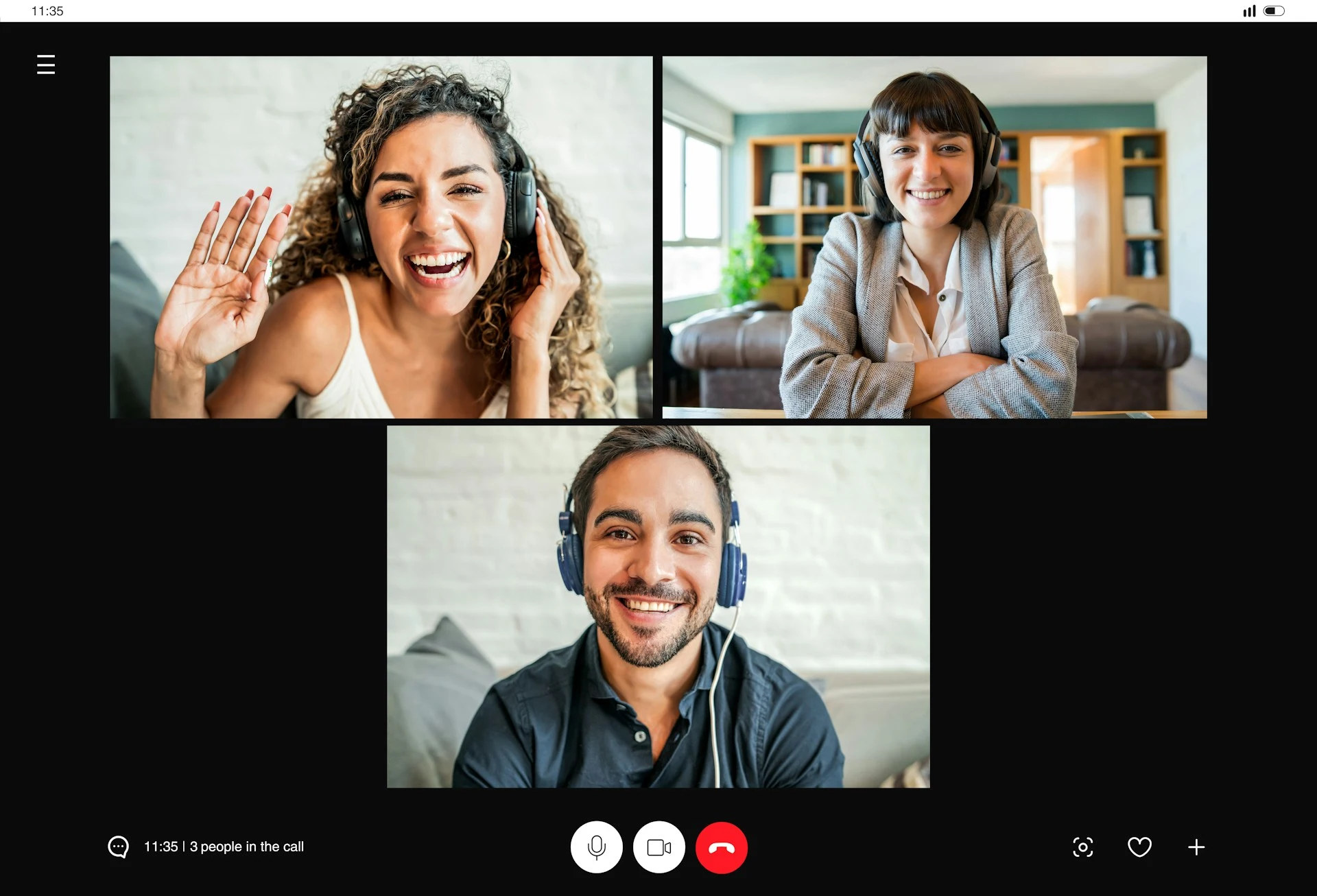
Tagalog and English speakers on the same call, each hearing the conversation in their own language with nobody relaying in between.
Learn MoreConnect the meeting or streaming tool you run Tagalog sessions in, subscription required for live use.
Link your Zoom account to enable real-time Tagalog to English captions in meetings.
Learn MoreBring live Tagalog to English captions into Microsoft Teams meetings.
Learn MoreSend a bot into your Google Meet calls for real-time Tagalog to English captions and translation.
Set up real-time Tagalog to English closed captioning in OBS Studio.
Learn MoreSend live Tagalog to English captions to vMix for broadcast productions.
Learn MoreNo moment gets flagged automatically. The editor times every word to the audio and highlights it during playback instead, so checking the Tagalog recording against the translation is a matter of scrubbing to the spot you want.
The translation infers gender from context and names where possible; for a specific person whose gender matters, add that to your custom dictionary.
Yes. Your Tagalog to English session opens in an editor afterward with the audio aligned to every line, ready to correct and export.
Yes. Speaker detection labels each person in the Tagalog conversation (Speaker 1, Speaker 2, and so on) as it's translated into English, so a multi-person session stays readable instead of one run-on block of text.
Yes. Tagalog to English translation is free to start, with no card or account required.
That's handled as ordinary bilingual speech. If Tagalog and English mix in the same sentence, no extra setup is needed. If the conversation might drift into a third language on its way to English, turn on auto-detect and it identifies each language as it's spoken instead of locking you to one source.
Yes. Start with Tagalog as the source, and English plays back as the other person speaks, with a shareable link for anyone else who needs to listen.
Sharing the Tagalog to English session link with a group is a paid-plan feature. On the free plan, translation is limited to your own live session.
That's Dubbing, a separate tab in the same tool. Choose a stock English voice for the dubbed audio, or turn on voice cloning to keep the Tagalog speaker's own voice.