
Business teams working with Russian-speaking partners
Sourcing calls and partnership meetings where a Russian-speaking counterpart needs to be understood in English without a delay for translation.
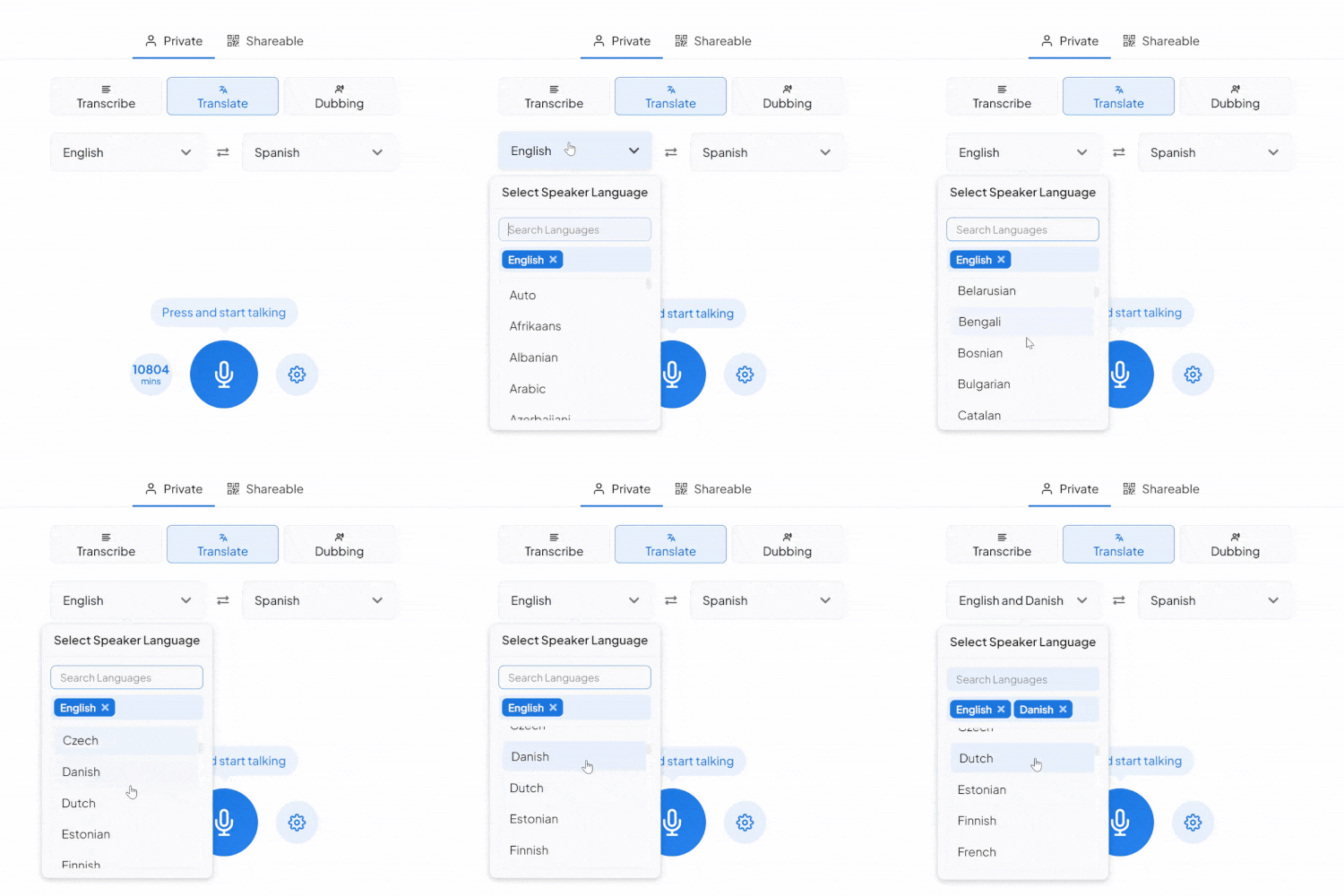
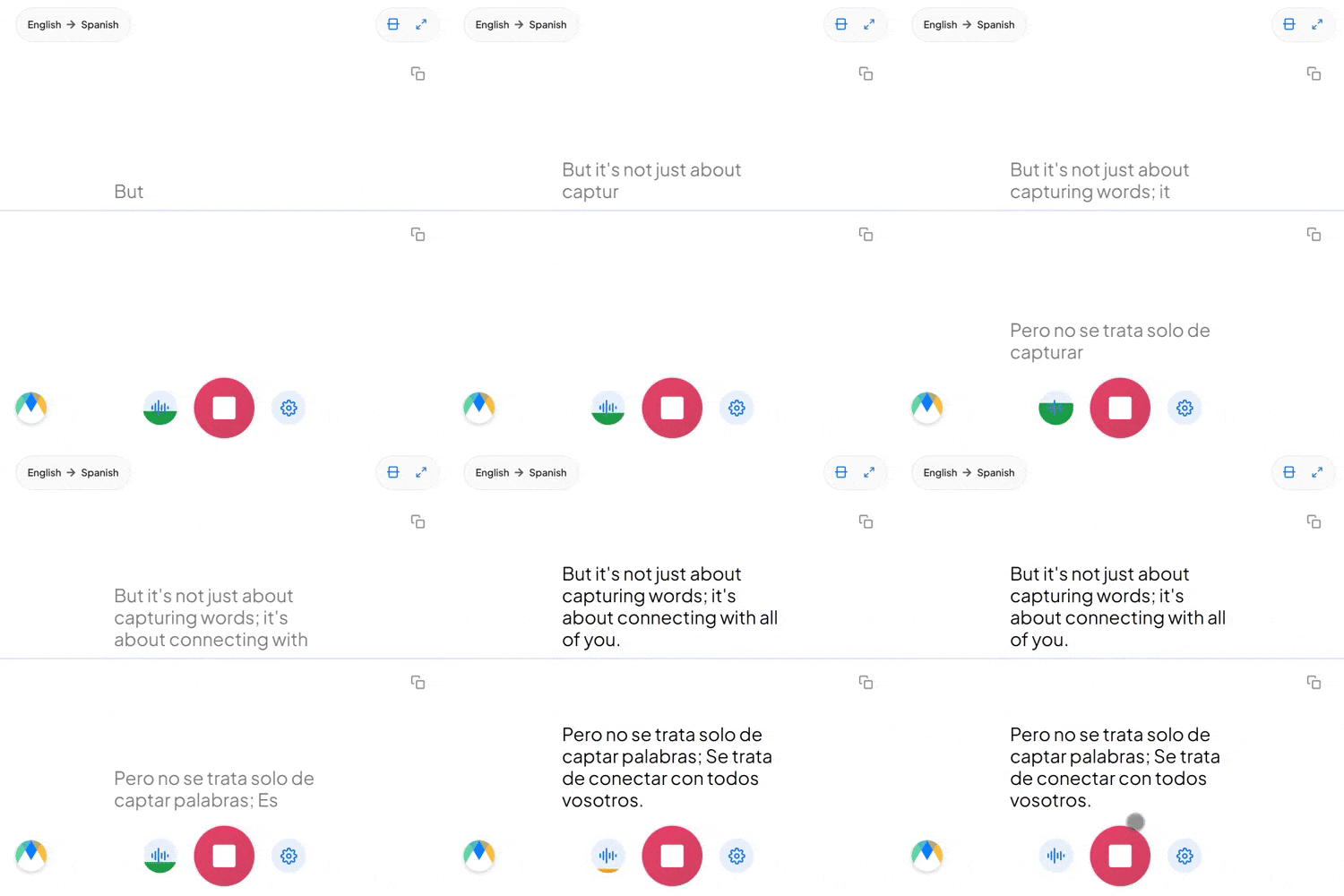
Pick Russian and English, tap the mic, and start talking. The translation appears live on screen, right in your browser.
Four things that are actually true of this language pair.
Russian has six grammatical cases: a noun for "client" looks different as the subject (клиент), the object (клиента), or the object of certain prepositions (клиенту), where English just says "client" every time and relies on word order instead.
Russian pairs verbs by aspect: one form for a completed action, a different form for an ongoing or repeated one, a distinction baked into the verb itself rather than expressed with extra words, and one English tense doesn't map onto cleanly.
"Нужно сделать фоллоу-ап с клиентом" builds a Russian sentence around an English loanword, and that's completely ordinary in Russian-speaking tech and business circles. Set the source to Russian manually, and embedded English terms come through recognizably.
Four settings that separate a rough session from a clean one.
Set names and technical terms specific to this Russian-English pair in advance, so they read back the same way every session.
Send the session link to anyone who needs it. They'll hear the live English translation from their own browser, nothing to install or sign up for.
Turn on auto-detect if the conversation might drift beyond Russian mid-session. It recognizes what's being spoken and adjusts without you resetting anything.
Your Russian to English session lands in an editor afterward with every line tied to its timestamp, so a doubtful line is a quick replay, not a full re-listen.
Sourcing calls and partnership meetings where a Russian-speaking counterpart needs to be understood in English without a delay for translation.

Standups and delivery calls between English-speaking product teams and Russian-speaking engineering partners.

Journalists conducting live interviews in Russian hear the English translation as their source speaks, with every line traceable back to its exact moment before a quote runs.

Already have Russian audio or video? Send it through Maestra's Russian to English dubbing for a finished English voice track instead of live captions alone.
The same tool, tuned for where Russian to English translation actually gets used.

Board meetings and investor calls where a Russian-speaking executive needs to be understood in English without a delay.
Learn More
Contract reviews where a Russian-speaking partner's exact wording needs to be captured in English before a document gets signed.
Learn More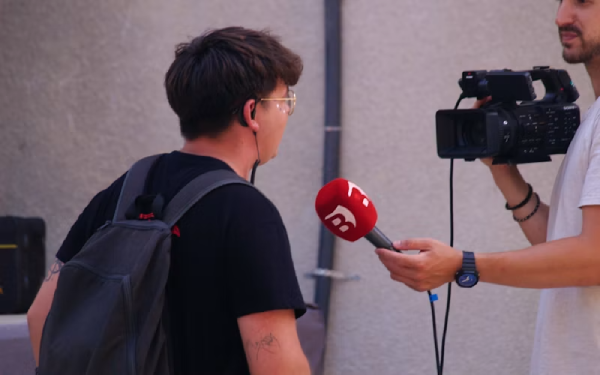
Press calls and licensing discussions between Russian-language media or talent partners and English-speaking teams.
Learn More
Russian and English speakers on the same call, each hearing the conversation in their own language, live.
Learn MoreConnect the meeting or streaming tool you run Russian sessions in, subscription required for live use.
Link your Zoom account to enable real-time Russian to English captions in meetings.
Learn MoreBring live Russian to English captions into Microsoft Teams meetings.
Learn MoreSend a bot into your Google Meet calls for real-time Russian to English captions and translation.
Set up real-time Russian to English closed captioning in OBS Studio.
Learn MoreSend live Russian to English captions to vMix for broadcast productions.
Learn MoreNothing is auto-flagged for confidence. Instead, each word is timestamped and highlights in sync during playback, letting you scrub the Russian recording next to the translation to verify any specific line.
Yes. Russian marks that distinction with a different verb form (perfective vs. imperfective), and the translation reads it into natural English tense and phrasing.
Yes. Your Russian to English session opens in an editor afterward with the audio aligned to every line, ready to correct and export.
Yes. Speaker detection labels each person in the Russian conversation (Speaker 1, Speaker 2, and so on) as it's translated into English, so a multi-person session stays readable instead of one run-on block of text.
Yes. Russian to English translation is free to start, with no card or account required.
Yes. The tool is tuned for everyday conversational Russian, not just formal or written Russian.
That's handled as ordinary bilingual speech. If Russian and English mix in the same sentence, no extra setup is needed. If the conversation might drift into a third language on its way to English, turn on auto-detect and it identifies each language as it's spoken instead of locking you to one source.
Sharing the Russian to English session link with a group is a paid-plan feature. On the free plan, translation is limited to your own live session.
That's Dubbing, a separate tab in the same tool. Choose a stock English voice for the dubbed audio, or turn on voice cloning to keep the Russian speaker's own voice.