
Healthcare and caregiving teams
US hospitals, clinics, and care facilities briefing Filipino nursing and caregiving staff, where a precise instruction matters more than a quick one.
Translate English to Tagalog as you speak, live captions on screen or dubbed Filipino audio out loud. Free to start.
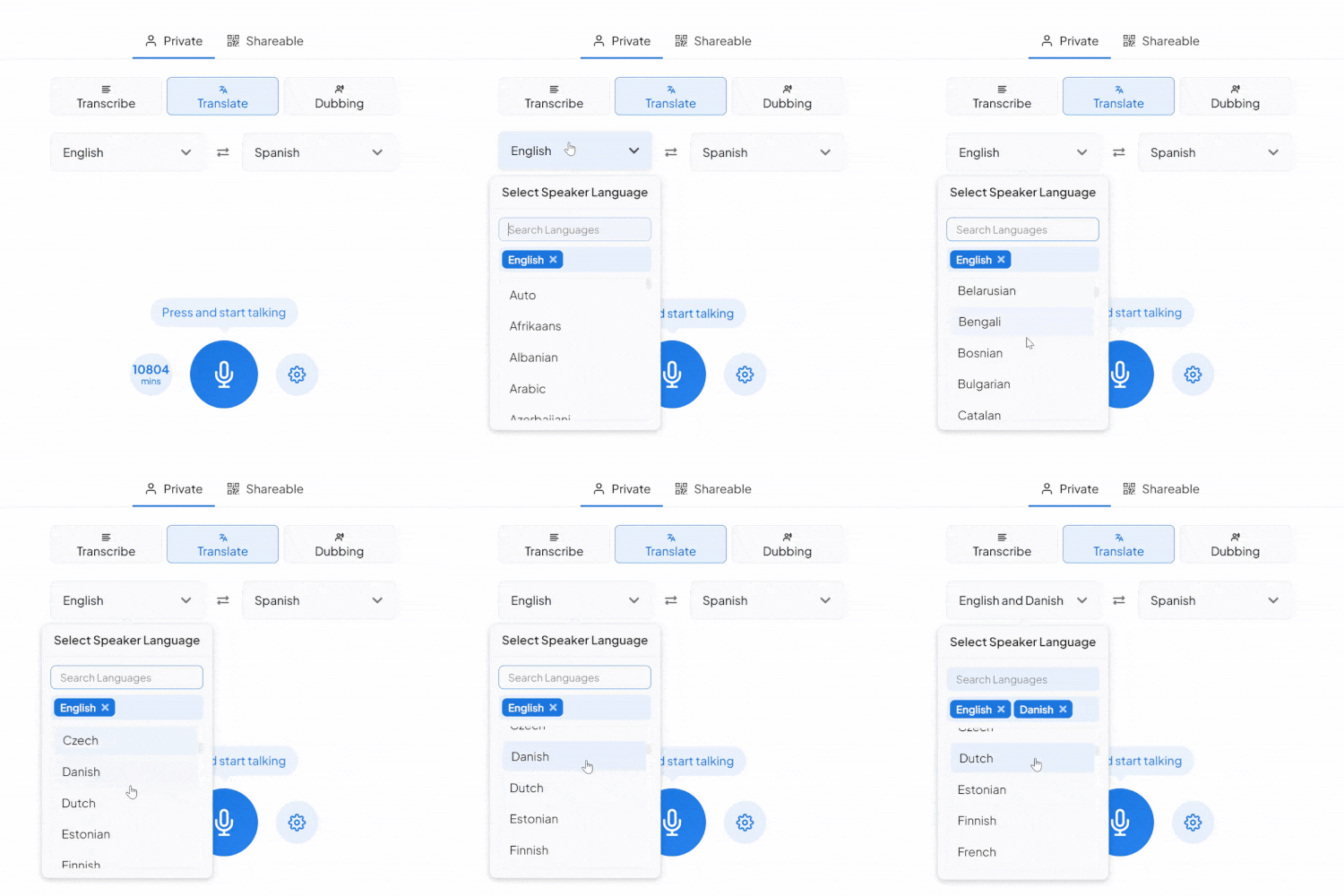
What a live English to Tagalog session runs on.
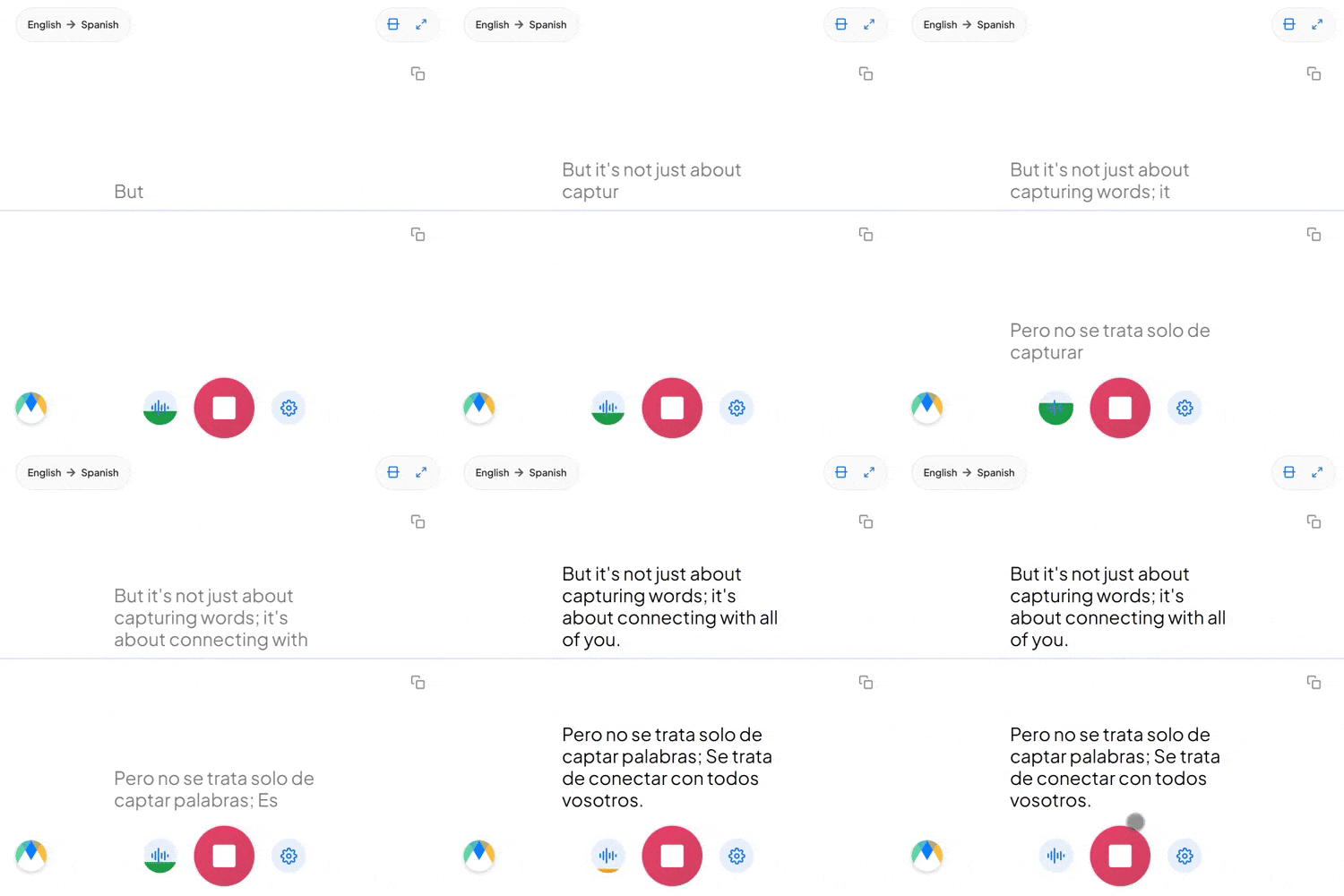
Tagalog marks respect with the particle po (or opo for "yes"), added into a sentence regardless of which pronoun you use. "Kumain ka na?" and "Kumain ka na po?" both translate as "Have you eaten?", but only one is respectful. A flat translator either drops po and sounds curt, or adds it everywhere and sounds stiff.
Tagalog pronouns don't mark gender at all, siya means both "he" and "she," with no ambiguity to a Tagalog speaker because context carries it. Translating out of Tagalog means guessing which one English needs; translating into Tagalog means that distinction simply disappears.
"Kailangan ko i-follow up yung client" conjugates an English verb with a Tagalog prefix mid-sentence, and that's completely ordinary spoken Tagalog, not a mistake to correct. In a two-way session the Tagalog side's Taglish stays intact: embedded English terms come through recognizably instead of being translated a second time.
Four settings that separate a rough session from a clean one.
Add names, product terms, and internal jargon before you start. Filipino speech regularly keeps English business terms as-is, the dictionary makes sure yours stay untranslated on purpose, not by accident.
Send the session link to anyone who needs to follow along. They hear the live Tagalog translation in their browser, no sign-in needed.
When a conversation won't stay in English the whole time, auto-detect picks up on the switch instead of requiring a manual reset before it reaches Tagalog.
Each segment stays linked to its audio timestamp, if a line looks off, play just that moment instead of listening through the entire session again.
US hospitals, clinics, and care facilities briefing Filipino nursing and caregiving staff, where a precise instruction matters more than a quick one.
English-speaking managers training or briefing Philippines-based support teams live, without waiting on a bilingual supervisor to relay it.

Schools, clinics, and local agencies communicating with Filipino families in English-speaking countries, where the parent or client is more comfortable in Tagalog.

Household, hospitality, and shipping teams where instructions given once in English need to land clearly in Tagalog the first time.
English to Tagalog translation on duty, from clinics to support floors.

Front-desk intake and scheduling in English, followed live in Tagalog, with qualified interpreters kept for the clinical conversations.
Learn More
Earnings calls and partnership updates in English, followed live in Tagalog by Philippine stakeholders.
Learn More
Press calls and licensing discussions between English-speaking teams and Philippine media, production, or talent partners.
Learn More
English and Tagalog speakers on the same call, each hearing the conversation in their own language as it happens.
Learn MoreConnect the meeting or streaming tool you run Tagalog sessions in, subscription required for live use.
Link your Zoom account to enable real-time English to Tagalog captions in meetings.
Learn MoreBring live English to Tagalog captions into Microsoft Teams meetings.
Learn MoreTurn Google Meet call audio into live English to Tagalog captions.
Set up real-time English to Tagalog closed captioning in OBS Studio.
Learn MoreSend live English to Tagalog captions to vMix for broadcast productions.
Learn MoreThere's no automatic flagging. Every word is timestamped, and during playback it highlights in sync with the audio, so you can scrub the Tagalog recording alongside the translation to check anything you're unsure about.
Yes. Siya covers both "he" and "she," so the translation carries gender through context rather than forcing an English pronoun where Tagalog doesn't distinguish one.
Yes. Your English to Tagalog session opens in an editor afterward with the audio aligned to every line, ready to correct and export.
Live, color and line breaks keep each speaker's lines apart. In the editor afterward, speaker detection adds labels, Speaker 1, Speaker 2, that you can rename.
Effectively both: Filipino, the Philippines' official language, is built on Tagalog, and for translation they work as one. Whichever name you searched, this tool covers it.
By default the output stays neutral-polite; if a specific elder or formal context calls for po markers, add that to your custom dictionary.
That's treated as normal bilingual speech, not an error. If more than English might come up in the same session on the way to Tagalog, switch on auto-detect and it tells each language apart as it's spoken.
That's part of a paid plan. Free English to Tagalog translation covers your own live session; sharing the link so a group can join needs an upgrade.
Live Translate keeps it to captions. The Dubbing tab is where the spoken Filipino audio lives, choose a stock voice, or clone the English speaker's so the dub sounds like them.
Yes. English to Tagalog translation is free to start, with no card or account required.