
Business teams working with Russian-speaking partners
Sourcing calls and partnership meetings delivered in English, heard live in Russian by the people actually deciding whether to work with you.
Translate English to Russian as you speak, read the live captions or hear it spoken in Russian. Free to start.
What a live session between English and Russian includes.
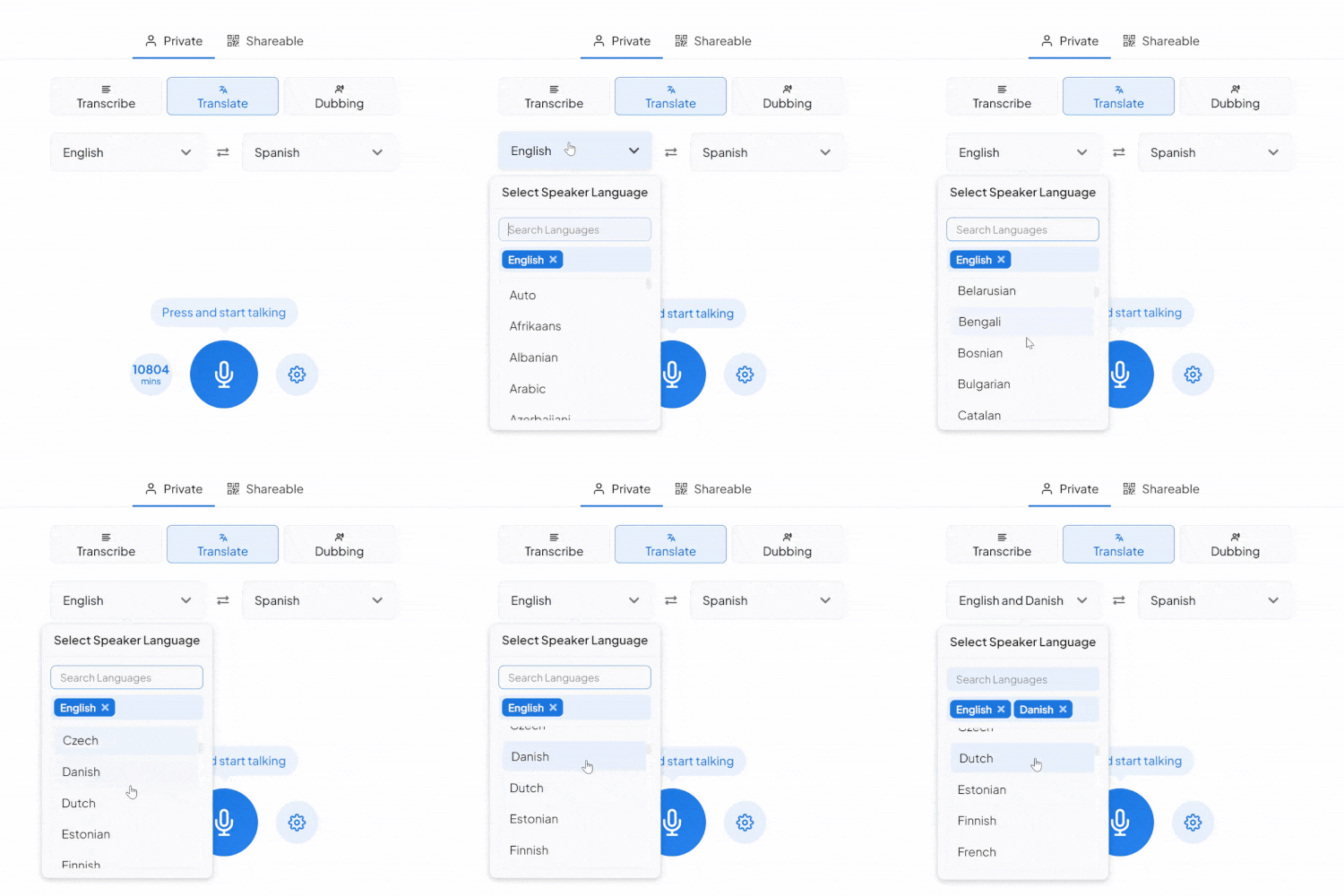
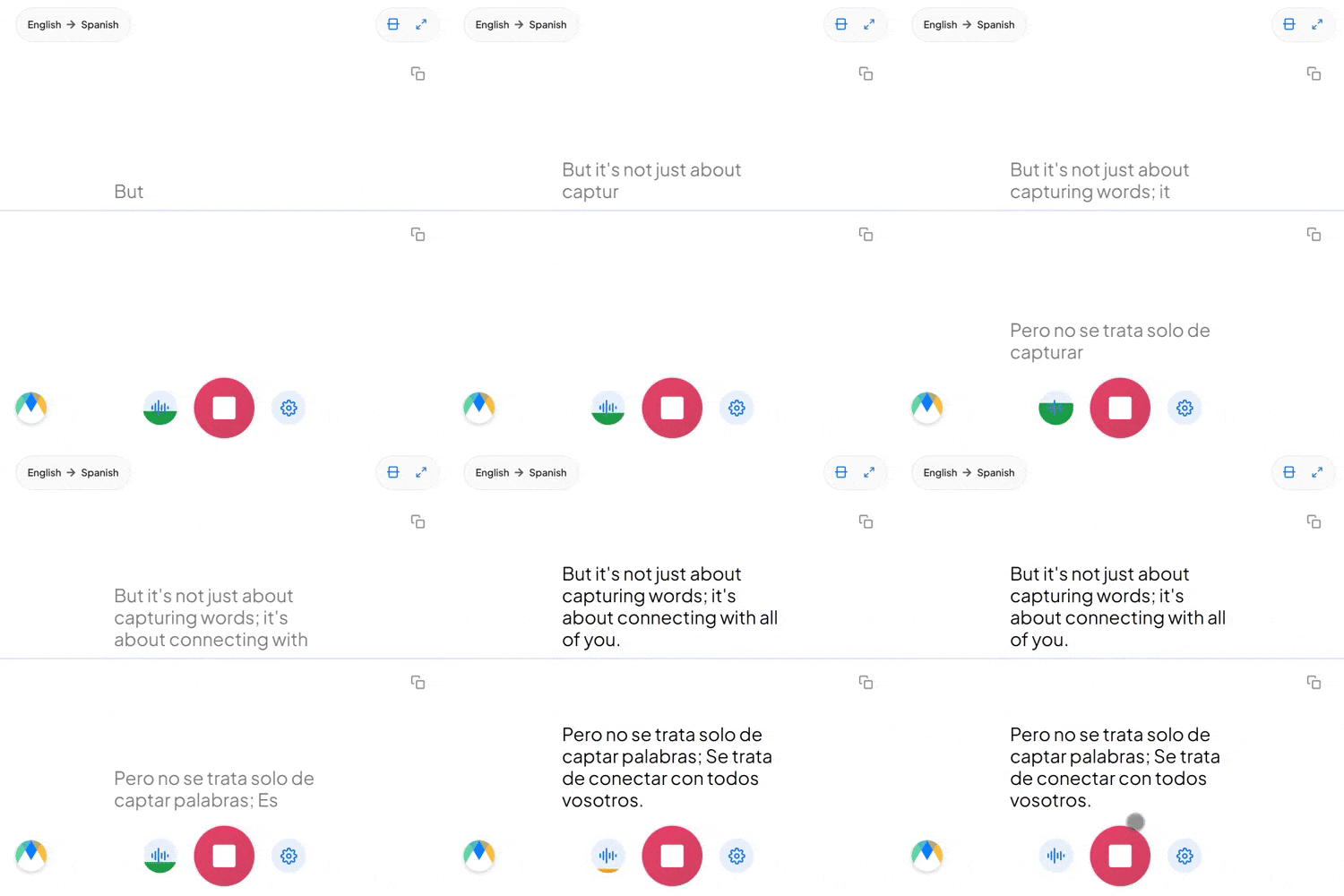
"The client called the manager" and "the manager called the client" mean different things in English purely by order. In Russian, case endings mark who did what to whom, so word order is flexible, a translation has to get the endings right, not just the sequence.
Russian has no articles at all: клиент can mean "a client," "the client," or just "client," depending entirely on context. Going from English into Russian means dropping articles English speakers don't even notice using.
Dropping an English word into an otherwise Russian sentence is ordinary in Russian-speaking tech and startup culture. Expect embedded English terms to stay recognizable rather than get translated a second time.
The settings that sharpen English to Russian voice translation.
Feed it the names, products, and terms your calls repeat, and the Russian output spells them your way every session.
Send the session link to anyone who needs it. They'll hear the live Russian translation from their own browser, no account required on their side.
Auto-detect identifies whatever language is spoken, useful when a session might wander beyond English before it reaches Russian.
A saved session opens with each line wired to its timestamp, so verifying one sentence is a five-second replay.
Sourcing calls and partnership meetings delivered in English, heard live in Russian by the people actually deciding whether to work with you.
Standups and delivery calls where English-speaking product teams brief Russian-speaking engineering partners, translated live as the call happens.

Press calls and licensing discussions between English-speaking teams and Russian-language media, production, or talent partners.

School notices and community briefings delivered in English for Russian-speaking families who are more comfortable hearing it that way.
English to Russian translation where the work happens, from investor calls to standups.

Board meetings and investor calls delivered in English for Russian-speaking stakeholders and partners.
Learn More
Sprint reviews and handoffs run in English, followed live in Russian by distributed engineering teams.
Learn More
Licensing and co-production discussions between English-speaking studios and Russian-language media or talent partners, translated live as terms get negotiated.
Learn More
English and Russian speakers on the same call, each hearing the conversation in their own language as it happens.
Learn MoreConnect the meeting or streaming tool you run Russian sessions in, subscription required for live use.
Link your Zoom account to enable real-time English to Russian captions in meetings.
Learn MoreBring live English to Russian captions into Microsoft Teams meetings.
Learn MoreSend your Google Meet call audio into live English to Russian captions.
Set up real-time English to Russian closed captioning in OBS Studio.
Learn MoreSend live English to Russian captions to vMix for broadcast productions.
Learn MoreThe tool doesn't flag uncertain moments automatically. What it does do is timestamp every word and highlight it during playback, so you can scrub through the Russian audio next to the translation and check any line yourself.
Case endings are core Russian grammar, and the translation is built to produce them naturally. For a sentence where the roles matter, the editor's audio-linked lines make checking quick.
Yes. Your English to Russian session opens in an editor afterward with the audio aligned to every line, ready to correct and export.
Speakers are told apart by color and line breaks while the session runs. The editor assigns Speaker 1, Speaker 2 labels afterward, renamable to real names.
That's the core use. Run a session alongside the call and the Russian follows live, and a shared link lets the other side read or listen from their own browser.
Yes. Russian output uses the native Cyrillic script, not a Latin transliteration.
That's treated as normal bilingual speech, not an error. If more than English might come up in the same session on the way to Russian, switch on auto-detect and it tells each language apart as it's spoken.
That's part of a paid plan. Free English to Russian translation covers your own live session; sharing the link so a group can join needs an upgrade.
Live Translate shows captions. For full English to Russian voice translation, switch to the Dubbing tab, a stock Russian voice or a clone of the English speaker's own.
Yes. English to Russian translation is free to start, with no card or account required.