
Shipping and logistics teams
Port calls, freight coordination, and charter briefings held in Danish, where an instruction has to be understood the first time.
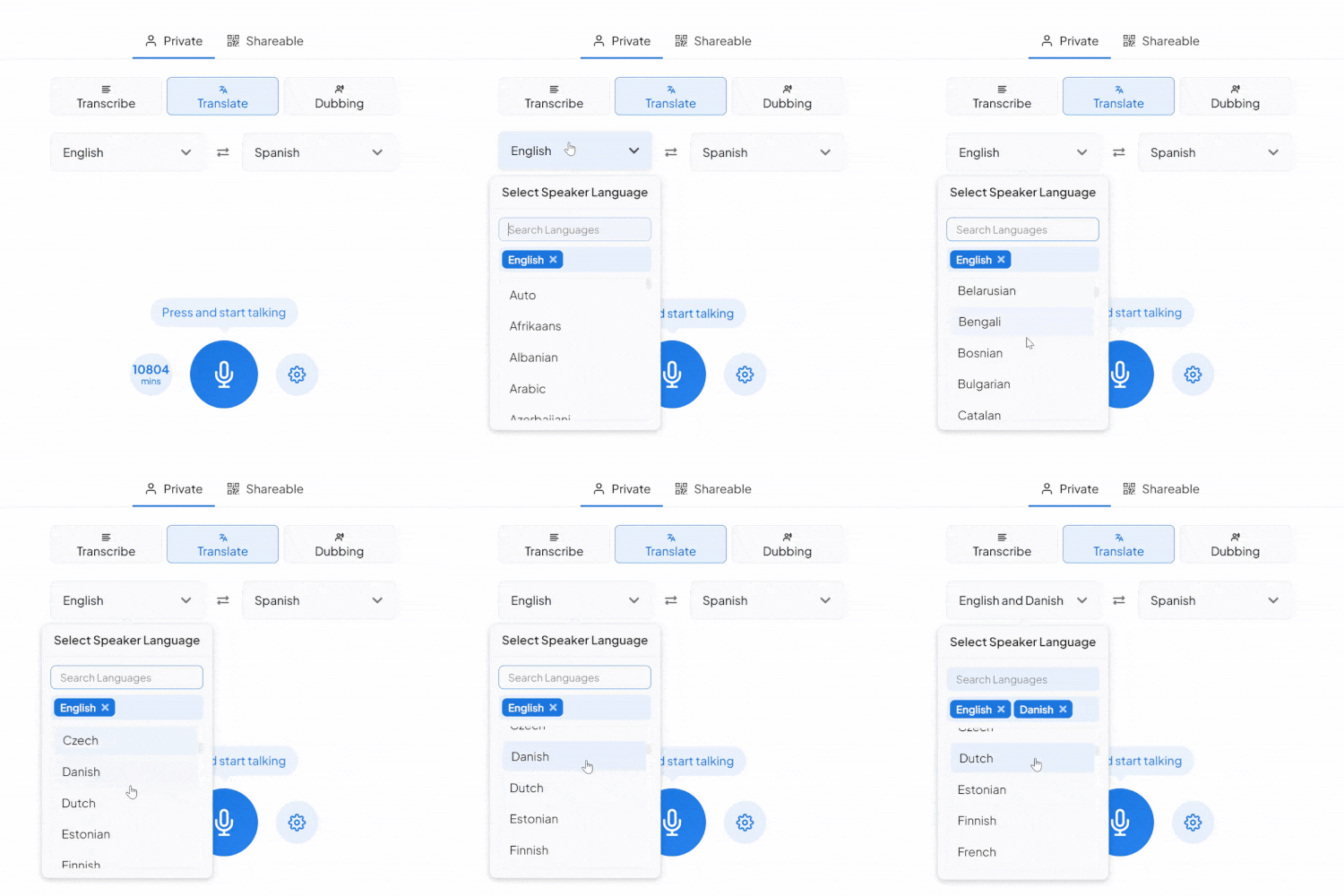
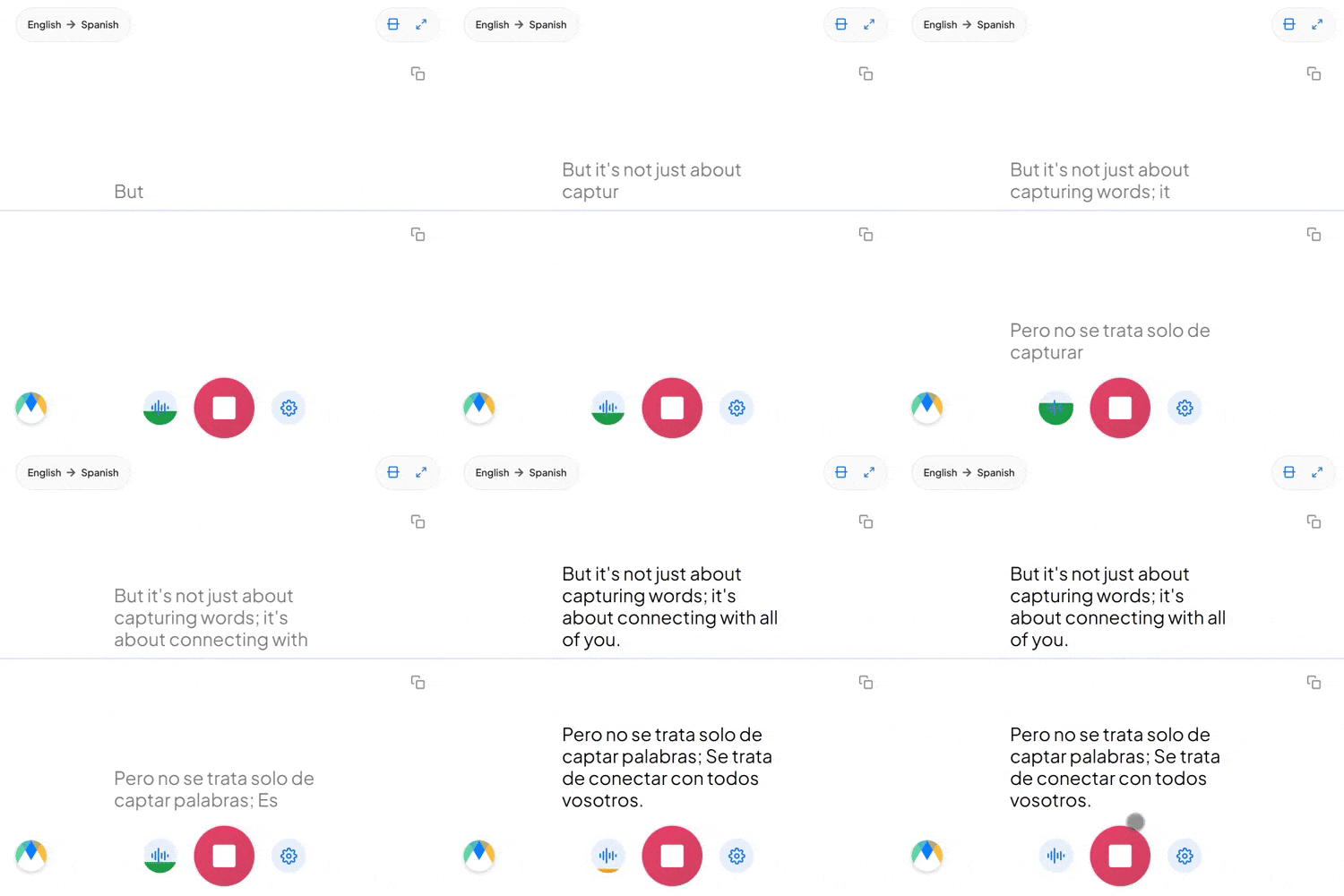
Speak Danish, get live English captions or a spoken English voice. Free to try.
What a session between these two languages comes with.
Danish used to split "you" into De and du, the way German and French still do. Modern Danish uses du almost everywhere, including at work, so there's no register to preserve in the English.
Danes soften or drop consonants and run words together, so a sentence sounds far shorter than it looks on the page. Recognition works from how Danish is actually said, not from its spelling.
Dropping an English word into a Danish sentence is ordinary in Danish business and tech culture. Those terms come through as spoken, not reworded.
Four settings that separate a rough session from a clean one.
Add names, product terms, and internal jargon before you start, so the words you rely on don't come back as something close instead.
Send a link and anyone joins the live session in their browser, reading the translated captions or hearing the audio as it happens. No account needed on their end.
If more than Danish might come up in the same conversation, auto-detect picks up each language as it's spoken instead of locking the session to one source.
Once a session is over and saved, click any line of the transcript to hear the exact timestamped moment. No need to listen through everything again.
Port calls, freight coordination, and charter briefings held in Danish, where an instruction has to be understood the first time.

Research reviews and trial updates run in Danish, with English-speaking colleagues reading or listening on their own devices.

Project meetings, site briefings, and supplier calls held in Danish, with the English arriving before anyone commits to anything.

Meetings, hearings, and resident appointments where a Danish speaker talks and English-speaking staff hear it as it's said.
Whatever the setting, the Danish reaches its English-speaking audience live.

Internal meetings with Danish and English speakers, each side getting the discussion in their own language.
Learn About Live Meeting Translation
Multi-day conferences with Danish-language sessions, translated into English in real time across the whole agenda.
Learn About Live Conference Translation
Courses, workshops, and safety briefings delivered in Danish, with everyone else reading or listening in English.
Learn About Live Training Translation
Lectures and seminars delivered in Danish, with real-time English and a timestamped transcript to revise from afterwards.
Learn About Live Education TranslationFrom video calls to broadcast setups, live translation arrives in the tool you're already using.
Link your Zoom account to enable real-time Danish to English captions in meetings.
Learn MoreBring live Danish to English captions into your Microsoft Teams meetings.
Learn MoreCaption the audio during Google Meet calls and turn it into live Danish to English captions.
Set up real-time Danish to English closed captioning in OBS Studio.
Learn MoreSave the session and every segment links back to its audio timestamp, so you can check the specific moments you doubt instead of re-listening to the whole recording. For anything high-stakes, the full transcript can be reviewed in the editor afterwards.
Dropping English words into a Danish sentence is ordinary in tech and business speech, and those terms come through as spoken rather than reworded. If a session is likely to move between the two languages more heavily, auto-detect picks up each one as it's spoken.
Yes. Each speaker gets their own line in their own color as the session runs, so the transcript stays readable when people talk over one another. In the editor afterwards, speaker detection adds labels (Speaker 1, Speaker 2, and so on) that you can rename.
Spoken English audio comes from Dubbing, a separate tab in the same tool. Pick an AI English voice for the dubbed audio, or turn on voice cloning to keep the original speaker's voice speaking English. Captions and dubbing can run together, so people can read, listen, or both.
It's free to try, with no card and no account required.
Yes. Everyday Danish runs fast, softens consonants, drops endings, and blurs words together, and that's what recognition is built around rather than careful, fully pronounced speech. Clear audio still helps, as it does for any language.
Yes. Your Danish to English session opens in an editor afterward with the audio aligned to every line, ready to correct and export.
Yes. One person starts the session and shares a link, and everyone else joins in their browser to read the captions or hear the translated audio, with no account needed on their end. Sharing a live session with others requires a paid plan.
The live Danish to English voice translator offers nineteen regional English accents, including American, British, Australian, Indian, and more. You pick the voice and accent when you set up real-time dubbing.
Yes, but you must pick Norwegian or Swedish as the source language rather than Danish. They're separate options, and each one translates into English and over 125 other languages.