
Teams working with Gulf partners
Negotiations and partner meetings led in English, where both sides leave the call with the same understanding.
Speak English, get live Arabic captions or a spoken Arabic voice. Free to try.
What you get when you translate from English to Arabic voice, live.
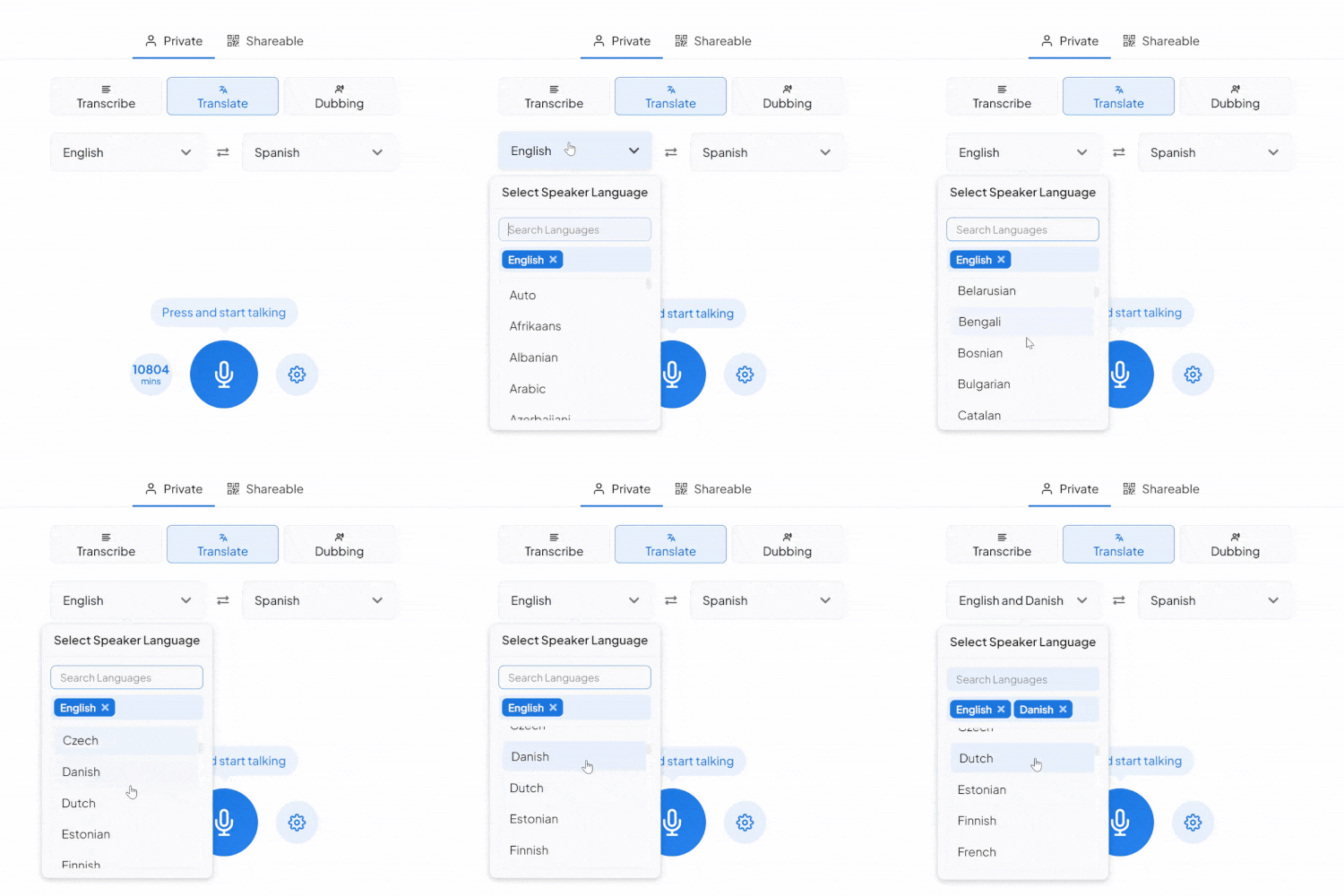
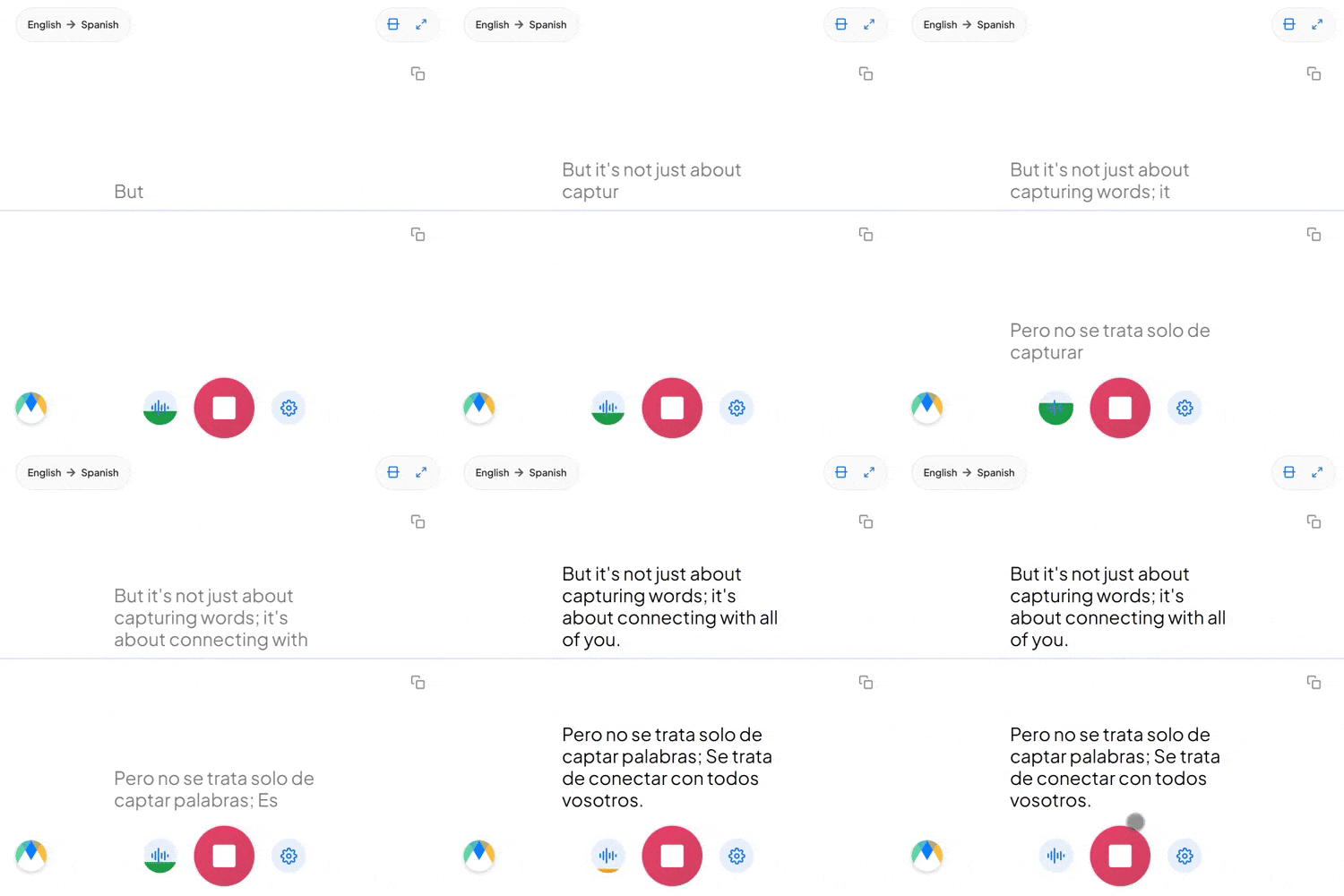
Modern Standard Arabic is what gets written and broadcast, but people speak Egyptian, Gulf, Levantine, or Maghrebi Arabic. A stiff MSA rendering can sound like a news anchor on a casual call.
"You went" is one phrase in English for whoever is listening. Arabic splits it into ذهبتَ to a man and ذهبتِ to a woman. The form is chosen from the context in conversation: a name or an earlier line is usually enough.
Business and tech speech in the Gulf and the Levant builds Arabic sentences around English words. Those terms stay recognizable in the captions and the audio, rather than getting translated a second time.
Four settings that separate a rough session from a clean one.
Add names, product terms, and internal jargon before you start, so the words you rely on don't come back as something close instead.
Send a link and anyone joins the live session in their browser, reading the translated captions or hearing the audio as it happens. No account needed on their end.
If more than English might come up in the same conversation, auto-detect picks up each language as it's spoken instead of locking the session to one source.
Once a session is over and saved, click any line of the transcript to hear the exact timestamped moment. No need to listen through everything again.
Negotiations and partner meetings led in English, where both sides leave the call with the same understanding.

Consultations, intake, and service appointments given in English, where an Arabic speaker needs to leave knowing what happens next.

Supplier calls and project reviews run in English, where the next step depends on getting the details right.

Parent evenings and enrolment meetings held in English, so Arabic-speaking families take part rather than sit through them.
Whatever the setting, the English reaches an Arabic-speaking audience live.
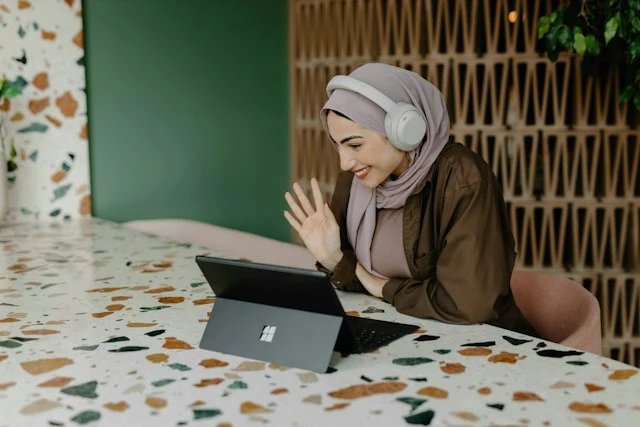
Live webinars and online sessions delivered in English, with Arabic captions on screen and dubbed Arabic audio for anyone who'd rather listen.
Learn About Live Webinar Translation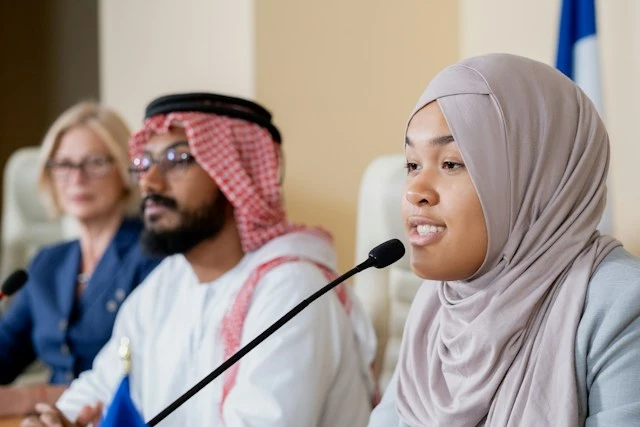
Council meetings, public consultations, and intergovernmental sessions held in English, so Arabic-speaking residents and partner delegations follow every point as it's made.
Learn About Live Government Translation
Live commentary and post-match interviews given in English, reaching Arabic speakers without a translation desk in between.
Learn About Live Sports Translation
Onboarding, safety briefings, and skills training run in English, with Arabic reaching every trainee as the session runs.
Learn About Live Training TranslationFrom video calls to broadcast setups, live translation arrives in the tool you're already using.
Link your Zoom account to enable real-time English to Arabic captions in meetings.
Learn MoreBring live English to Arabic captions into your Microsoft Teams meetings.
Learn MoreCaption the audio during Google Meet calls and turn it into live English to Arabic captions.
Set up real-time English to Arabic closed captioning in OBS Studio.
Learn MoreYes. When you turn on two-way translation, the conversation runs in both directions, so an Arabic speaker's reply comes back to you in English on the same call.
Spoken Arabic audio comes from Dubbing, a separate tab in the same tool. Simply pick an AI Arabic voice for the dubbed audio. Captions and dubbing can run together, so people can read, listen, or both.
Yes. Arabic captions run right to left, and English terms or numbers inside a line keep their own direction, so a mixed sentence reads correctly rather than reversed.
Every line in the transcript stays linked to its audio, so an Arabic speaker can check a specific moment rather than review the whole session. Adding names, terms, and acronyms to the custom dictionary beforehand reduces what needs checking at all. For anything high-stakes, have an Arabic-speaking colleague read the saved transcript in the editor before it goes further.
Yes. Your English to Arabic session opens in an editor afterward with the audio aligned to every line, ready to correct and export.
Yes. One person starts the session and shares a link, and everyone else joins in their browser to read the captions or hear the translated audio, with no account needed on their end. Sharing a live session with others requires a paid plan.
The live English to Arabic voice translator offers 18 regional options: a common Arabic voice alongside Algeria, Bahrain, Egypt, Gulf, Iraq, Jordan, Kuwait, Lebanon, Libya, Morocco, Oman, Qatar, Saudi Arabia, Syria, Tunisia, the United Arab Emirates, and Yemen. Pick the one closest to your audience when you set up dubbing.
More than 120, across three tiers. The Legacy tier adds regional options (Egyptian, Gulf, Levantine, Maghrebi and more) while Standard and Pro voices are region-neutral. You can preview any of them when you set up dubbing.
Yes. English has one "you went" for everyone, while Arabic needs a different verb ending depending on who's being addressed. The tool picks up on names and earlier turns in the conversation to work out which form fits, and you can correct any line in the editor afterwards.
That's fine. Just choose auto-detect when you set the source language, and each one is picked up as it's spoken.
Yes. Each speaker gets their own line in their own color as the session runs, so the transcript stays readable when people talk over one another. In the editor afterwards, speaker detection adds labels (Speaker 1, Speaker 2, and so on) that you can rename.
It's free to try, with no card and no account required.