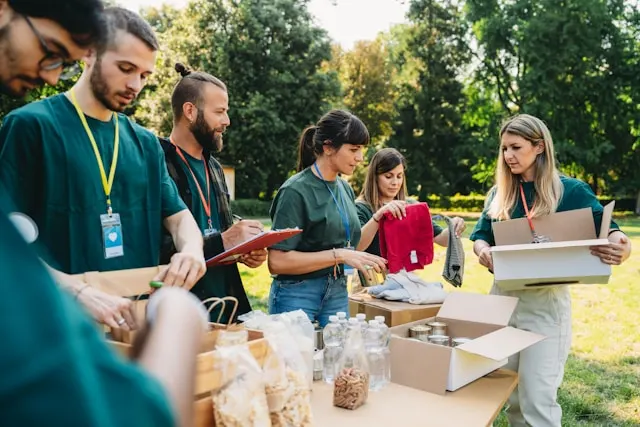
NGO and humanitarian teams
Briefings and community meetings delivered in English, with Amharic-speaking staff and participants following as it happens.
Speak English, get live Amharic captions or a spoken Amharic voice. Free to try.
What you get when you translate from English to Amharic voice, live.
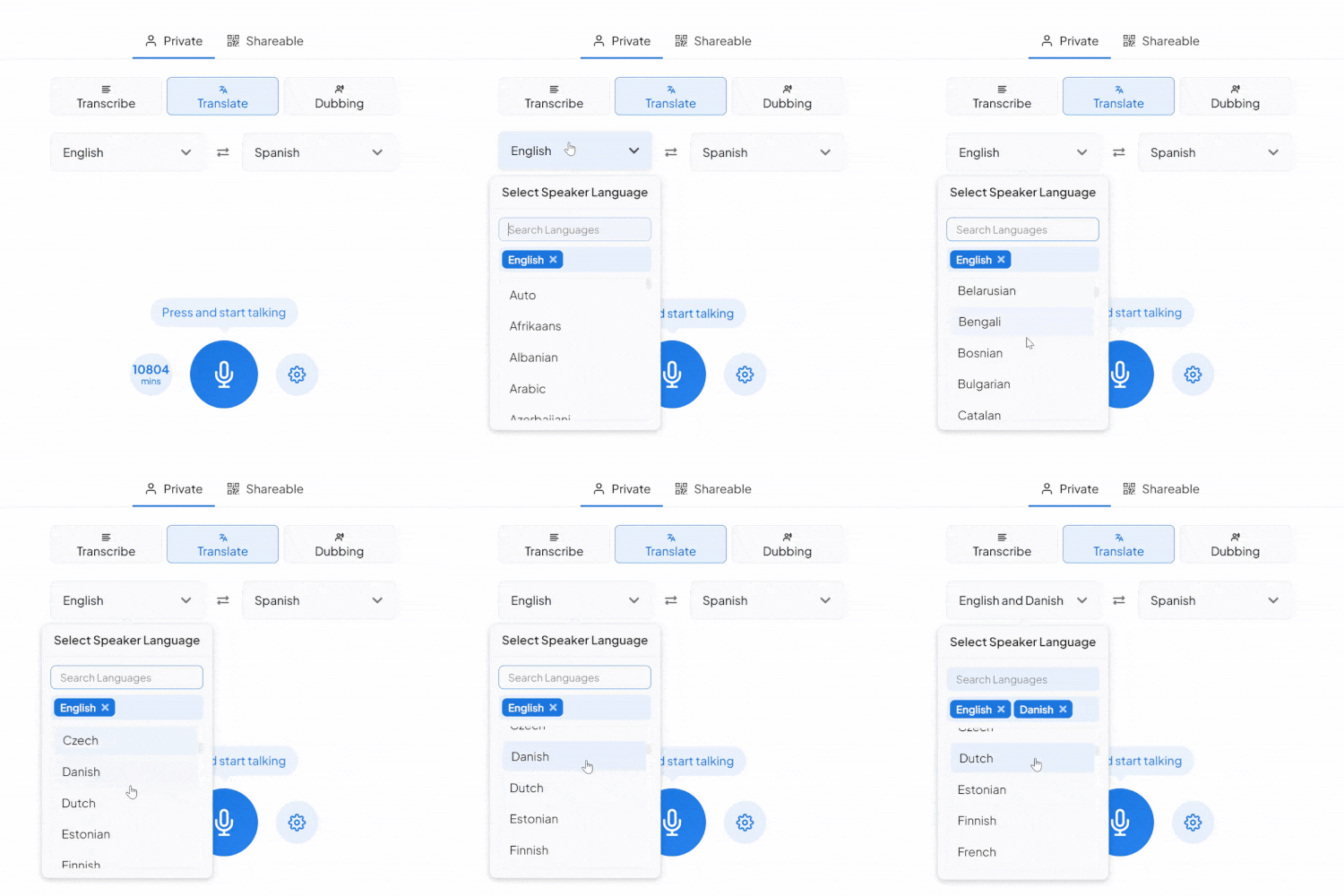
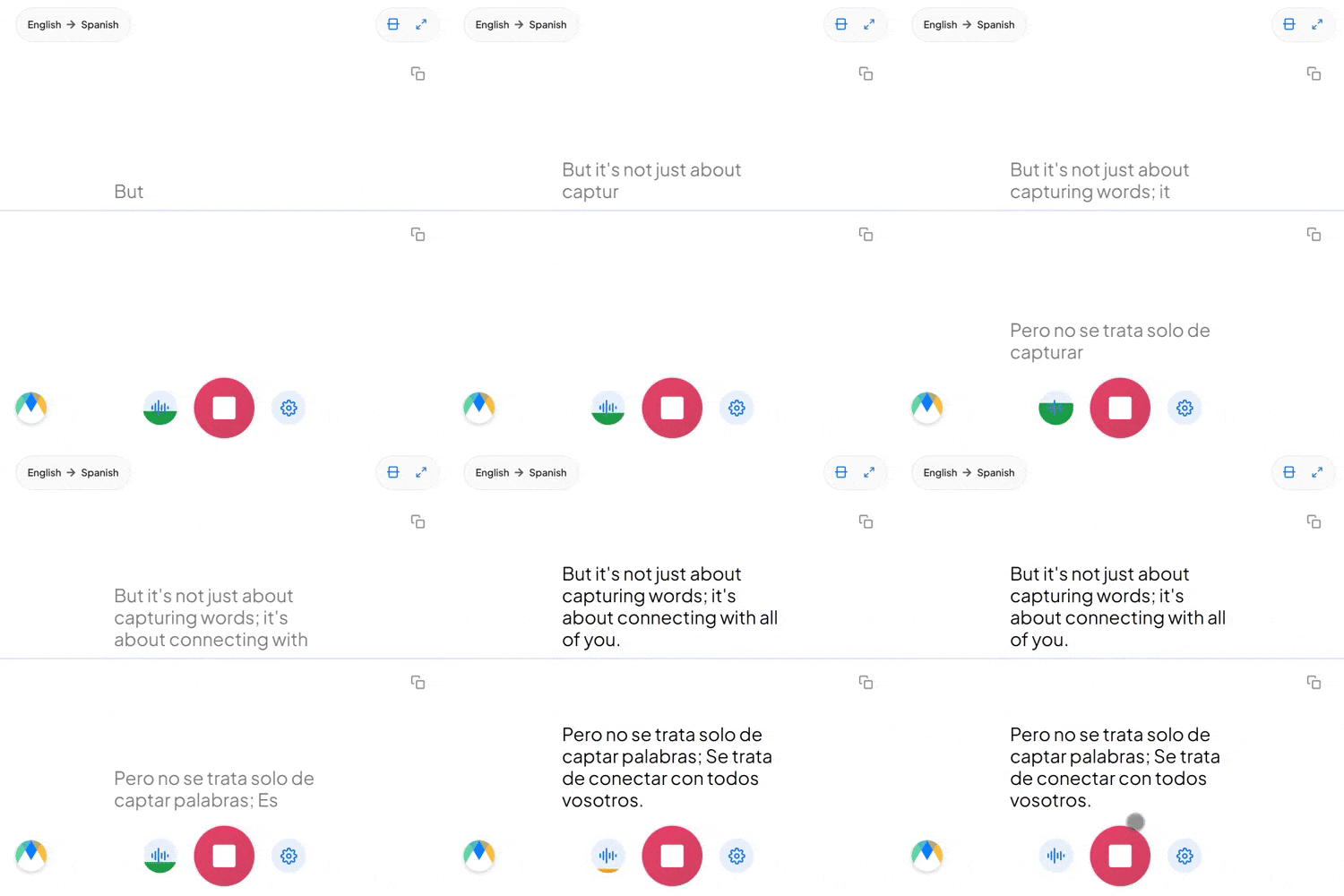
Amharic uses the Ge'ez abugida, or fidel, where each character stands for a consonant and vowel together. The captions come out in fidel, so an Amharic reader can follow them directly.
Amharic is subject-object-verb, so "I saw the client" becomes the equivalent of "I the-client saw." The English sentence is rebuilt in Amharic order rather than swapped word for word.
Addressing an elder or a senior colleague takes a plural verb form in Amharic, even when one person is meant. English has no equivalent, so the register has to come from context.
Four settings that separate a rough session from a clean one.
Add names, product terms, and internal jargon before you start, so the words you rely on don't come back as something close instead.
Send a link and anyone joins the live session in their browser, reading the translated captions or hearing the audio as it happens. No account needed on their end.
If more than English might come up in the same conversation, auto-detect picks up each language as it's spoken instead of locking the session to one source.
Once a session is over and saved, click any line of the transcript to hear the exact timestamped moment. No need to listen through everything again.
Briefings and community meetings delivered in English, with Amharic-speaking staff and participants following as it happens.
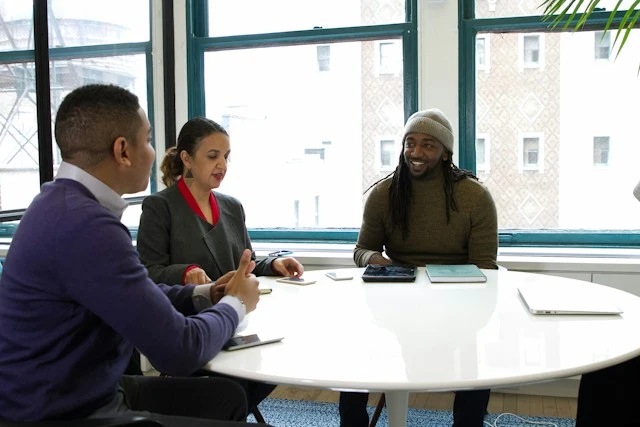
Appointments, hearings, and resident services where an English-speaking official needs to be understood by Amharic speakers.
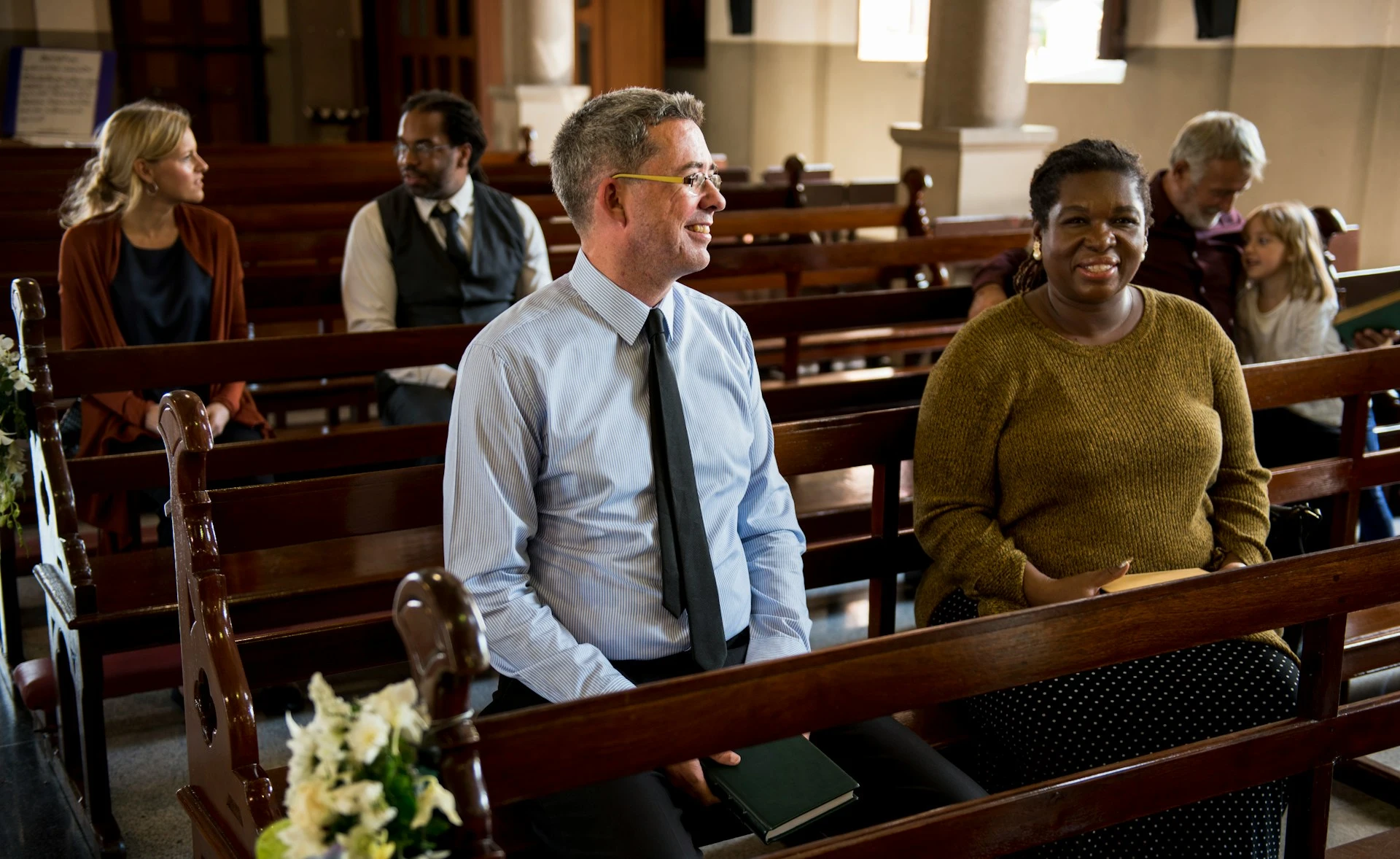
Sermons and community gatherings held in English, with Amharic-speaking members following on their own phones.
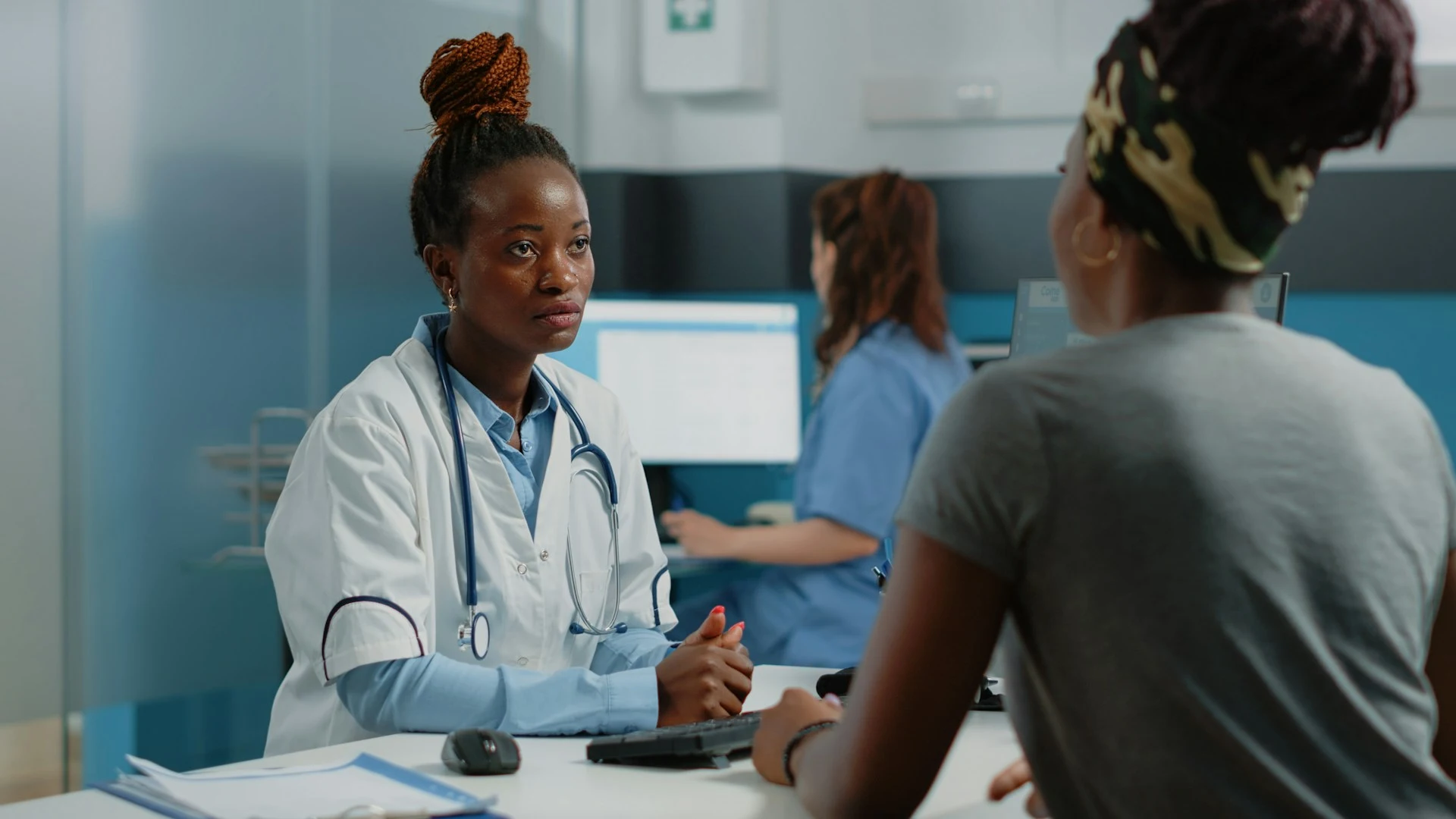
Consultations, intake, and instructions given in English, with Amharic-speaking patients following in their own language.
Whatever the setting, the English reaches its Amharic-speaking audience live.
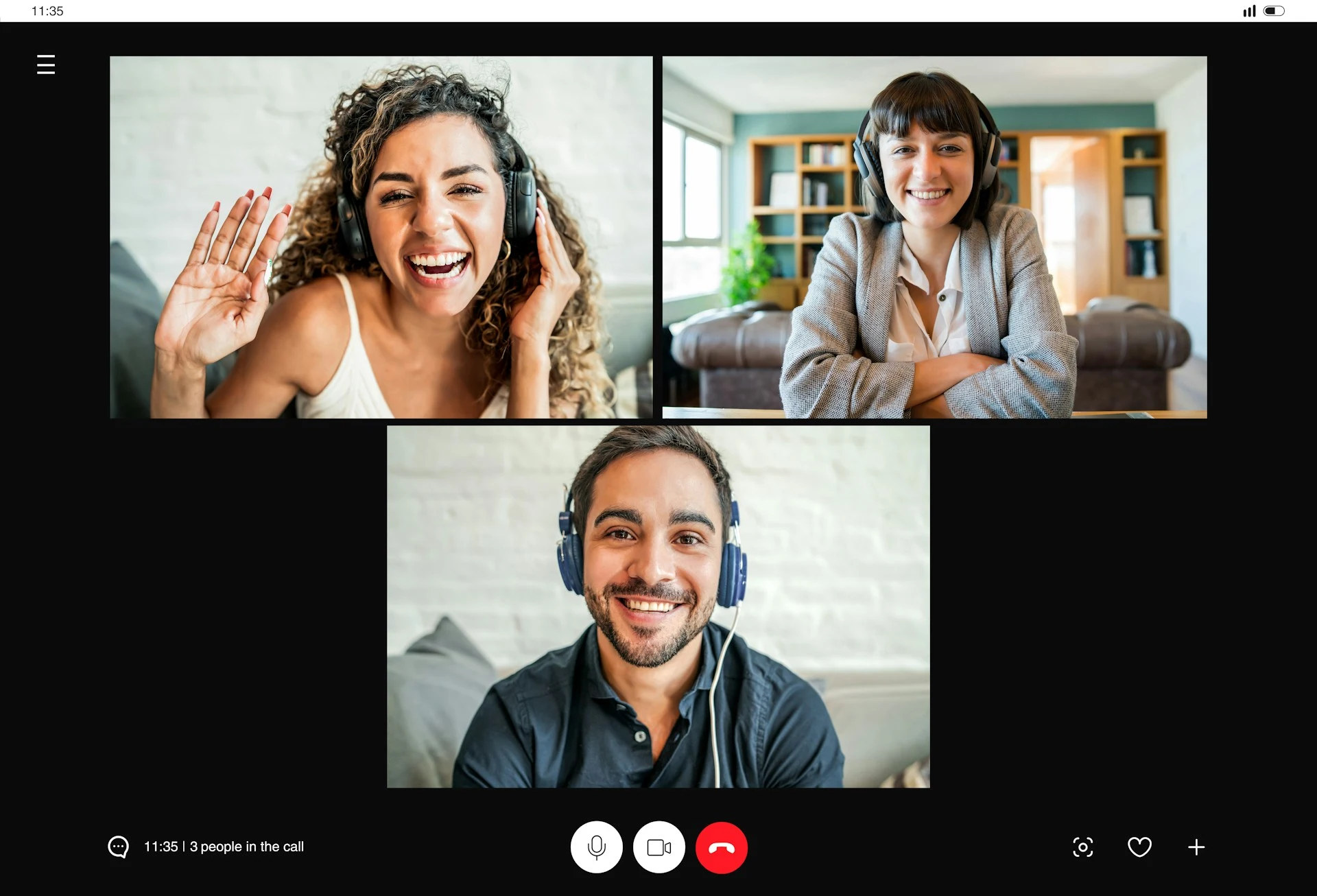
Internal meetings with English and Amharic speakers, each side getting the discussion in the language they speak.
Learn About Live Meeting Translation
Courses, workshops, and safety briefings delivered in English, with Amharic-speaking staff reading or listening in Amharic.
Learn About Live Training Translation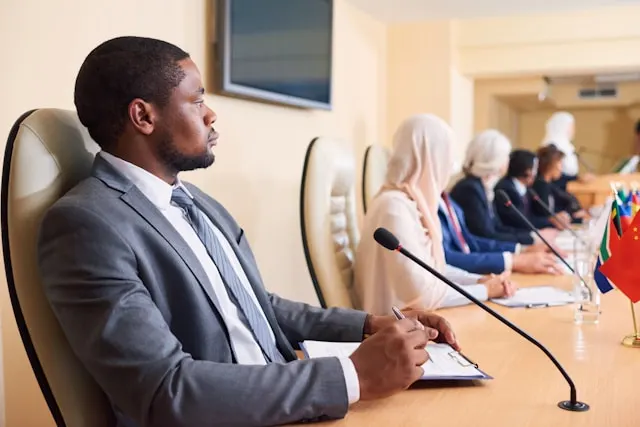
Council meetings, hearings, and resident appointments where Amharic-speaking residents follow the English as it's said.
Learn About Live Government Translation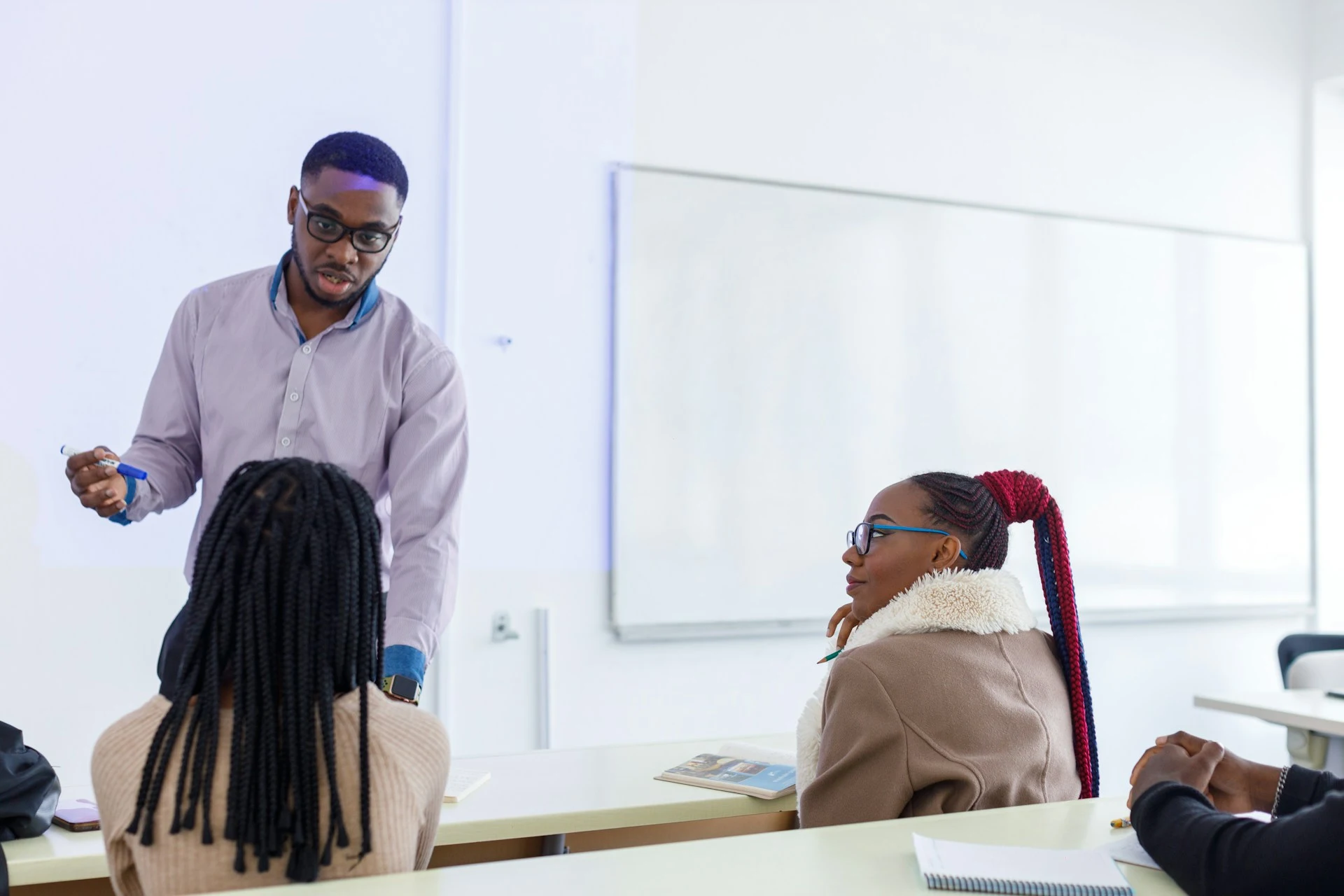
Lectures and seminars delivered in English, with Amharic-speaking students following in real time.
Learn About Live Education TranslationFrom video calls to broadcast setups, live translation arrives in the tool you're already using.
Link your Zoom account to enable real-time English to Amharic captions in meetings.
Learn MoreBring live English to Amharic captions into your Microsoft Teams meetings.
Learn MoreCaption the audio during Google Meet calls and turn it into live English to Amharic captions.
Set up real-time English to Amharic closed captioning in OBS Studio.
Learn MoreSend live English to Amharic captions to vMix for broadcast productions.
Learn MoreYes. When you turn on two-way translation, the conversation runs in both directions, so an Amharic speaker's reply comes back to you in English on the same call.
Spoken Amharic audio comes from Dubbing, a separate tab in the same tool. Simply pick an AI Amharic voice for the dubbed audio. Captions and dubbing can run together, so people can read, listen, or both.
Every line in the transcript stays linked to its audio, so an Amharic speaker can check a specific moment rather than review the whole session. Adding names, terms, and acronyms to the custom dictionary beforehand reduces what needs checking at all. For anything high-stakes, have an Amharic-speaking colleague read the saved transcript in the editor before it goes further.
Yes. Your English to Amharic session opens in an editor afterward with the audio aligned to every line, ready to correct and export.
Yes. One person starts the session and shares a link, and everyone else joins in their browser to read the captions or hear the translated audio, with no account needed on their end. Sharing a live session with others requires a paid plan.
Live captions use Fidel, the Ge'ez script Amharic is written in, rather than romanized Amharic. An Amharic speaker can read it as it runs and edit the saved transcript afterwards.
Amharic dubbing comes in two voices: one male and one female. You pick which one speaks the translation when you set up dubbing, and you can preview both before you start.
That's fine. Just choose auto-detect when you set the source language, and each one is picked up as it's spoken.
Yes. Each speaker gets their own line in their own color as the session runs, so the transcript stays readable when people talk over one another. In the editor afterwards, speaker detection adds labels (Speaker 1, Speaker 2, and so on) that you can rename.
It's free to try, with no card and no account required.