Live Translate
Generate translated captions and audio in real-time. Try for free!
What would you like to do today?
How Does Live Voice Translation Work?
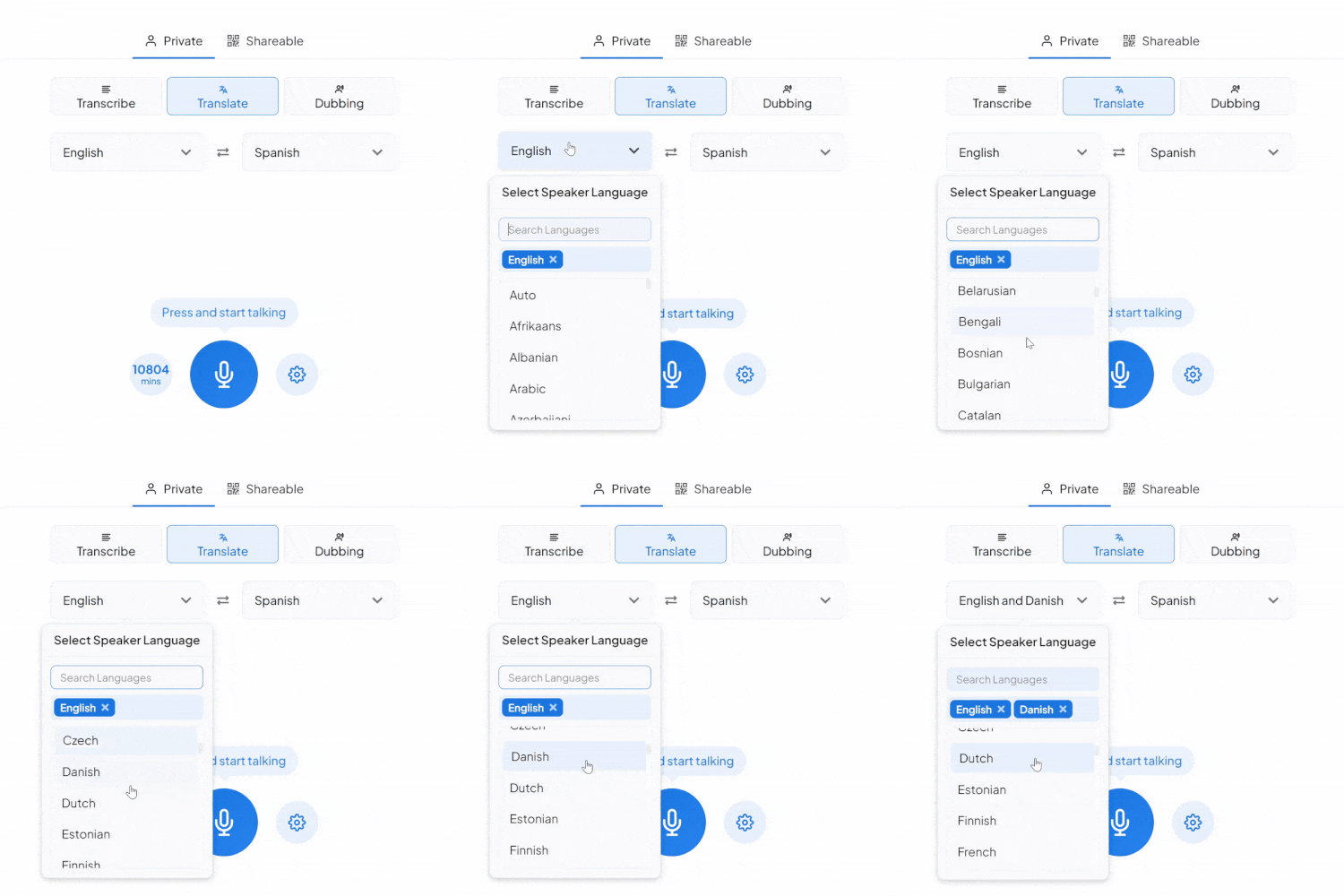
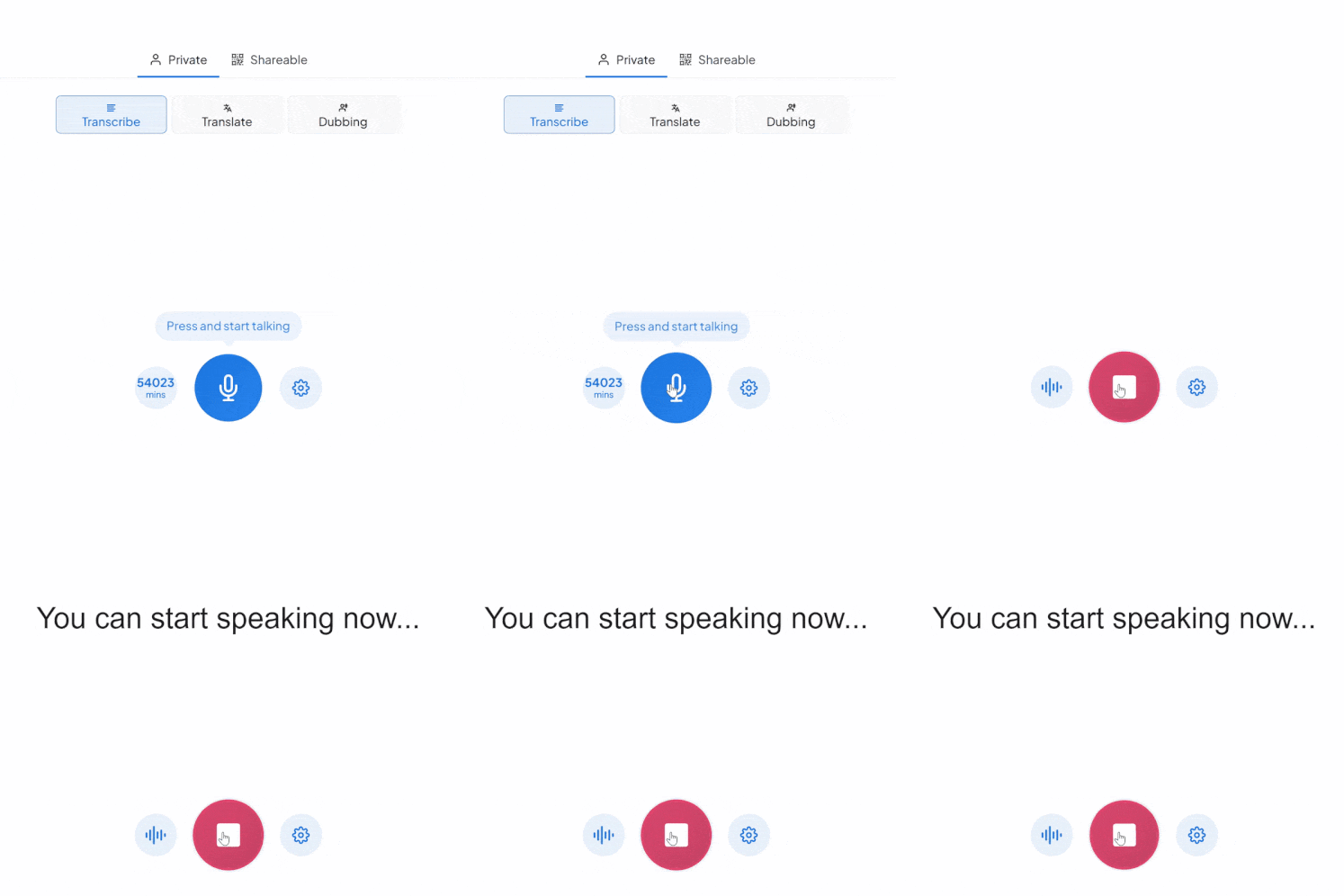
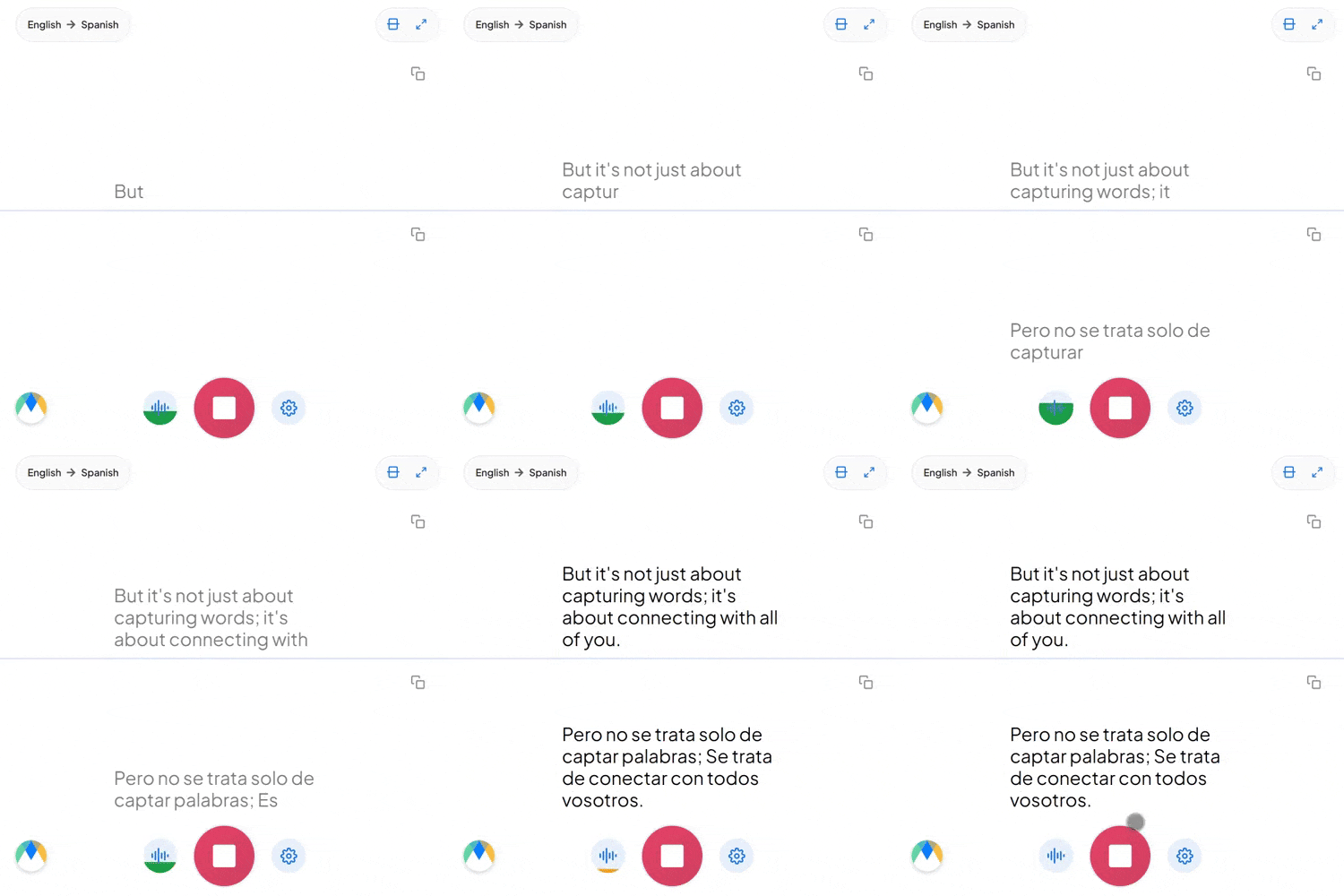
Listen & Translate in Real Time
Maestra listens to your speech, transcribes it with accurate live captions, and translates it into your target language instantly. Whether you're speaking one language or switching between many, Maestra keeps up in real time so you never miss the message.
AI Voice Dubbing
Hear translations spoken aloud automatically with AI voices or voice cloning.
Dubbing guideAuto-Detect & Diarization
Auto-Detect the audio language and diarize multiple speakers.
Speaker detection guideCustom Dictionary
Improve accuracy by adding industry-specific terms or defining custom replacements.
Dictionary guideSave & Summarize
Save your live translations as recordings and generate AI summaries afterward.
Recordings guideLive Integrations
Integrate with OBS, Zoom, vMix, or Microsoft Teams for meetings and live streams.
Integration guidesShare Sessions
Share your session via link or QR code to include everyone in the conversation.
Session sharing guideVoice Translator FAQs
Is Maestra's live translator free?
Yes. You can try all features for free — no account or credit card required.
Does live transcription support multiple speakers?
Yes. Maestra can diarize and caption multiple speakers in real time.
Can Maestra translate two people speaking different languages back and forth?
Yes. It handles multilingual conversations, mixed-language speech, and back-and-forth two way dialogue.
Do I need to install anything?
No installation is required. Maestra runs entirely in your browser.
Is my data private and secure?
Yes. Your sessions remain private unless you choose to share them. You control who can access what.
Does live transcription support specialized terms?
Yes. Add industry-specific terms, names, and jargon to the dictionary so they're transcribed accurately.
Does Maestra work with Zoom, Microsoft Teams, OBS or vMix?
Yes. Follow the setup guides for Zoom, Microsoft Teams, Google Meet, OBS Studio and vMix. Each guide covers the connection, permissions, audio input and where participants see the captions.
How many languages does live transcription support?
Maestra supports 125+ languages for both transcription and speech translation.
Does Maestra work as a live interpreter?
Yes. Maestra listens, transcribes, and translates your speech instantly. It can also speak the translation aloud, making it function like a real-time interpreter.
Can I share my live transcription or translation with others?
Yes. You can share a link or QR code so others can follow your live captions and translations in real time.
Can it transcribe long live audio sessions?
Yes. Maestra is built for long-running sessions and can caption and translate audio continuously for hours without interruption, making it ideal for lectures, meetings, conferences, and all-day events.
Does Maestra support automatic language detection?
Yes. Maestra can automatically detect the spoken language, which is useful if speakers switch languages or mix them.
Can Maestra speak the translation aloud in my own voice?
Yes. The translator can play spoken translations automatically using high-quality AI voices or your cloned voice.
Trusted by teams and individuals at:






