Resultado satisfactorio
it was really cool
Traduce tu voz al instante con Maestra — rápido, preciso y directamente en el navegador.
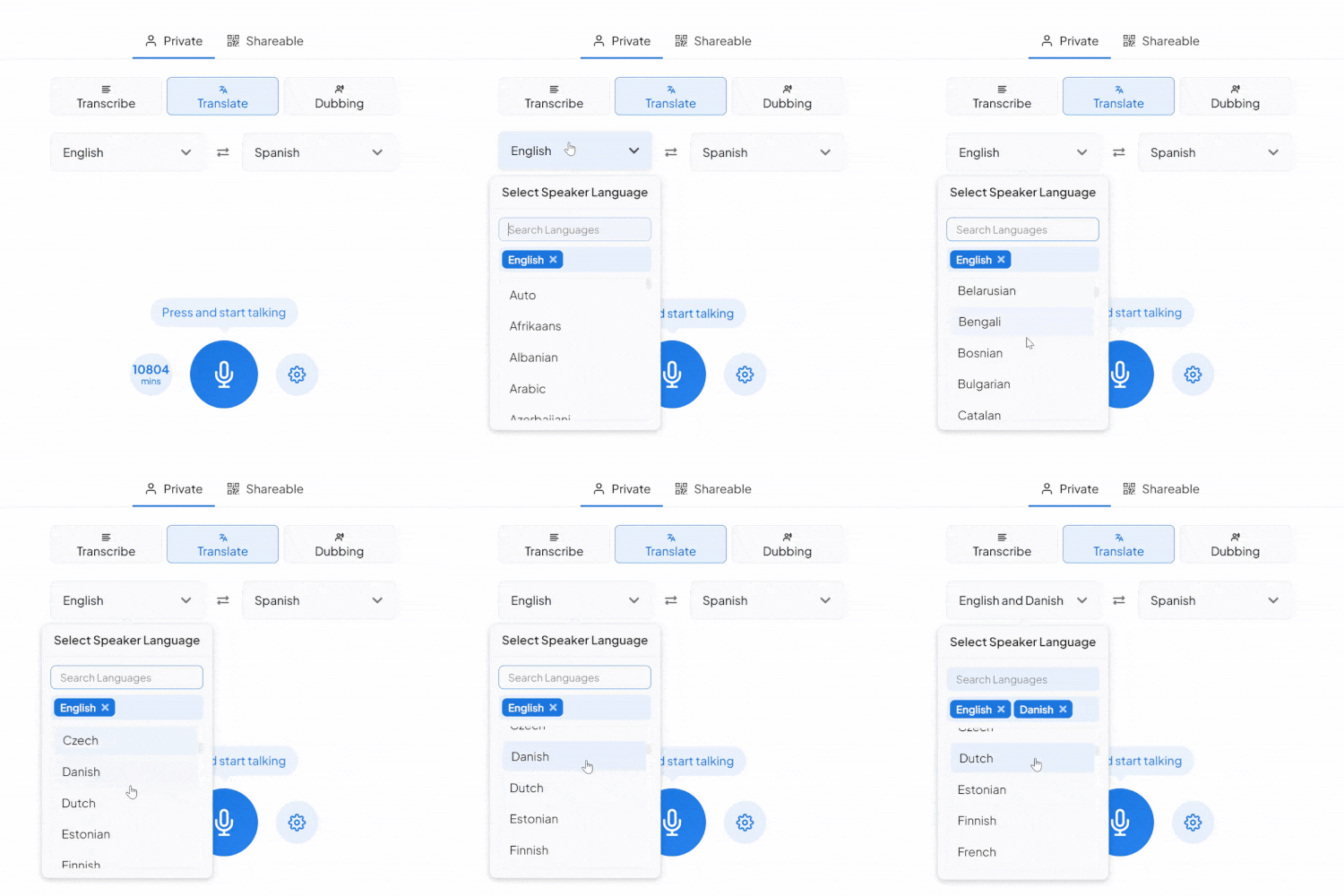
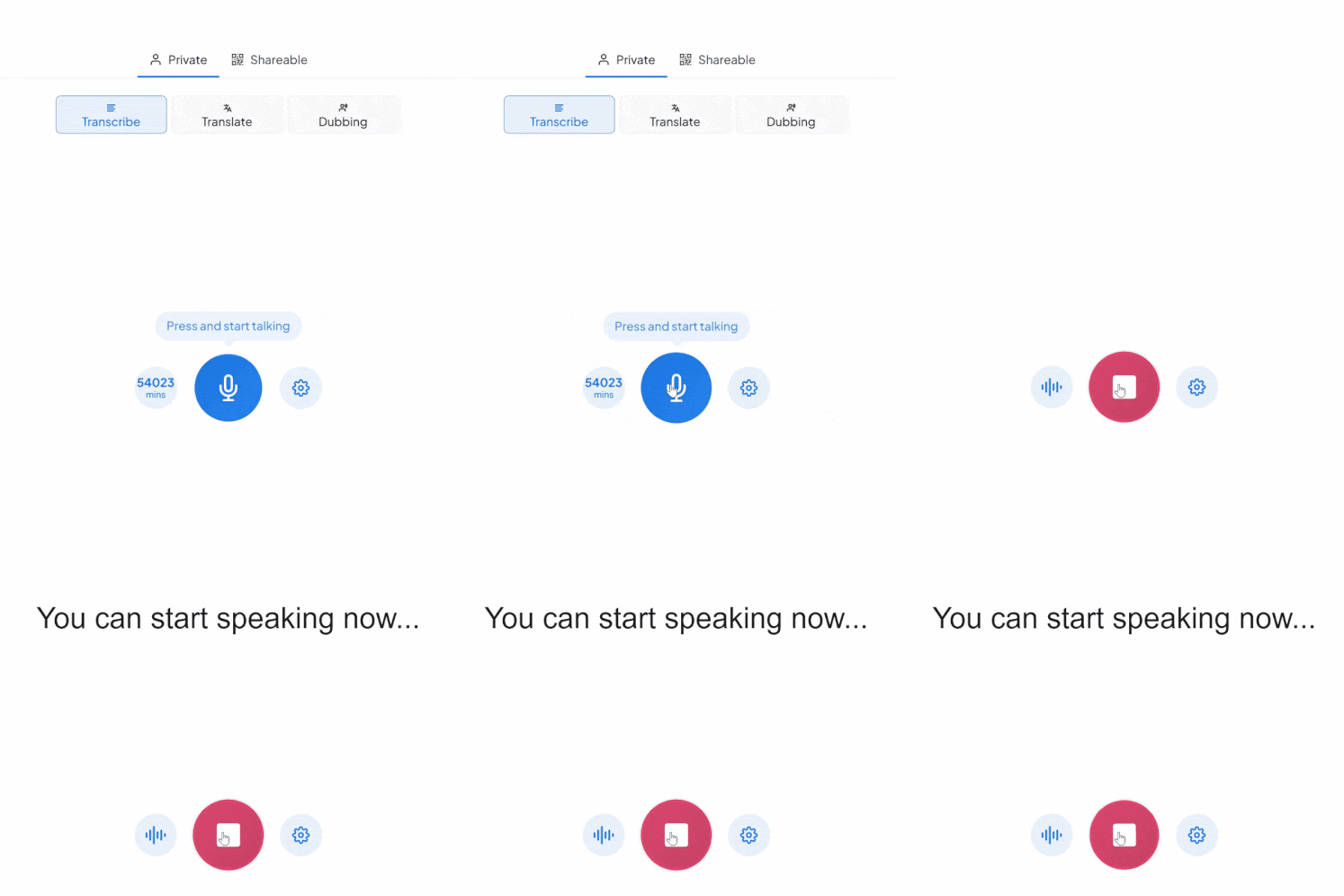
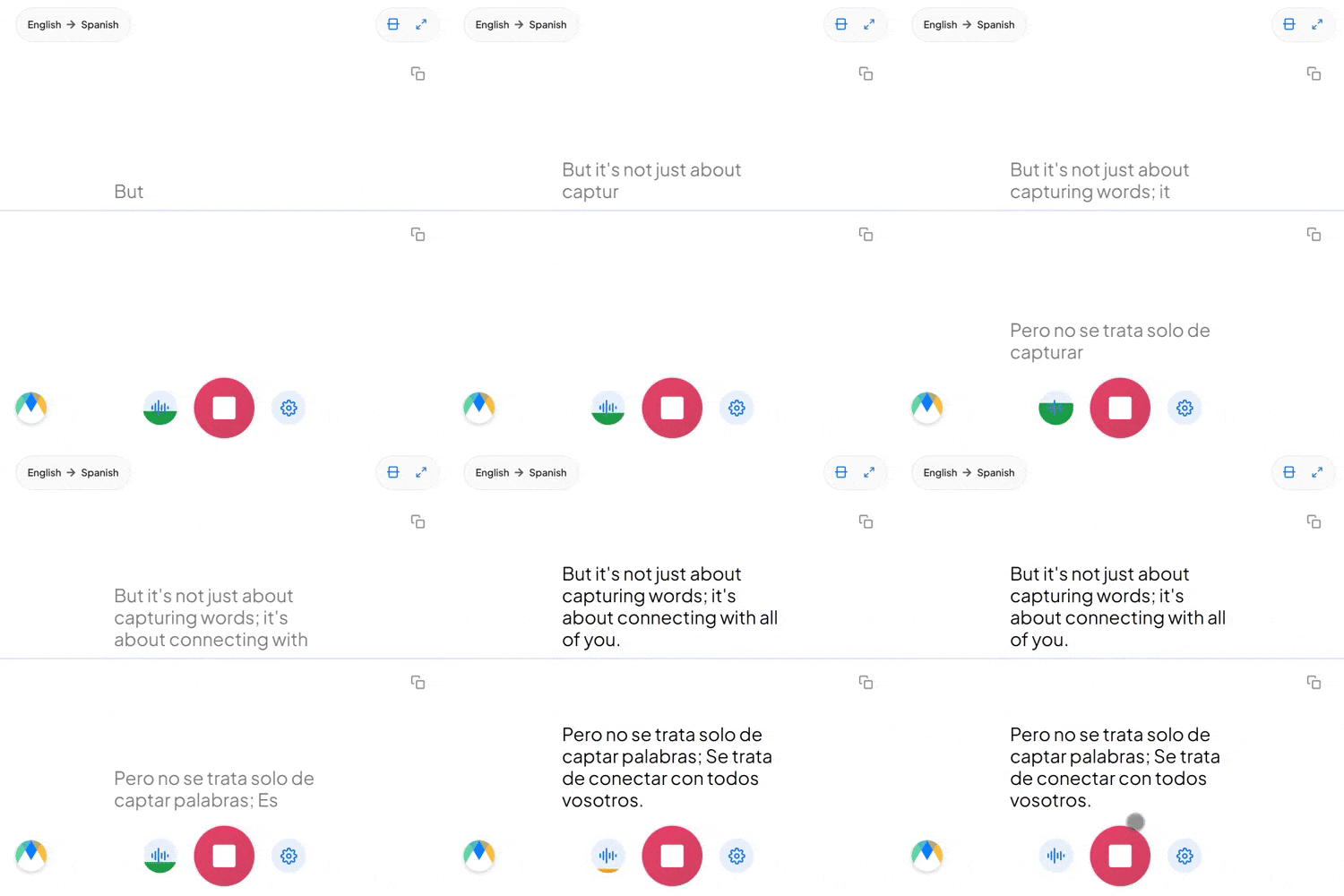
Maestra escucha tu voz, la transcribe con subtítulos precisos en tiempo real y la traduce instantáneamente a más de 125 idiomas. Ya sea una conversación bilingüe, una reunión internacional o un intercambio rápido, Maestra mantiene la traducción en tiempo real sin interrupciones.
Yes, your sessions can be saved under the real-time tab of your Maestra dashboard. You can edit them further to polish them, translate to more languages and expand on the voiceover with more AI features like lip sync.
When the session starts, it will take a few seconds for the software to clone your voice. And, it will get better as you continue speaking, becoming indistinguishable from your real voice in any language you prefer!
Yes, all of Maestra's pro features have free trials so that everyone can try and see the AI-powered solutions before purchasing.
Yes, the voice translator displays live captions when the live voiceover is happening. Therefore, hearing-impaired individuals can also participate in the conversation.
Yes, you can create and share sessions in multiple translation languages where attendees can pick and choose which translation language to listen to. This is a unique feature that allows users to create live events where individuals from different countries can be included effortlessly.
Maestra's voice translator is extremely accurate when translating live voices. Sound clarity is the most important factor, as long as there isn't overlapping speech and the sound isn't distorted, accuracy will be high.
No, Maestra's live voice translator is completely online, all you need is an internet connection and you can utilise every AI-driven tool supported by Maestra AI.
As of now, you can translate multiple voices simultaneously to one chosen AI voice, and voice cloning also does not have speaker diarization. But it is a work in progress and it will be available very soon.
Absolutely, under the "Appearance" tab in settings, you can change the theme, font, color, size, height, spacing of live transcripts and more, including background customization options.
Maestra's voice translator app has integrations with Zoom, OBS & vMix, allowing users to seamlessly transcribe live meetings or live streams.
Equipos e individuos de estas compañías confían en nosotros:








translation latency
it was really cool
I hate the lagging