Maestra
Live Transcribe
Real-time speech to text — free, fast, and no account required.
实时会话在Business 计划或更高版本中可用
-
即时共享:
通过二维码或共享链接与他人共享您的转录或翻译会话。
-
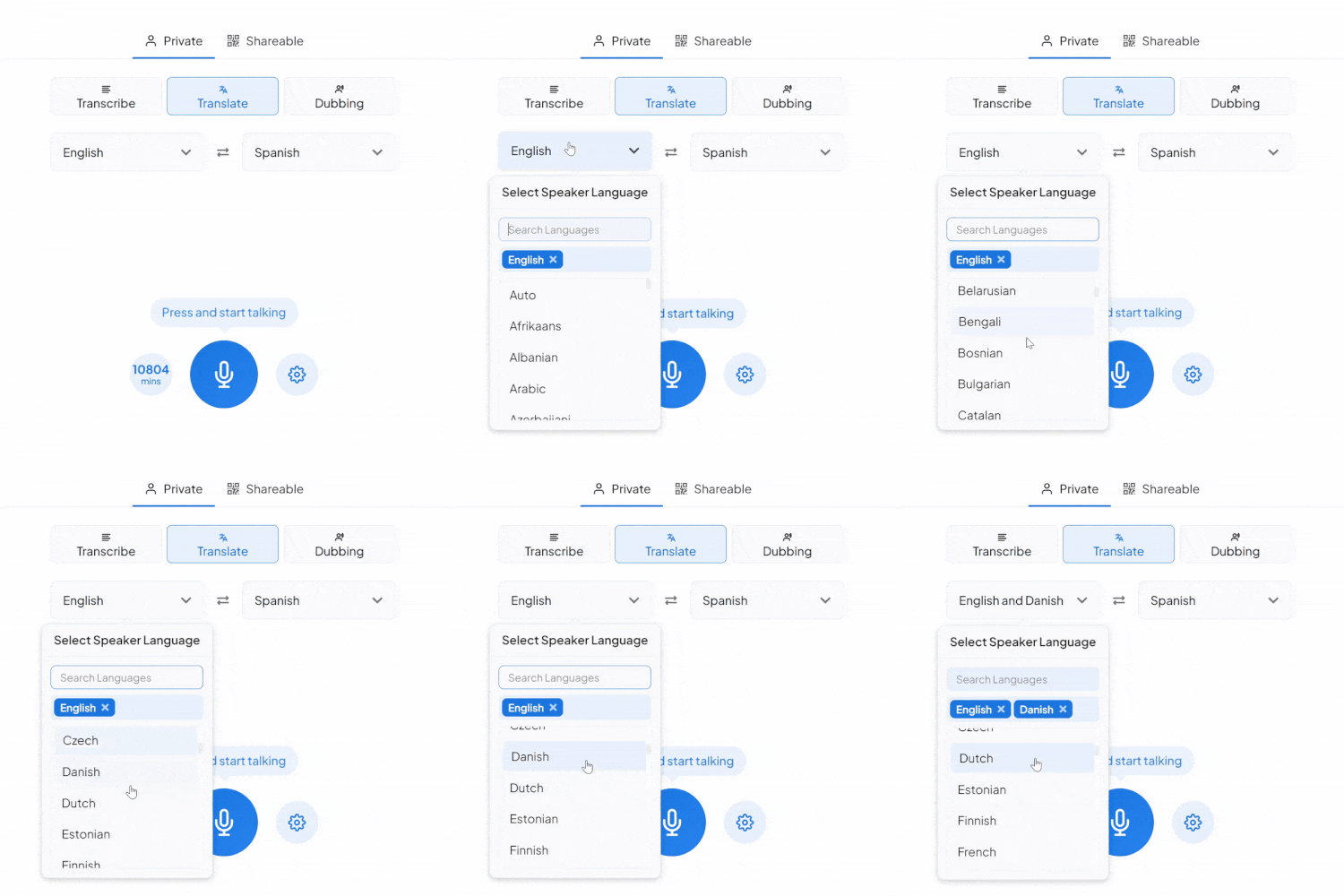
实时翻译:
将内容翻译成多种语言。
-
多说话人支持:
说话人可以用不同的语言说话,客人可以听他们喜欢的语言。
Maestra Real-Time 定价
- 您将获得:
- 字幕360 分钟/月
- 您将获得:
- 字幕900 分钟/月
- 或
- 翻译180 分钟/月
- 包含的所有内容 Basic,加:
- API访问
- 优先支持
- 您将获得:
- 字幕1800 分钟/月
- 或
- 翻译360 分钟/月
- 或
- 配音180 分钟/月
- 包含的所有内容 Premium,加:
- 会话共享
- 您将获得:
- 字幕4500 分钟/月
- 或
- 翻译900 分钟/月
- 或
- 配音450 分钟/月
- 现场活动字幕
- 实时支持
- 自定义定价
- 自定义开发
- 自定义MSA
- 以及更多...
How to Convert Speech to Text in Real Time


What You Get With Maestra Transcribe
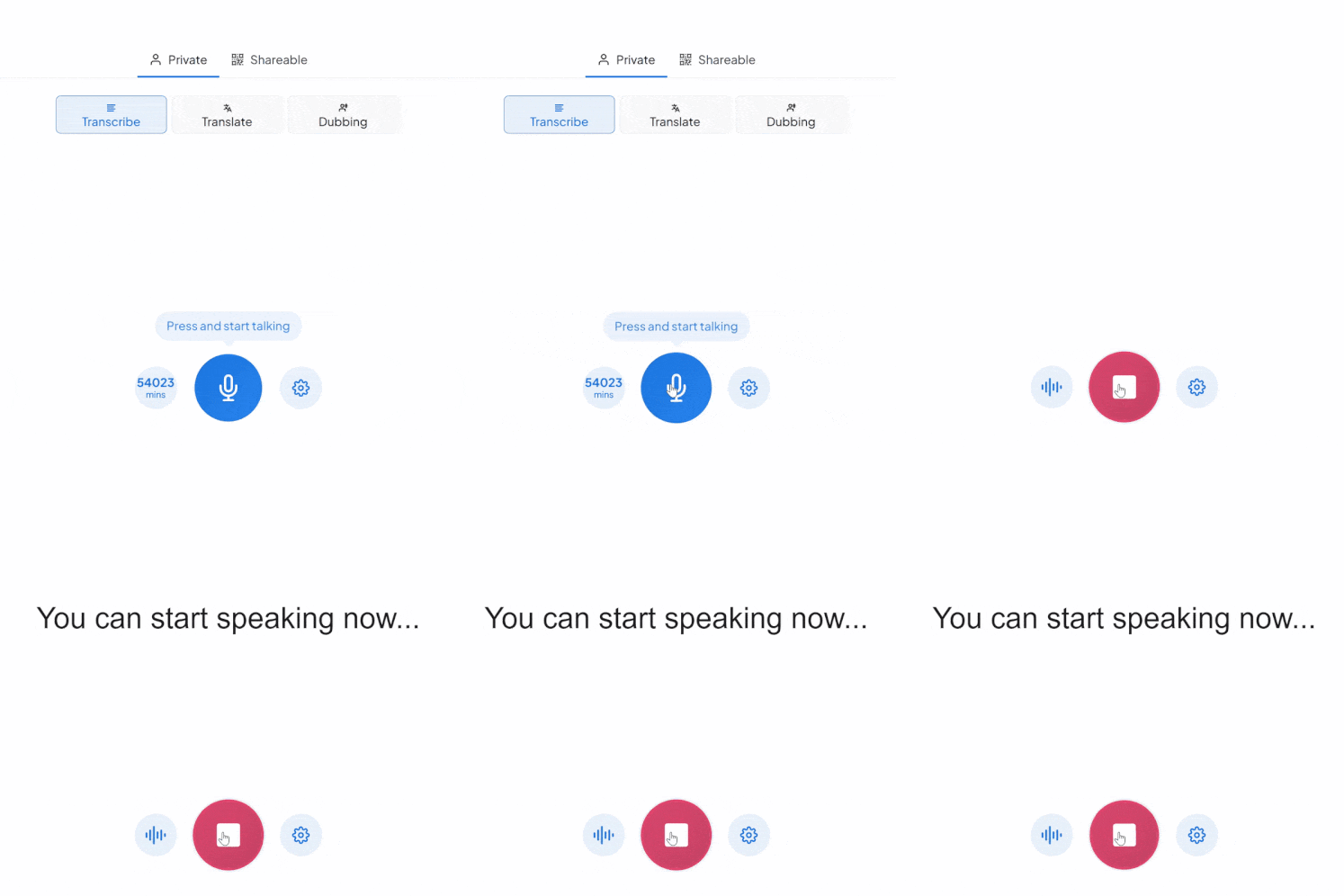
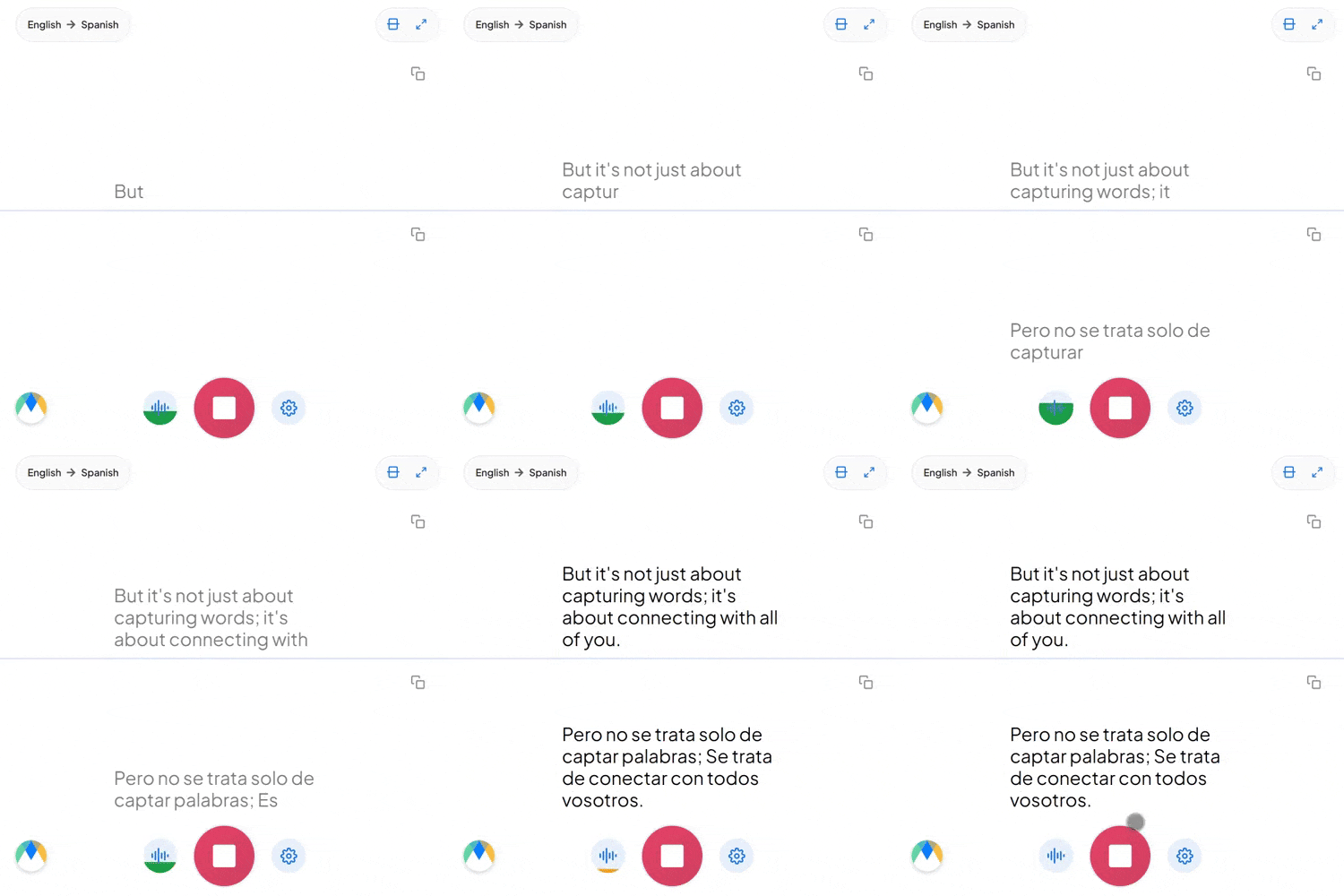
Maestra listens to your speech and transcribes it with accurate live captions instantly. Whether you're speaking one language or switching between many, Maestra keeps up in real time so you never miss the message.
Accurate Real-Time Captions
Transcribe speech instantly in 125+ languages.
Free Mode With No Sign-Up
Use the basic transcription model forever — completely free.
Auto-Detect & Speaker Separation
Automatically identify the spoken language and label different speakers in real time.
Live Integrations
Integrate with OBS, Zoom, vMix, or Microsoft Teams for meetings and live streams.
Custom Vocabulary for Better Accuracy
Add names, acronyms, and industry terms to improve transcription precision.
Save Recordings & Generate AI Summaries (Pro)
Send your session to your Maestra dashboard for editing, subtitles, summaries, or translation.
Frequently Asked Questions
Is Maestra’s speech-to-text tool free?
Yes. The basic live transcription model is completely free and works without an account.
How many languages does Maestra support?
Over 125 languages for real-time transcription.
Does Maestra support multiple speakers?
Yes. Maestra can automatically label different speakers.
Can I save or export my transcription?
Yes — turn on Pro mode to save recordings and process them in your dashboard.
Can I share my live transcription?
Yes. Share a link or QR code so others can follow the transcription in real time.
Is my data private and secure?
Yes. Your sessions remain private unless you choose to share them.
What’s the difference between Free and Pro modes?
Free mode offers real-time speech-to-text in your browser. Pro mode adds translation, voice output, diarization, custom vocabulary, saving recordings, and AI summaries.
Does Maestra support long sessions?
Yes. You can run extended real-time transcription sessions as long as you need.
Can Maestra detect the spoken language automatically?
Yes. Enable Auto-Detect to identify the language instantly.
Does Maestra work in the browser?
Yes. No downloads or installation are required.
Can I convert my transcription into subtitles?
Yes. You can send it to Maestra’s dashboard to create subtitles, summaries, translations, and more.
Does Maestra support specialized terms?
Yes. You can add custom words, names, and industry terms to improve accuracy.
这些公司的团队和个人信任我们:
What People Say About Maestra's Live Transcription
Excellent AI Translation at Expo Osaka
We used the AI translation app at Expo Osaka across roughly 30 conferences. It consistently delivered high-quality English–Japanese translation, came with excellent support, and saved us a significant amount of money on traditional translation services.
Excellent software for transcription, subtitle and voice over services.
The accuracy of the output from the tool is very satisfying.
Read full reviewA great tool that's fast, efficient and easy to use.
The speed and ease of uploading and transcribing captions in so many different languages is what I love most about this tool. I also love that I can download an immediate text file of my transcriptions.
Read full review© 2026 Katara Tech, Inc.