Maestra
Live Transcribe
Real-time audio transcription — free, fast, and no account required.
라이브 세션은 Business플랜 이상에서 사용할 수 있습니다
-
세션 공유:
세션을 QR 코드 또는 링크로 공유합니다.
-
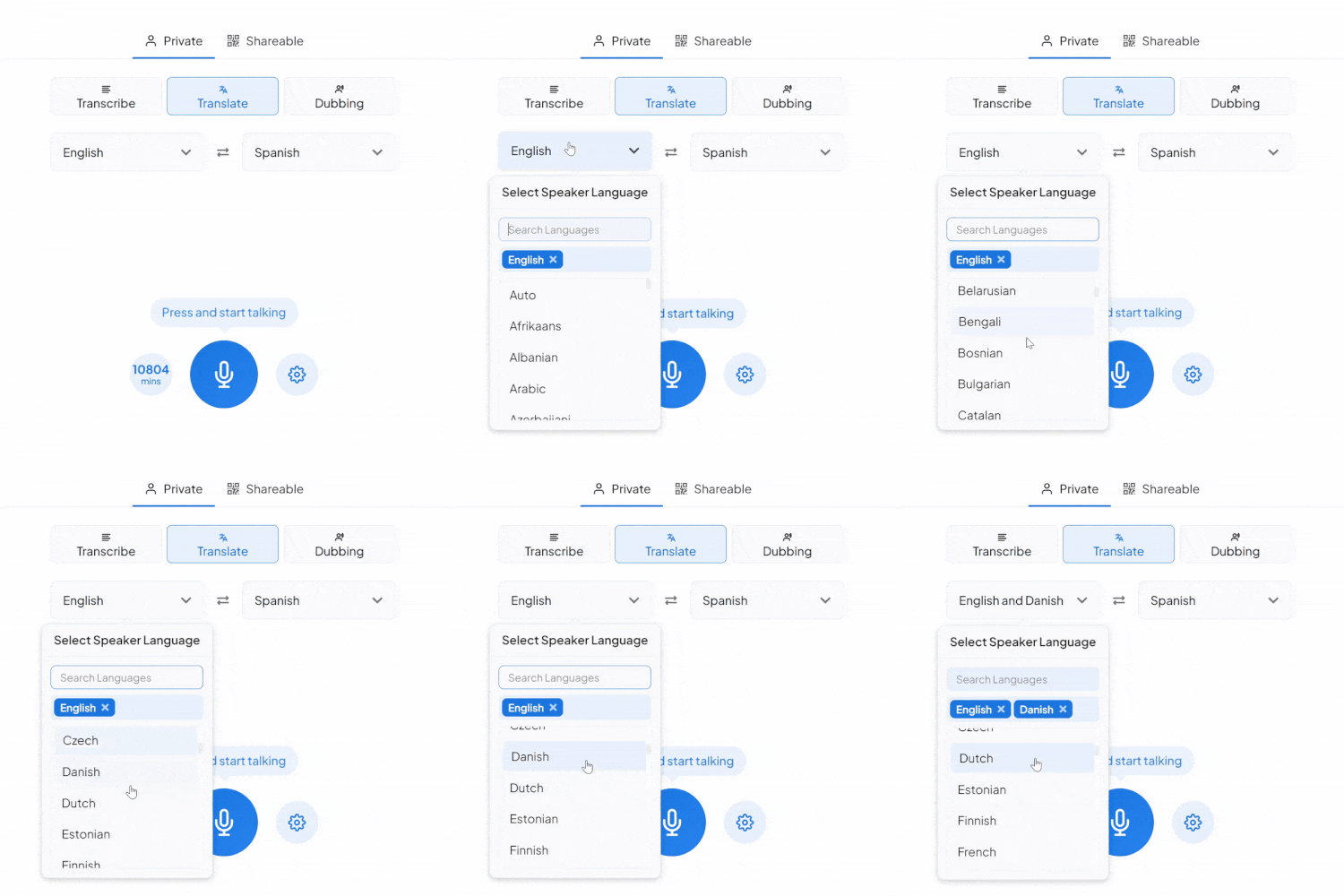
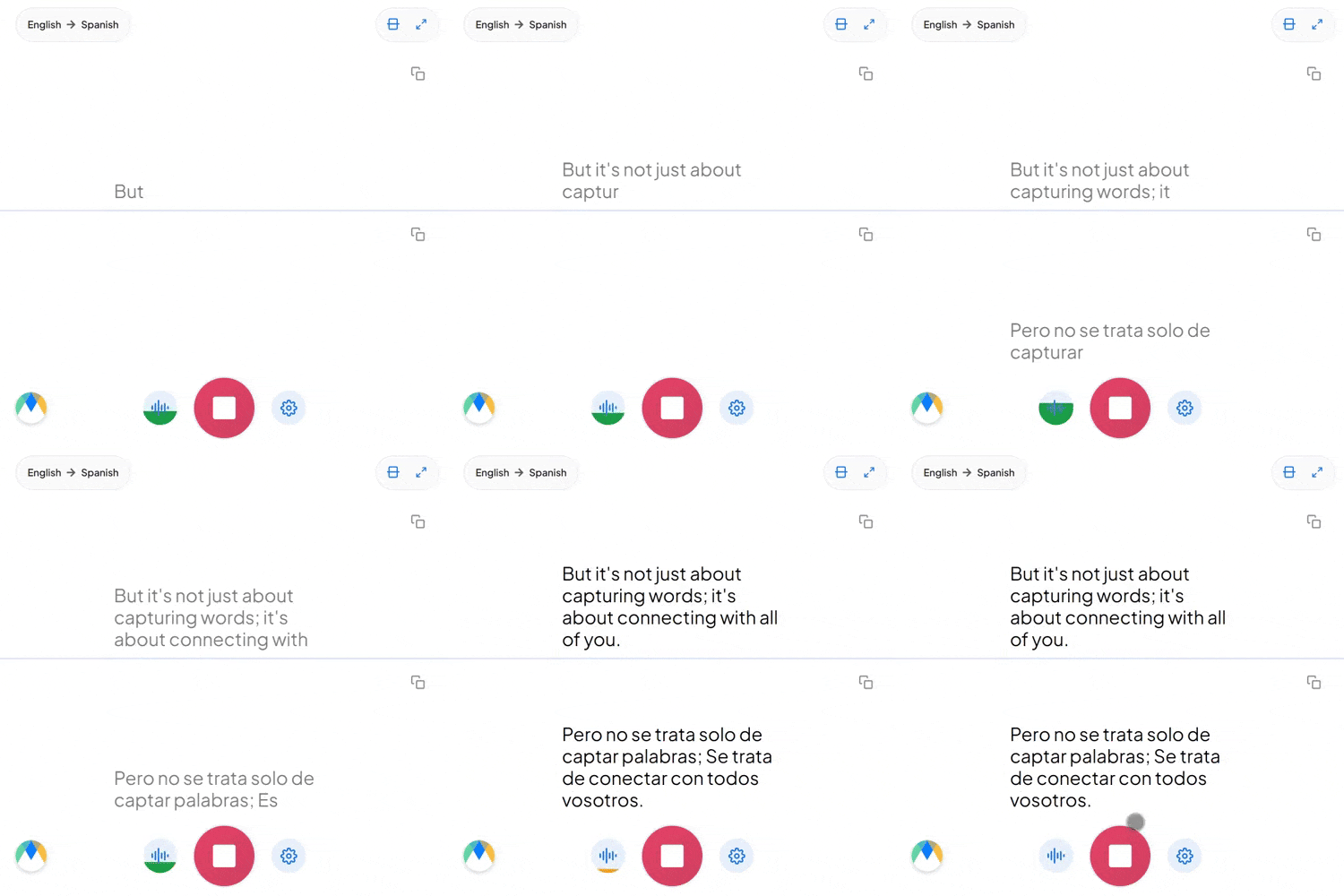
실시간 번역:
콘텐츠를 여러 언어로 번역합니다.
-
다중 스피커 지원:
스피커는 여러 언어로 말할 수 있으며, 게스트는 자신의 선호하는 언어로 듣습니다.
Maestra Real-Time 요금제
- 포함된 내용:
- 자막360 분/월
- 또는
- 번역72 분/월
- VMix, OBS, WebHooks, Zoom 통합
- Google Chrome 확장 프로그램
- AI 요약
- 맞춤 스타일
- 전사 저장 및 내보내기
- 포함된 내용:
- 자막900 분/월
- 또는
- 번역180 분/월
- 포함된 모든 항목 Basic, 플러스:
- API 액세스
- 우선 지원
- 포함된 내용:
- 자막1800 분/월
- 또는
- 번역360 분/월
- 또는
- 더빙180 분/월
- 포함된 모든 항목 Premium, 플러스:
- 세션 공유
- 번역 용어집
- 포함된 내용:
- 자막4500 분/월
- 또는
- 번역900 분/월
- 또는
- 더빙450 분/월
- 라이브 이벤트 자막
- 라이브 지원
- 맞춤 요금제
- 맞춤 개발
- 맞춤 MSA
- 그 외...
자주 묻는 질문
번역에 추가 요금이 부과되나요?
파일당 첫 번째 번역은 무료입니다. 그 이후에는 생성한 번역마다 파일 길이(분)에 따른 추가 요금이 부과됩니다.
다른 컴퓨터에서 내 계정에 접속할 수 있나요?
네. Maestra는 클라우드 기반 온라인 소프트웨어라 인터넷이 연결된 거의 모든 노트북이나 데스크톱에서 로그인해 파일을 편집할 수 있습니다.
Maestra 크레딧은 어떻게 사용되나요?
업로드하고 음성 인식에 성공한 파일마다 Maestra 크레딧이 차감됩니다. 차감량은 파일 길이(분)에 따라 계산됩니다(예: 50초 영상/오디오 = 1분 차감). 구독 모델에서는 매월 크레딧이 초기화됩니다.
추가 질문이 있으면 어떻게 하나요?
언제든 문의해 주세요! 화면 오른쪽 아래 물음표(?) 버튼을 눌러 채팅하거나 support@maestra.ai로 이메일을 보내실 수 있습니다.
학생/교사/비영리 단체 할인이 있나요?
네. 학생, 교사, 비영리 단체에게 20% 할인을 제공합니다. 결제 후 알려 주시면 첫 결제액의 20%를 환불해 드리며, 이후 결제는 할인된 요금으로 부과됩니다.
어떤 결제 수단을 받나요?
Visa, Mastercard, American Express, Discover, JCB, Diners Club, China UnionPay 신용/직불카드를 받습니다.
결제가 안전한가요?
네. Stripe를 통해 결제가 처리되며, 세계 최대 결제 처리 업체 중 하나입니다. 저희는 귀하의 카드 정보를 볼 수 없습니다.
해지해도 Maestra를 계속 사용할 수 있나요?
네. 녹취록, 자막, 보이스오버와 공개 링크, 임베드 플레이어 등의 기능은 계속 이용하실 수 있습니다.
How to Transcribe Audio in Real Time


What You Get With Maestra Transcribe
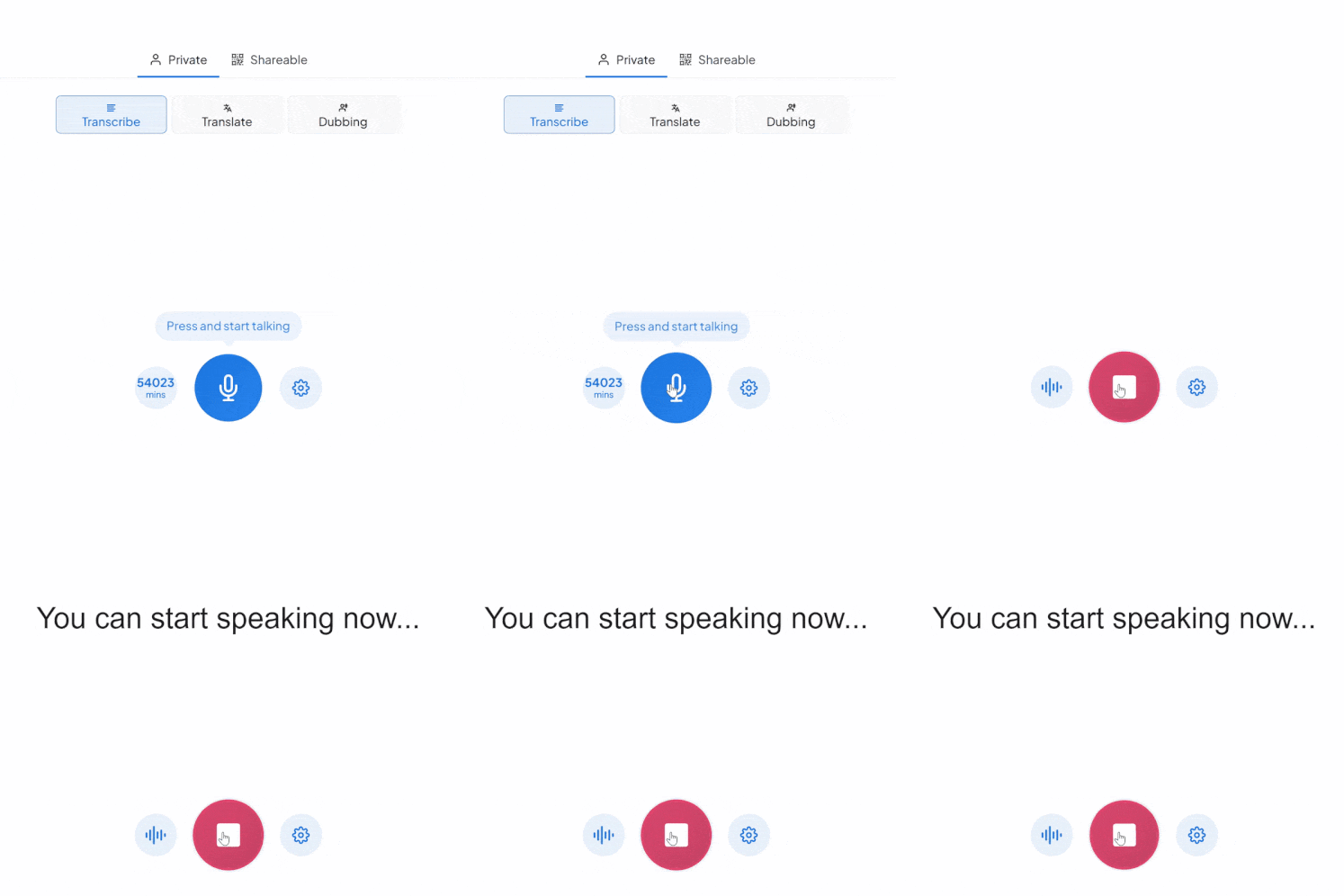
Maestra’s live transcribe app captures speech and instantly transcribes it with live captions. Whether you’re speaking one language or many, Maestra keeps up so no one misses the message.
Accurate Real-Time Captions
Transcribe live audio to text in 125+ languages with superb accuracy and ultra-low latency.
Free Mode With No Sign-Up
Use the basic live transcription model forever — completely free.
Auto-Detect & Speaker Separation
Automatically identify the spoken language and label different speakers in real time.
Live Integrations
Integrate with OBS, Zoom, vMix, or Microsoft Teams for meetings and live streams.
Custom Vocabulary for Better Accuracy
Add names, acronyms, and industry terms to improve transcription precision.
Save Recordings & Generate AI Summaries (Pro)
Send your session to your Maestra dashboard for editing, subtitles, summaries, or translation.
Frequently Asked Questions
Is Maestra’s live transcription tool free?
Yes. The basic live transcription model is completely free and works without an account.
How many languages does live transcription support?
Over 125 languages for real-time transcription.
Does live transcription support multiple speakers?
Yes. Maestra can automatically label different speakers.
Can I save or export my transcription?
Yes — turn on Pro mode to save recordings and process them in your dashboard.
Can I share my live transcription?
Yes. Share a link or QR code so others can follow the transcription in real time.
Is my data private and secure?
Yes. Your sessions remain private unless you choose to share them.
What’s the difference between Free and Pro modes?
Free mode offers real-time audio transcription in your browser. Pro mode adds translation, voice output, diarization, custom vocabulary, saving recordings, and AI summaries.
Can it transcribe long live audio sessions?
Yes. You can run extended real-time transcription sessions as long as you need.
Can Maestra detect the spoken language automatically?
Yes. Enable Auto-Detect to identify the language instantly.
Does Maestra work in the browser?
Yes. No downloads or installation are required.
Can I convert my transcription into subtitles?
Yes. You can send it to Maestra’s dashboard to create subtitles, summaries, translations, and more.
Does live transcription support specialized terms?
Yes. You can add custom words, names, and industry terms to improve accuracy.
이러한 회사의 팀과 개인이 저희를 신뢰합니다:
What People Say About Maestra's Live Transcription Tool
Excellent AI Translation at Expo Osaka
We used the AI translation app at Expo Osaka across roughly 30 conferences. It consistently delivered high-quality English–Japanese translation, came with excellent support, and saved us a significant amount of money on traditional translation services.
Excellent software for transcription, subtitle and voice over services.
The accuracy of the output from the tool is very satisfying.
Read full reviewA great tool that's fast, efficient and easy to use.
The speed and ease of uploading and transcribing captions in so many different languages is what I love most about this tool. I also love that I can download an immediate text file of my transcriptions.
Read full review© 2026 Katara Tech, Inc.