Maestra
Live Transcribe
Real-time audio transcription — free, fast, and no account required.
ライブセッションはBusinessプラン以上で利用できます
- セッション共有:
セッションをQRコードまたはリンクで共有します。
- リアルタイム翻訳:
コンテンツを複数言語に翻訳します。
- 複数スピーカー対応:
スピーカーは複数言語で話すことができ、ゲストはそれぞれの好きな言語で聞くことができます。
How to Transcribe Audio in Real Time
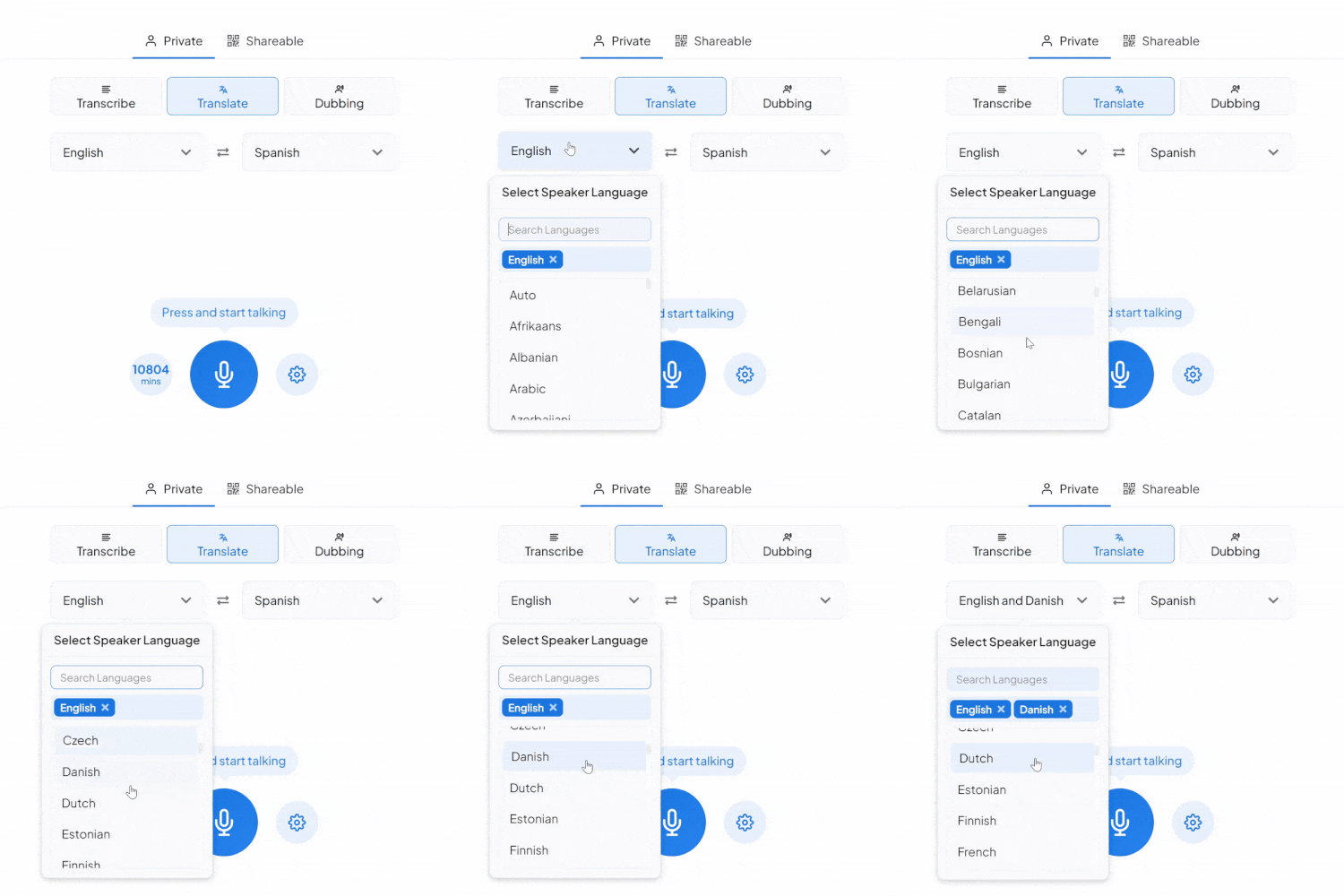
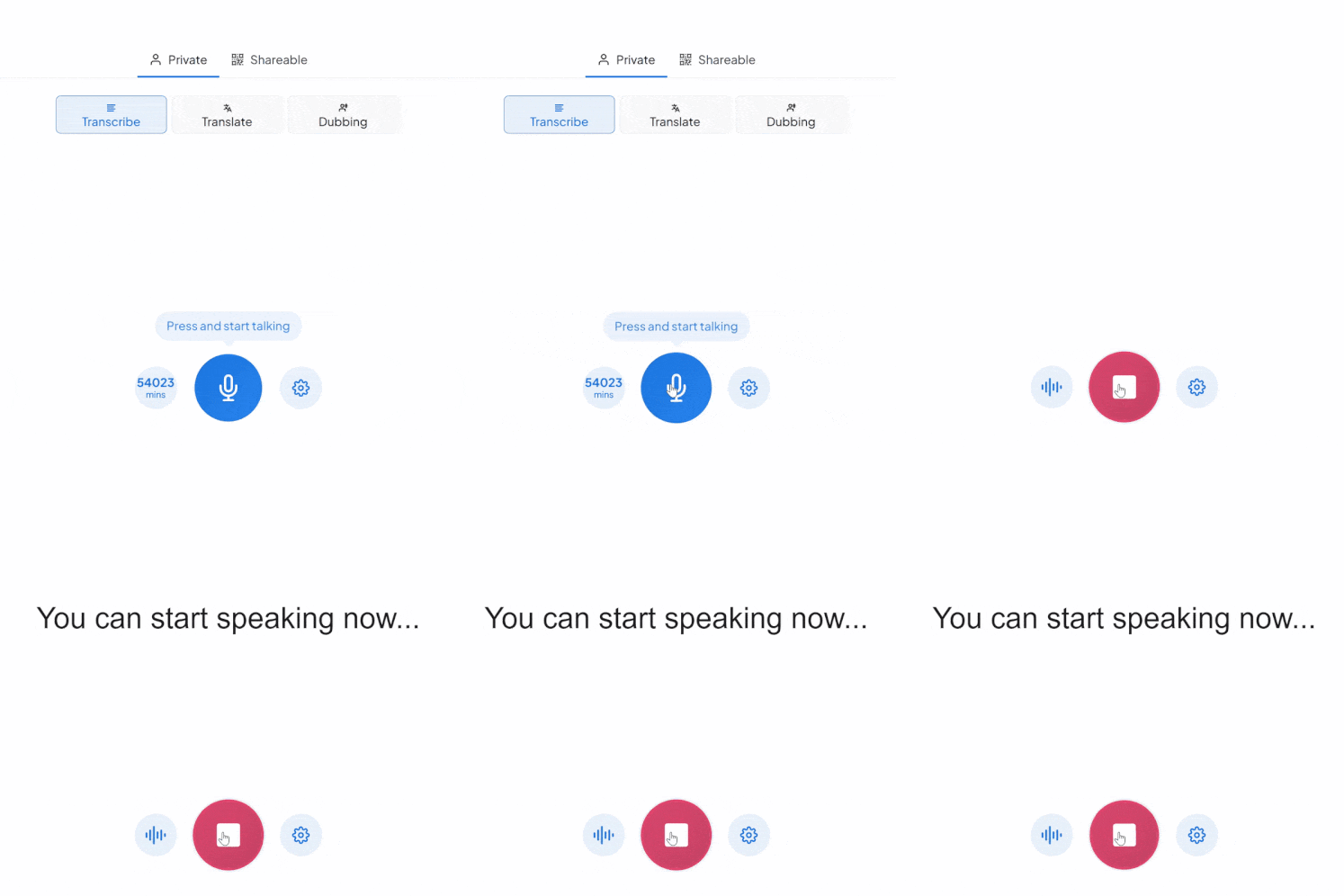
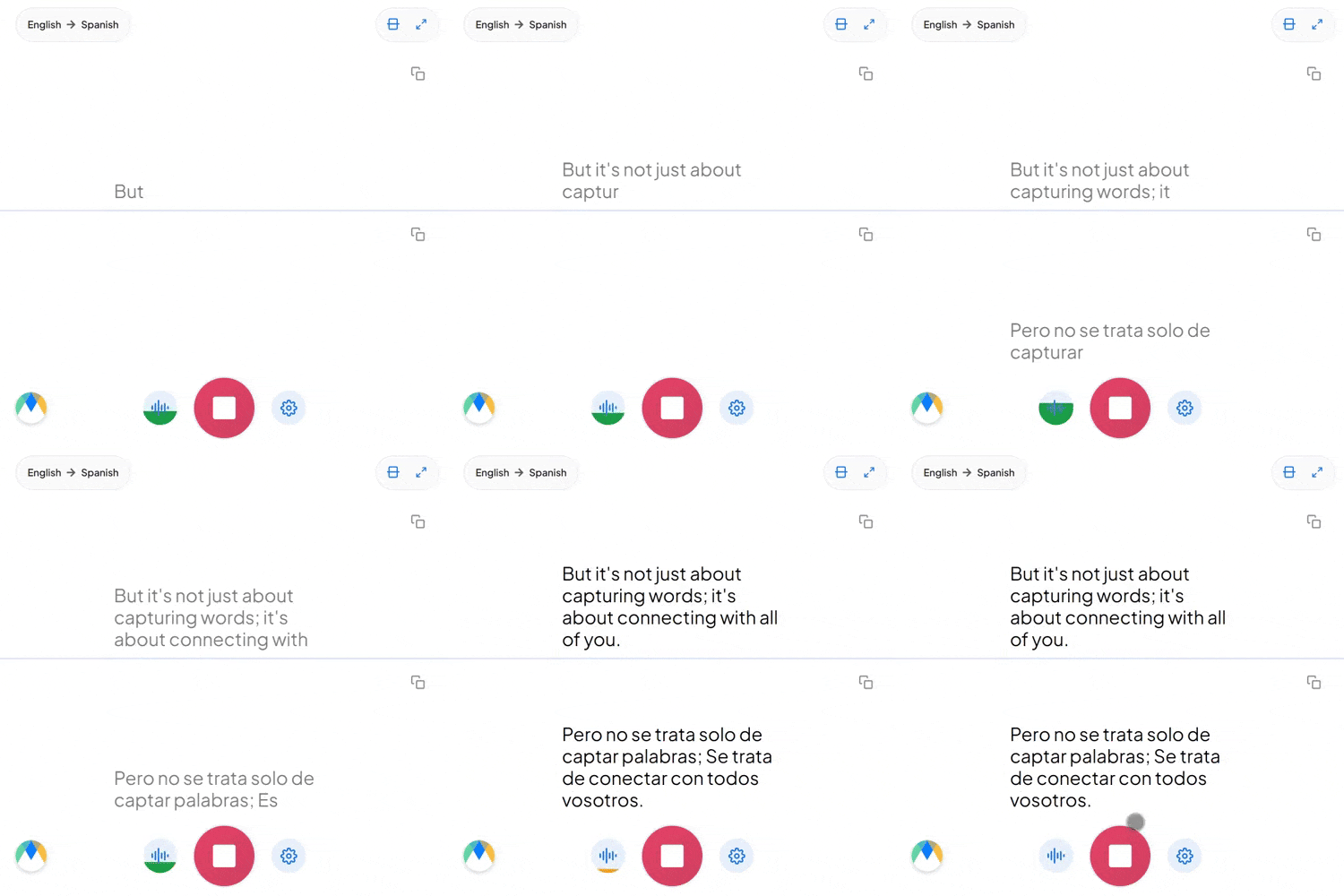
What You Get With Maestra Transcribe
Maestra’s live transcribe app captures speech and instantly transcribes it with live captions. Whether you’re speaking one language or many, Maestra keeps up so no one misses the message.
Accurate Real-Time Captions
Transcribe live audio to text in 125+ languages with superb accuracy and ultra-low latency.
Free Mode With No Sign-Up
Use the basic live transcription model forever — completely free.
Auto-Detect & Speaker Separation
Automatically identify the spoken language and label different speakers in real time.
Live Integrations
Integrate with OBS, Zoom, vMix, or Microsoft Teams for meetings and live streams.
Custom Vocabulary for Better Accuracy
Add names, acronyms, and industry terms to improve transcription precision.
Save Recordings & Generate AI Summaries (Pro)
Send your session to your Maestra dashboard for editing, subtitles, summaries, or translation.
Frequently Asked Questions
Is Maestra’s live transcription tool free?
Yes. The basic live transcription model is completely free and works without an account.
How many languages does live transcription support?
Over 125 languages for real-time transcription.
Does live transcription support multiple speakers?
Yes. Maestra can automatically label different speakers.
Can I save or export my transcription?
Yes — turn on Pro mode to save recordings and process them in your dashboard.
Can I share my live transcription?
Yes. Share a link or QR code so others can follow the transcription in real time.
Is my data private and secure?
Yes. Your sessions remain private unless you choose to share them.
What’s the difference between Free and Pro modes?
Free mode offers real-time audio transcription in your browser. Pro mode adds translation, voice output, diarization, custom vocabulary, saving recordings, and AI summaries.
Can it transcribe long live audio sessions?
Yes. You can run extended real-time transcription sessions as long as you need.
Can Maestra detect the spoken language automatically?
Yes. Enable Auto-Detect to identify the language instantly.
Does Maestra work in the browser?
Yes. No downloads or installation are required.
Can I convert my transcription into subtitles?
Yes. You can send it to Maestra’s dashboard to create subtitles, summaries, translations, and more.
Does live transcription support specialized terms?
Yes. You can add custom words, names, and industry terms to improve accuracy.
これらの企業のチームや個人が私たちを信頼しています:






