Maestra

Live Transcribe

Real-time audio transcription — free, fast, and no account required.

Live Sessions sind auf dem Business Plan oder höher verfügbar

  • Sitzungsfreigabe:

    Teilen Sie Ihre Veranstaltung via QR-Code oder Link.

  • Echtzeit-Übersetzung:

    Übersetzen und dubben Sie Inhalte in mehreren Sprachen.

  • Mehrere Sprecher-Unterstützung:

    Sprecher können in verschiedenen Sprachen sprechen, und Gäste hören in ihrer bevorzugten Sprache.

Drücken und sprechen
Zurück

Maestra Real-Time Preise

Monatlich
Jährlich • 20% sparen
Basic
$49
Sparen Sie $120
pro Monat
  • Was Sie erhalten:
  • Untertitel
    360 Min/Monat
  • oder
  • Übersetzung
    72 Min/Monat
  • VMix, OBS, WebHooks, Zoom-Integration
  • Google Chrome-Erweiterung
  • KI-Zusammenfassung
  • Benutzerdefinierter Stil
  • Transkript speichern und exportieren
Abonnieren
Premium
$99
Sparen Sie $240
pro Monat
  • Was Sie erhalten:
  • Untertitel
    900 Min/Monat
  • oder
  • Übersetzung
    180 Min/Monat
  • Alles aus Basic, plus:
  • API-Zugriff
  • Prioritätssupport
Abonnieren
Business
$199
Sparen Sie $480
pro Monat
  • Was Sie erhalten:
  • Untertitel
    1800 Min/Monat
  • oder
  • Übersetzung
    360 Min/Monat
  • oder
  • Synchronisation
    180 Min/Monat
  • Alles aus Premium, plus:
  • Sitzungsfreigabe
  • Übersetzungsglossar
Abonnieren
Business Plus
$449
Sparen Sie $1080
pro Monat
  • Was Sie erhalten:
  • Untertitel
    4500 Min/Monat
  • oder
  • Übersetzung
    900 Min/Monat
  • oder
  • Synchronisation
    450 Min/Monat
Abonnieren
Enterprise
Contact Us
Sparen Sie $0
pro Monat
  • Live-Event-Untertitelung
  • Live-Support
  • Individuelle Preise
  • Individuelle Entwicklung
  • Individuelle MSAs
  • Und mehr...
Demo buchen

Hilfreiche Antworten

Kostet jede Übersetzung extra?

Die erste Übersetzung pro Datei ist kostenlos. Danach berechnen wir je Übersetzung einen Aufschlag entsprechend der Dateilänge in Minuten.

Kann ich meinen Account auf verschiedenen Geräten nutzen?

Ja. Maestra ist eine Cloud-Software – Sie können sich von fast jedem Rechner mit Internetverbindung anmelden und Dateien bearbeiten.

Wie funktionieren Maestra-Credits?

Für jede hochgeladene und transkribierte Datei werden Ihre Maestra-Credits abgezogen – berechnet nach der Dateilänge in Minuten (z. B. 50 Sek. = 1 Minute). Bei Abo-Modell werden die Credits monatlich zurückgesetzt.

Wo beantworte ich weitere Fragen?

Gerne! Klicken Sie auf das Fragezeichen (?) unten rechts oder schreiben Sie an support@maestra.ai.

Gibt es Rabatt für Studierende/Lehrkräfte/Non-Profits?

Ja. 20 % Rabatt für Studierende, Lehrkräfte und Non-Profits. Nach der Zahlung melden Sie sich – wir erstatten 20 % und berechnen künftig den reduzierten Preis.

Welche Zahlungsmethoden akzeptieren Sie?

Wir akzeptieren Visa, Mastercard, American Express, Discover, JCB, Diners Club und China UnionPay.

Ist die Zahlung sicher?

Ja. Die Zahlung läuft über Stripe, einen der weltweit größten Zahlungsdienstleister. Wir sehen keine Kreditkartendaten.

Kann ich Maestra nach Kündigung weiter nutzen?

Ja. Sie behalten Zugriff auf Transkripte, Untertitel und Voiceovers sowie z. B. öffentliche Links und einbettbare Player.

How to Transcribe Audio in Real Time
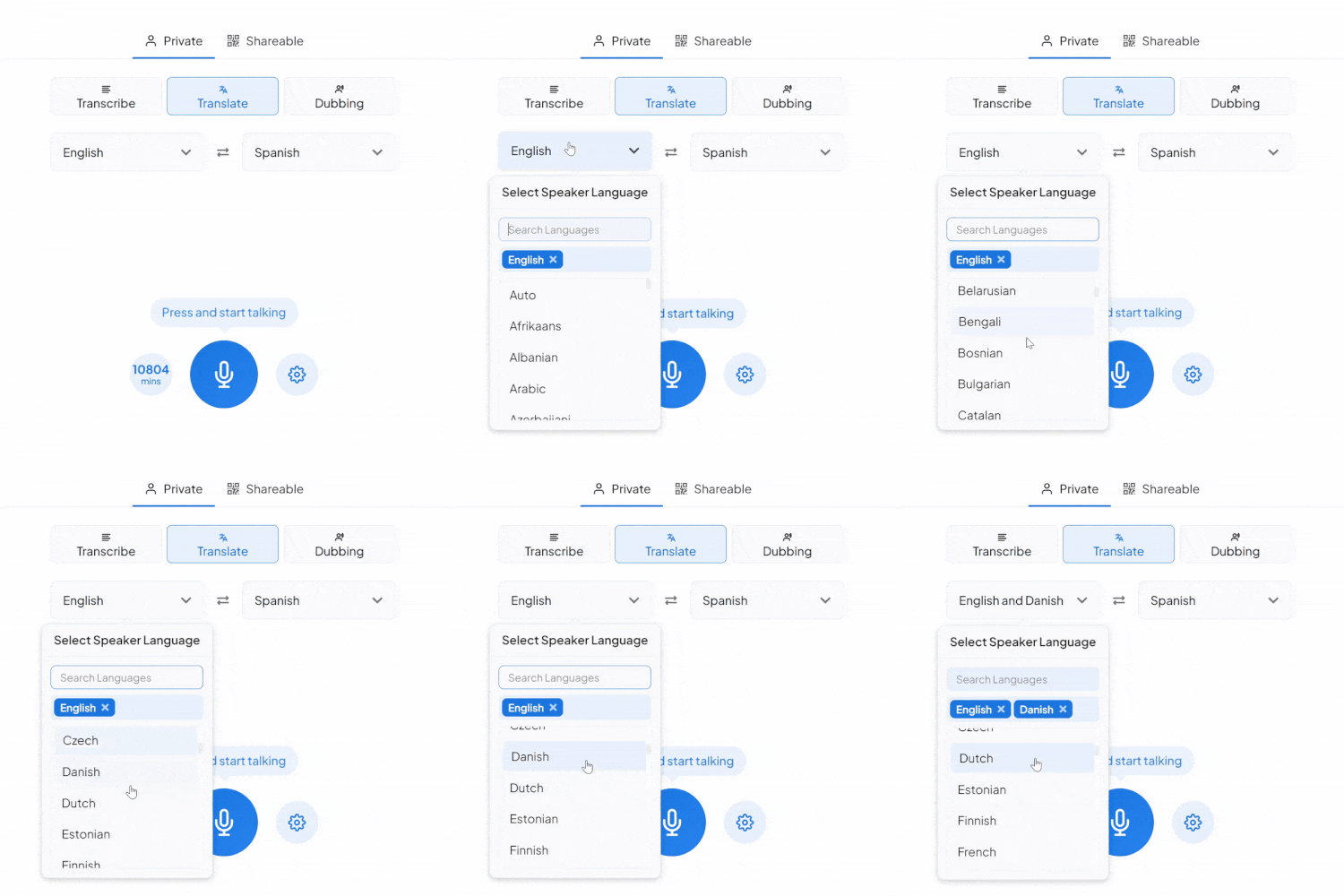
Choose Your Language
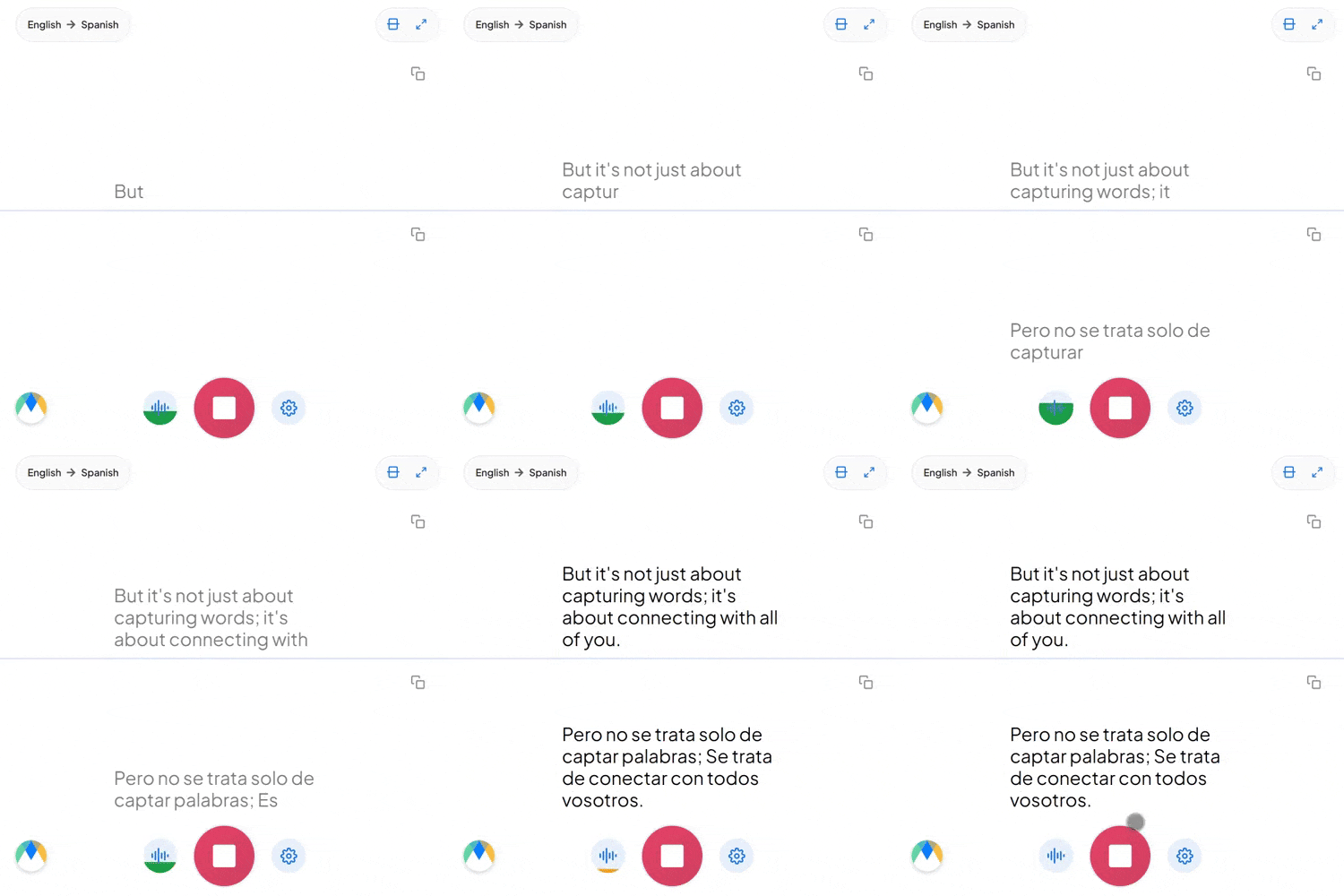
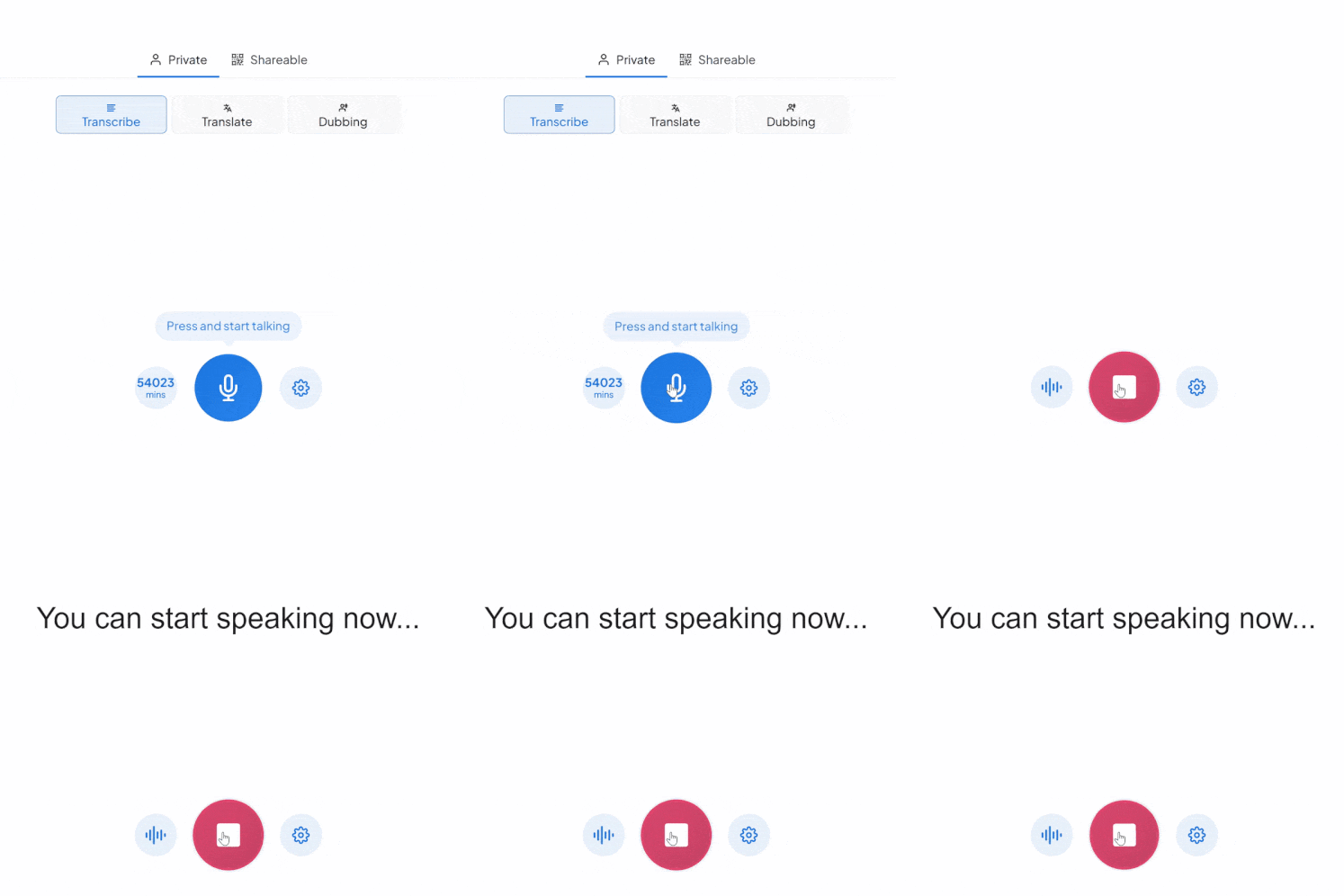
Start Speaking
Copy or Save Your Text

What You Get With Maestra Transcribe

Maestra’s live transcribe app captures speech and instantly transcribes it with live captions. Whether you’re speaking one language or many, Maestra keeps up so no one misses the message.

Accurate Real-Time Captions

Transcribe live audio to text in 125+ languages with superb accuracy and ultra-low latency.

Free Mode With No Sign-Up

Use the basic live transcription model forever — completely free.

Auto-Detect & Speaker Separation

Automatically identify the spoken language and label different speakers in real time.

Live Integrations

Integrate with OBS, Zoom, vMix, or Microsoft Teams for meetings and live streams.

Custom Vocabulary for Better Accuracy

Add names, acronyms, and industry terms to improve transcription precision.

Save Recordings & Generate AI Summaries (Pro)

Send your session to your Maestra dashboard for editing, subtitles, summaries, or translation.

Frequently Asked Questions

Is Maestra’s live transcription tool free?

Yes. The basic live transcription model is completely free and works without an account.

How many languages does live transcription support?

Over 125 languages for real-time transcription.

Does live transcription support multiple speakers?

Yes. Maestra can automatically label different speakers.

Can I save or export my transcription?

Yes — turn on Pro mode to save recordings and process them in your dashboard.

Can I share my live transcription?

Yes. Share a link or QR code so others can follow the transcription in real time.

Is my data private and secure?

Yes. Your sessions remain private unless you choose to share them.

What’s the difference between Free and Pro modes?

Free mode offers real-time audio transcription in your browser. Pro mode adds translation, voice output, diarization, custom vocabulary, saving recordings, and AI summaries.

Can it transcribe long live audio sessions?

Yes. You can run extended real-time transcription sessions as long as you need.

Can Maestra detect the spoken language automatically?

Yes. Enable Auto-Detect to identify the language instantly.

Does Maestra work in the browser?

Yes. No downloads or installation are required.

Can I convert my transcription into subtitles?

Yes. You can send it to Maestra’s dashboard to create subtitles, summaries, translations, and more.

Does live transcription support specialized terms?

Yes. You can add custom words, names, and industry terms to improve accuracy.

Teams und Einzelpersonen dieser Unternehmen vertrauen uns:

HP
Walmart
Bayer
Meta
NHS
Dell
Deloitte
HP
Walmart
Bayer
Meta
NHS
Dell
Deloitte

What People Say About Maestra's Live Transcription Tool

E
Erik Michalides, CEO, MERTEL
★★★★★

Excellent AI Translation at Expo Osaka

We used the AI translation app at Expo Osaka across roughly 30 conferences. It consistently delivered high-quality English–Japanese translation, came with excellent support, and saved us a significant amount of money on traditional translation services.

P
Pratik D.
★★★★★

Excellent software for transcription, subtitle and voice over services.

The accuracy of the output from the tool is very satisfying.

Read full review
R
Richard S.
★★★★★

A great tool that's fast, efficient and easy to use.

The speed and ease of uploading and transcribing captions in so many different languages is what I love most about this tool. I also love that I can download an immediate text file of my transcriptions.

Read full review

© 2026 Katara Tech, Inc.

Maestra Chatbot
Sofort
Ticket erstellen
1-2 Werktage
Maestra